



$6.99 $9.99
Display your currently playing Spotify song on your live stream in style!
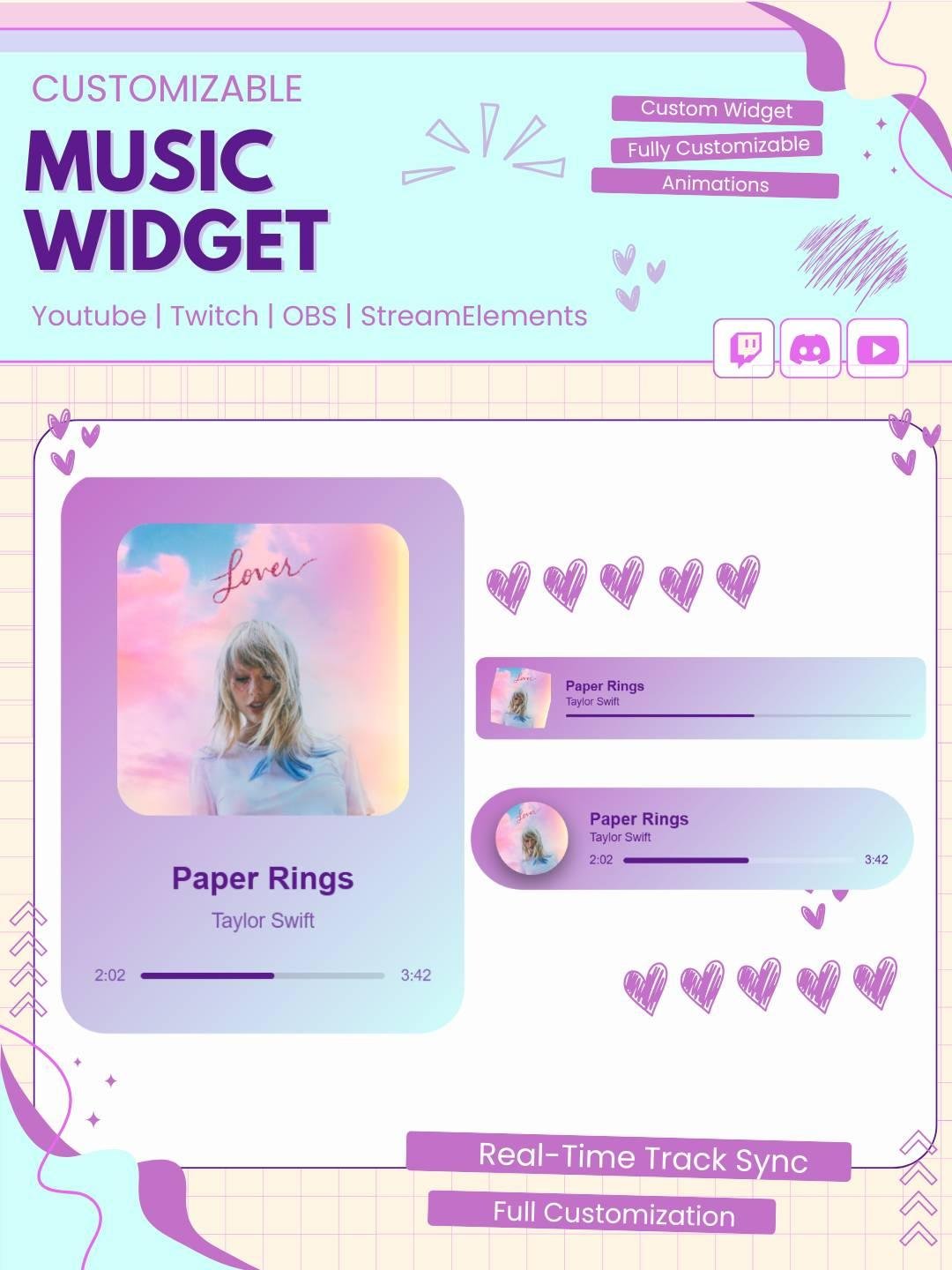
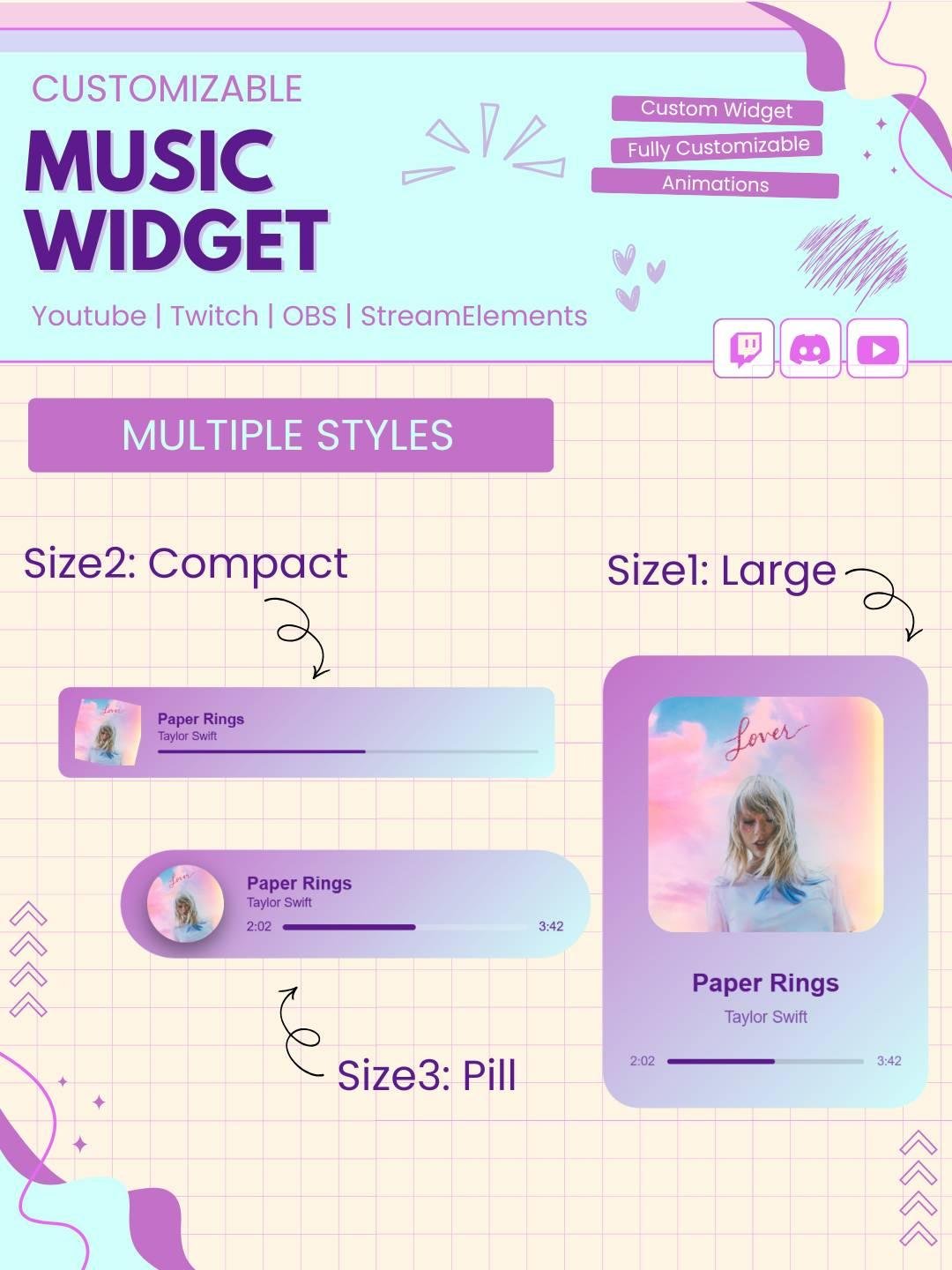
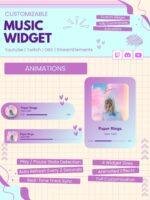
These widgets show:
🎤 Song Title
🎼 Artist Name
💿 Album Art
⏳ Playback Progress Bar
No Spotify API key or login required 🙌
Each widget is designed for StreamElements, OBS, and Streamlabs OBS (browser source) to ensure a smooth streaming experience 🎥
Upgrade your live stream with the Spotify Music Widget StreamElements. This modern widget shows the current song, artist name, and album artwork directly on your stream. As a result, viewers can easily see what you are listening to.
The widget works well for gamers, streamers, VTubers, DJs, and content creators. Moreover, it adds movement and personality to your stream without making the layout look crowded.
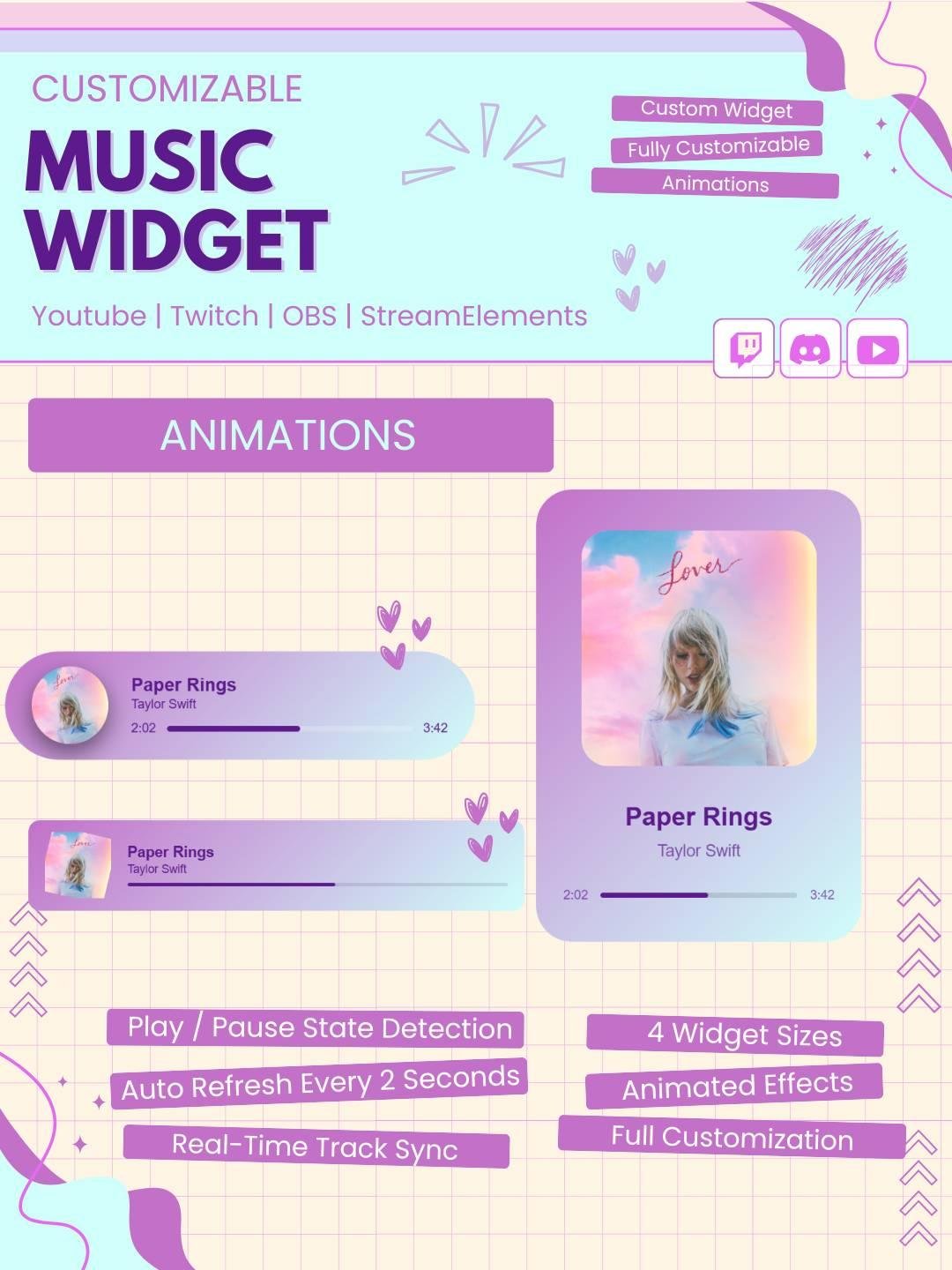
The dynamic music widget updates the song information whenever a new Spotify track starts playing. Therefore, you do not need to change the song details manually.
The widget displays your music in a clean and attractive style. In addition, it helps your stream feel more active and professional.
The now playing widget lets your viewers see the song currently playing on Spotify. It can show useful details such as:
Because the information updates automatically, your stream overlay stays fresh throughout the broadcast.
This Twitch widget works with many types of streams. For example, you can use it during gaming, chatting, music, study, or creative streams.
It is a great choice for:
Furthermore, the widget can match many Twitch overlay styles and stream themes.
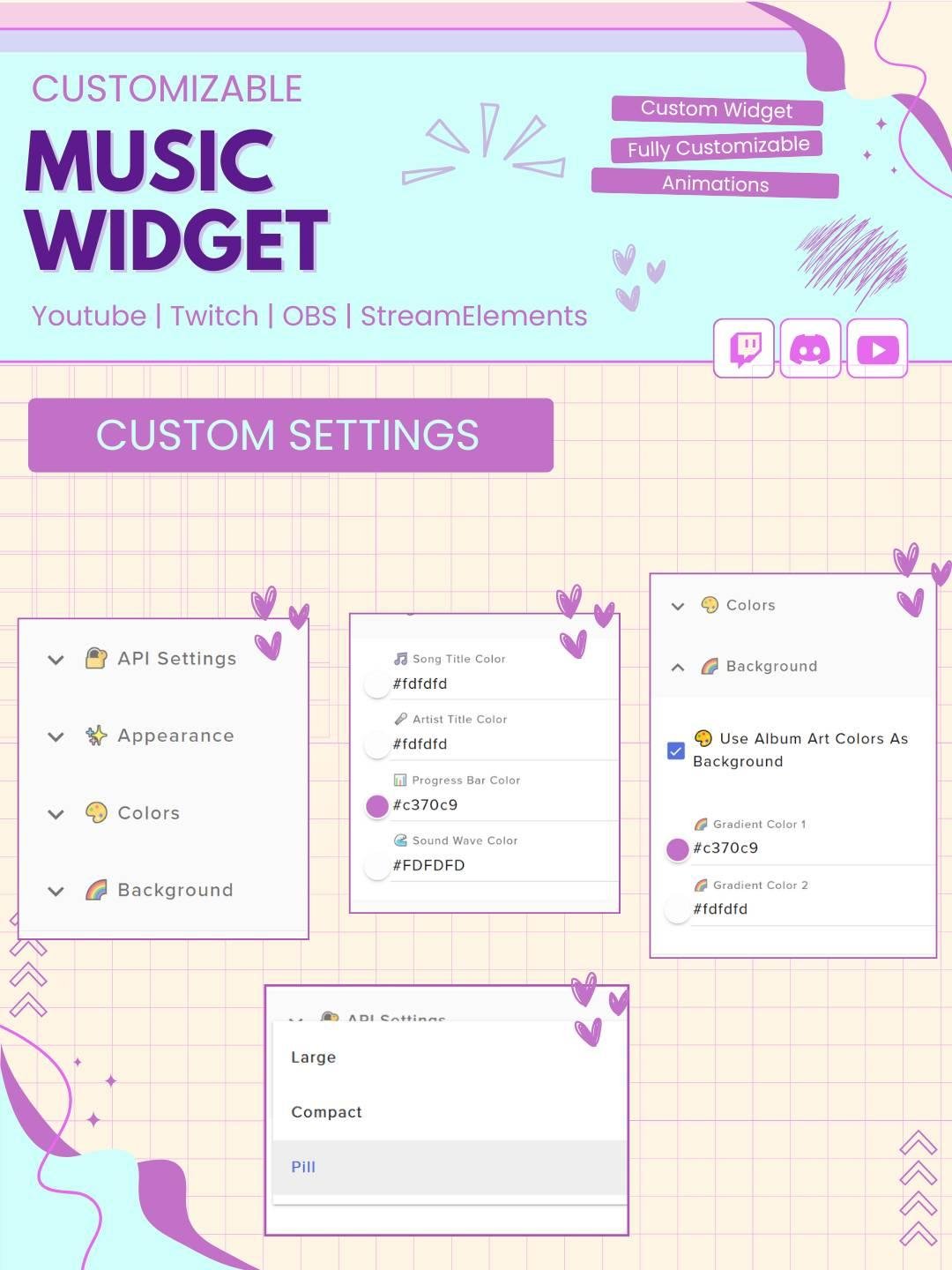
You can easily add this StreamElements music widget to your overlay. First, open your StreamElements overlay. Then, add the widget and follow the included setup steps.
You do not need advanced coding or design skills. Therefore, both new and experienced streamers can use it without difficulty.
The Spotify widget works with popular streaming tools, including:
You can add the widget as a browser source in OBS or Streamlabs. As a result, it can fit smoothly into your existing Twitch OBS setup.
This high-quality stream widget provides a clean and clear music display. The text and artwork stay easy to see while you stream.
You can place the widget near your webcam, chat box, alerts, or gameplay area. Moreover, you can adjust its position to match your stream layout.
The widget helps viewers connect with the music and mood of your stream. For this reason, it can make your broadcast feel more engaging and personal.
Although viewers do not control the music, the live updates add a dynamic element to the screen. Therefore, this widget is a useful option for creators looking for a Twitch interactive widget.
A complete Twitch gear setup includes more than a microphone, camera, and lighting. Visual elements also play an important role in building a professional stream.
This Spotify music widget can improve your setup by adding a useful and attractive music display. In addition, it can work alongside alerts, webcam frames, chat boxes, and other overlay elements.
Strong branding helps viewers remember your channel. Therefore, this interactive widget can support a consistent and polished stream design.
You can use it with modern, cute, gaming, anime, minimal, or futuristic overlays. As a result, the widget can fit many different channel styles.
New streamers can set up the widget by following the included instructions. Meanwhile, experienced streamers can quickly add it to an existing overlay.
Since the widget uses a simple browser source setup, you can start using it without complicated software.
The Spotify Music Widget StreamElements gives your viewers a simple way to see what song you are playing. Moreover, it adds style, movement, and useful information to your stream.
Whether you are building a new channel or improving your current setup, this Spotify widget can help your stream look more complete, modern, and engaging.

Reviews
0.0 Average Rating Rated ( 0 Review )
There are no reviews yet.