




$9.99 $14.99
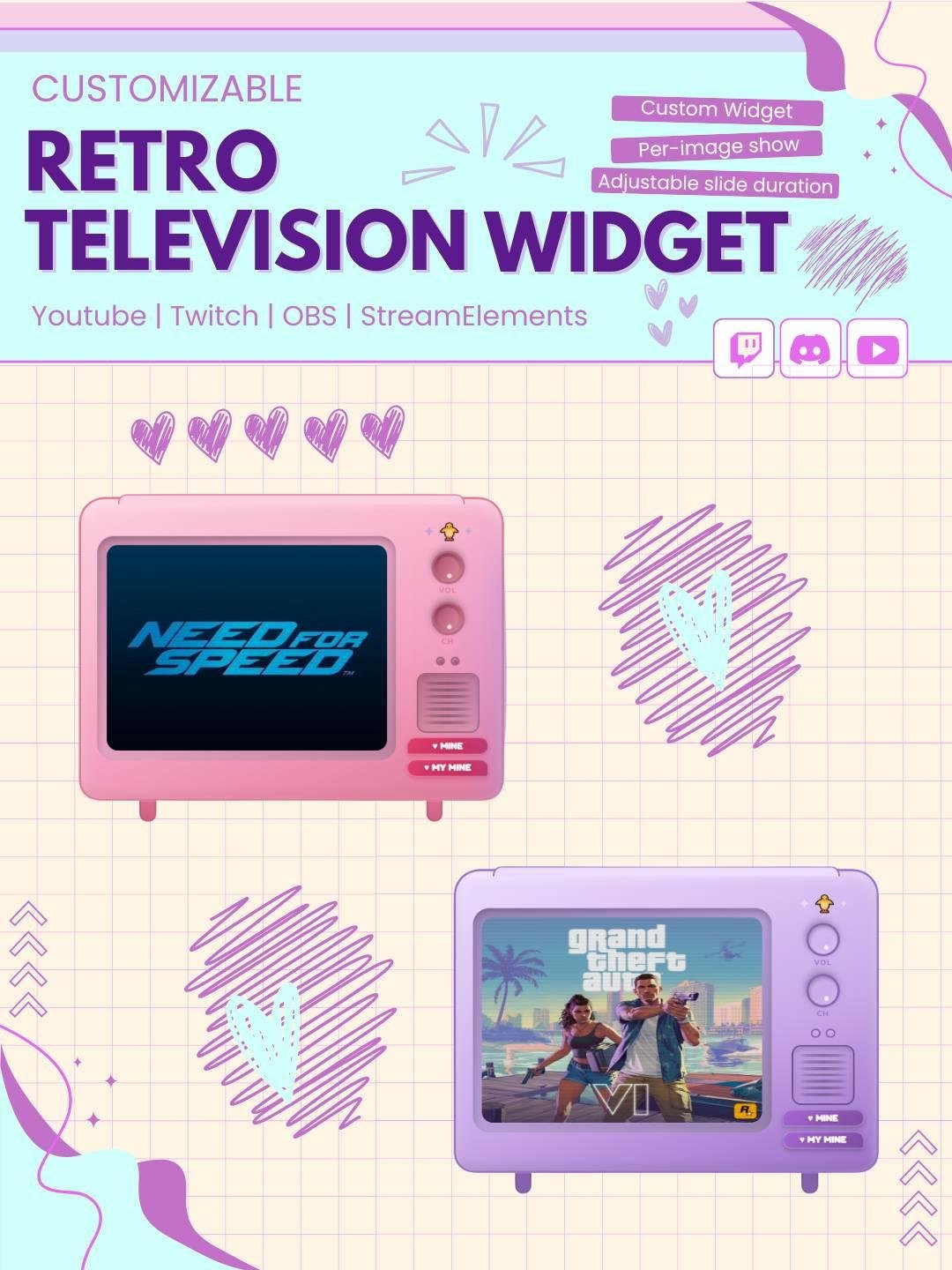
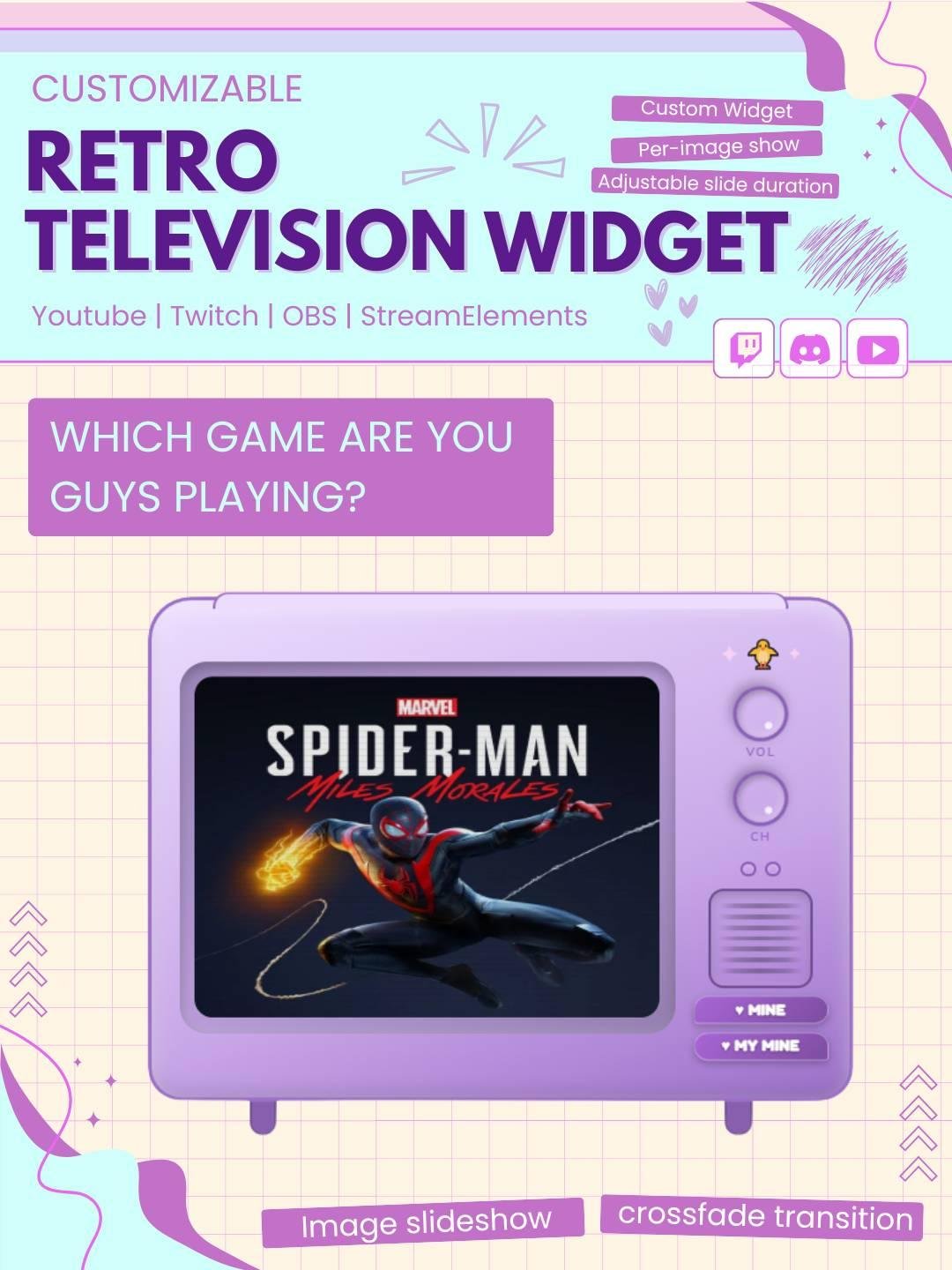
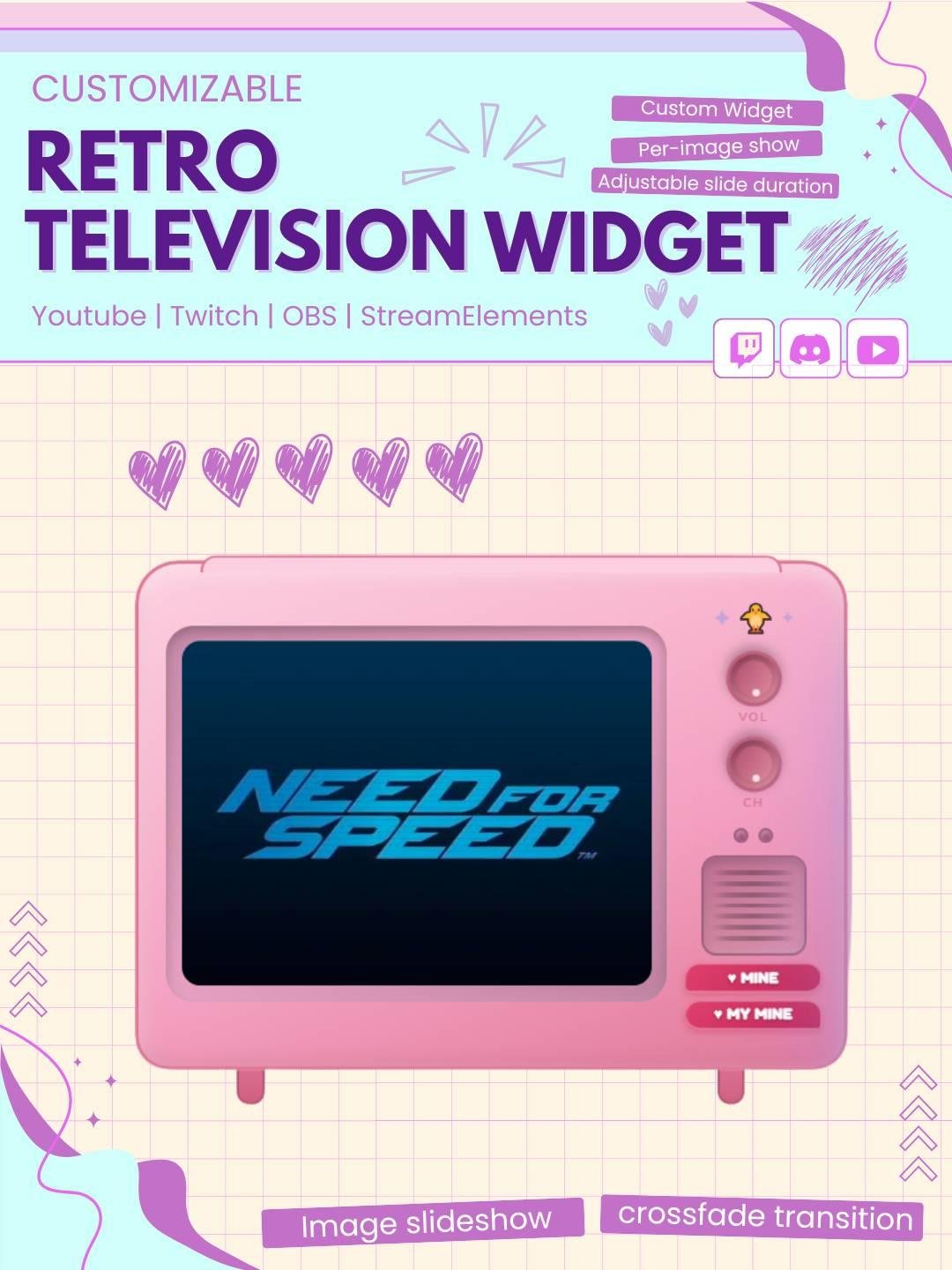
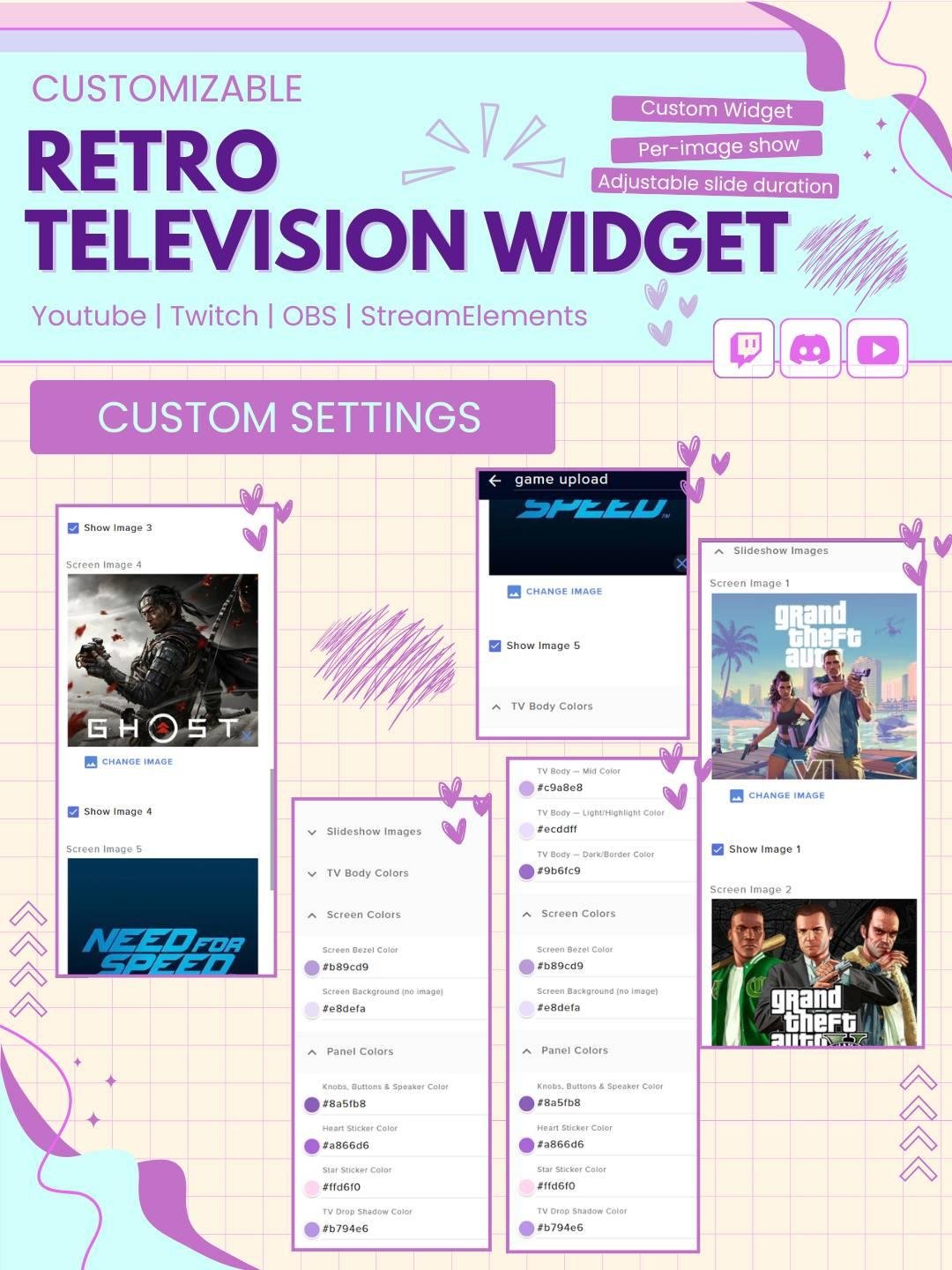
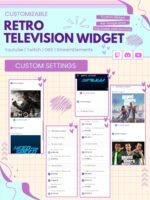
Bring a cute retro TV vibe to your livestream with this fully customizable StreamElements TV slideshow widget. This widget displays your images inside a stylized TV screen and lets you customize the look directly inside StreamElements fields.
What This Widget Can Do :
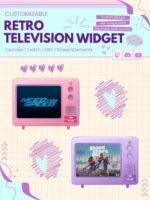
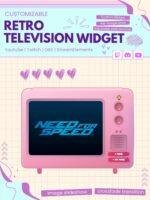
This widget can show a rotating slideshow inside a retro TV frame. You can upload multiple images, choose how they transition, control the timing, and style the TV to match your stream brand.
Add a nostalgic and creative display to your live stream with the Retro TV Slideshow Widget. This animated Twitch widget shows images, messages, promos, or stream graphics inside a vintage television frame.
The widget works well for Twitch streamers, VTubers, gamers, artists, and content creators. Moreover, it adds a fun retro style to your StreamElements overlay while keeping important content easy to see.
The Retro TV Slideshow Widget rotates through selected images or slides inside a classic TV screen. Each slide changes automatically, so different content can be shown without taking up extra space.
As a result, your stream overlay stays active and interesting. In addition, the retro television design gives your setup a unique and memorable look.
You can add your own images, announcements, social media handles, sponsor graphics, artwork, or stream messages to the slideshow.
For example, the widget can display:
Therefore, the widget can support both decoration and useful stream information.
The classic television frame adds a retro visual style to your stream. Depending on the design, it may include old screen effects, static, scan lines, buttons, or vintage details.
Moreover, the widget works well with retro gaming, arcade, VHS, pixel art, 80s, 90s, nostalgic, and lo-fi stream themes.
The widget changes between images with smooth transitions. Slides may fade, slide, flicker, or switch with a retro TV effect.
Consequently, the slideshow feels active without becoming too distracting. The transition also helps each image receive attention during the stream.
Displaying many images at the same time can make a Twitch overlay look crowded. However, the Retro TV Slideshow Widget shows one slide at a time.
Therefore, several graphics can be shared in one compact area. This makes the widget useful for clean and organized stream layouts.
The slideshow can help promote different parts of your channel. For example, you can display your latest video, social media account, Discord server, store, or upcoming stream event.
As a result, viewers can discover more of your content while staying on the live stream.
However, the widget does not guarantee more followers or sales. Instead, it gives you a clear and creative way to share information.
The Retro TV Slideshow Widget works well for many types of content, including:
Furthermore, the vintage style can add personality to both simple and detailed overlays.
The Retro TV Slideshow Widget is designed for StreamElements. First, add it to your StreamElements overlay. Then, upload your images and adjust the slideshow settings.
No advanced coding or design skills are required. Therefore, both beginner and experienced streamers can use the widget easily.
This Twitch slideshow widget works with popular streaming software, including:
You can add it as a browser source. As a result, it can fit smoothly into your current Twitch OBS setup.
Moreover, the retro TV can be placed near your webcam, chat box, alerts, gameplay, or side panel.
The available settings can be adjusted to match your stream branding. For example, you may be able to customize:
Therefore, the widget can match many channel themes and content styles.
Streamers often need to show different social links or sponsor messages. Therefore, this slideshow widget can rotate through them automatically.
For example, one slide may show your YouTube channel, while the next displays Instagram, TikTok, Discord, or sponsor information.
As a result, important promotions can stay visible without filling the screen.
The Retro TV Slideshow Widget can also show fan art, community photos, game screenshots, or viewer creations.
Moreover, rotating community content can make viewers feel appreciated. It can also add a personal and friendly touch to your broadcast.
The widget uses clear images and smooth transitions, so each slide stays easy to view. In addition, the retro frame adds style without covering your main content for too long.
The widget can work as a small decoration or a larger featured display, depending on your layout.
A unique slideshow can make your channel easier to remember. Therefore, this customizable retro TV widget can become part of your stream identity.
You can combine it with matching alerts, webcam frames, chat boxes, panels, and overlays. As a result, your full Twitch setup can look more polished and connected.
The Retro TV Slideshow Widget combines custom images, animated transitions, and vintage television design in one useful stream feature. Moreover, it gives you a creative way to display promotions, announcements, fan art, and social media information.
Whether you use it for retro gaming, channel branding, sponsor slides, or community content, this StreamElements slideshow widget can make your Twitch stream feel more stylish, organized, and unique.

Reviews
0.0 Average Rating Rated ( 0 Review )
There are no reviews yet.