

$5.99 $10.00
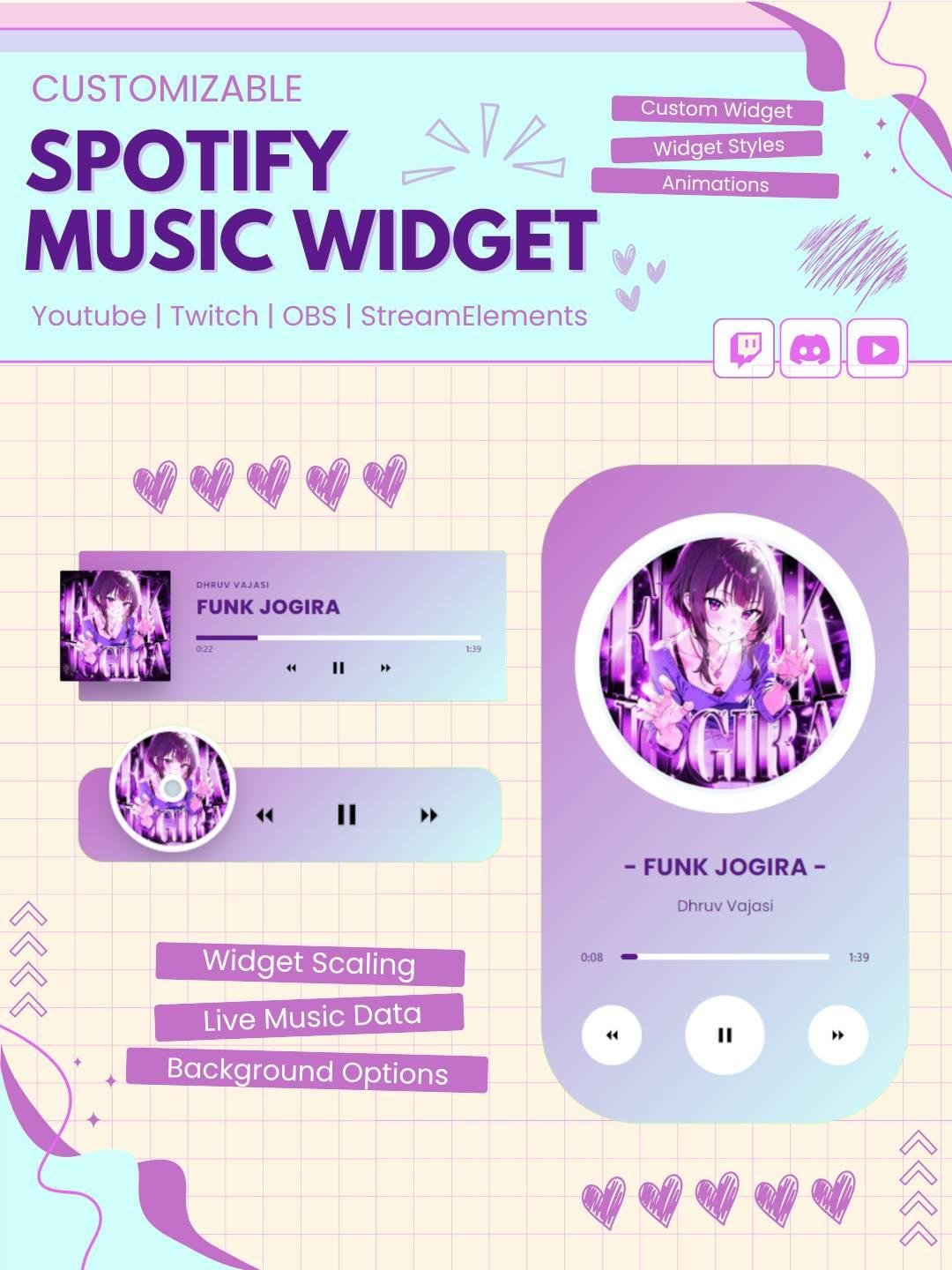
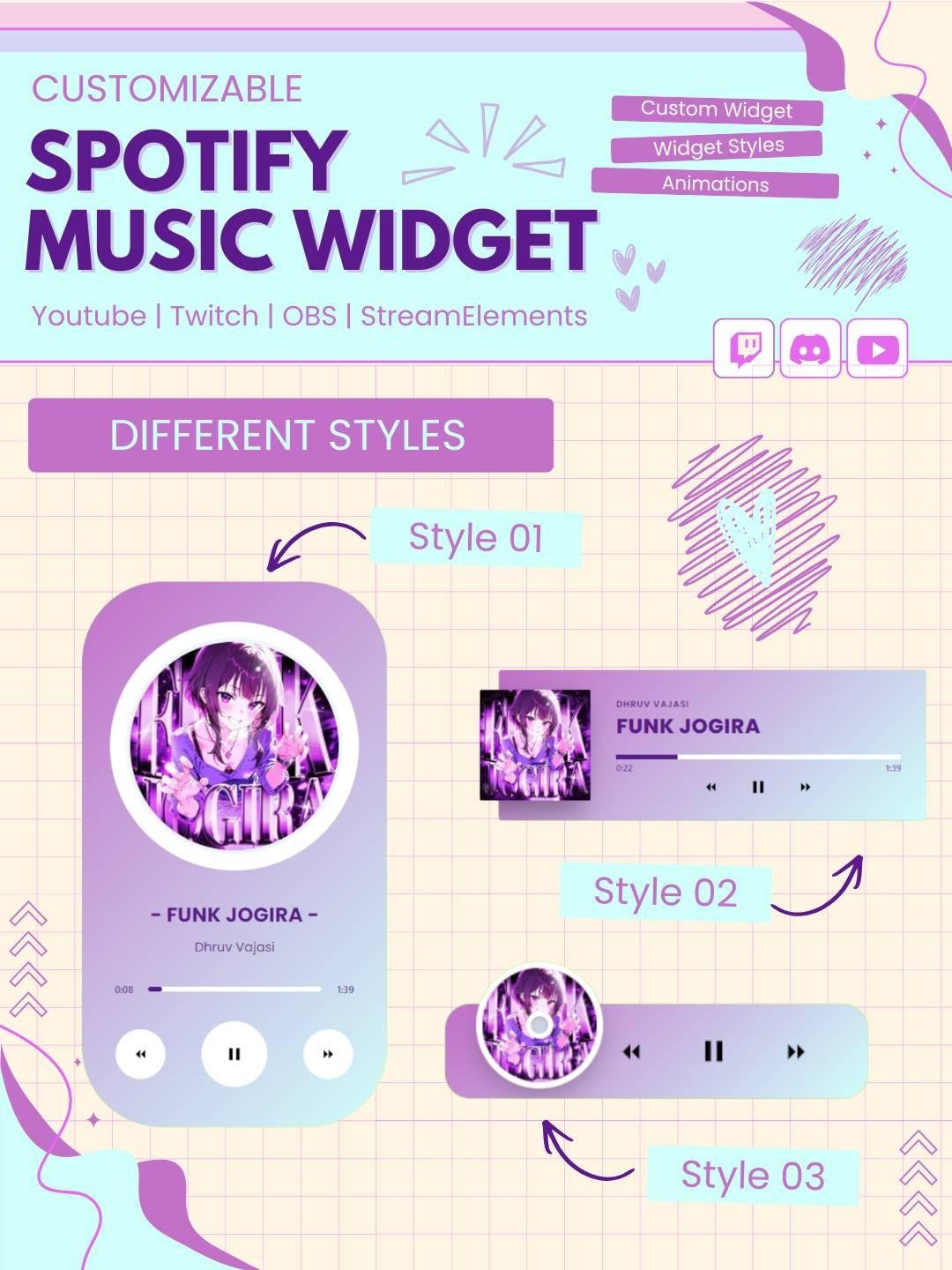
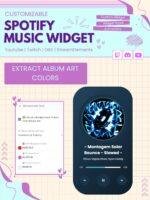
Display your currently playing Spotify song on your live stream in style!
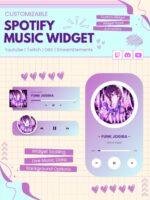
These widgets show:
🎤 Song Title
🎼 Artist Name
💿 Album Art
⏳ Playback Progress Bar
No Spotify API key or login required 🙌
Each widget is designed for StreamElements, OBS, and Streamlabs OBS (browser source) to ensure a smooth streaming experience 🎥
Show the current song on your live stream with the Now Playing Music Widget. This stylish stream widget displays song information directly on your overlay, so viewers can quickly see what music is playing.
The widget works well for Twitch streamers, VTubers, gamers, DJs, music creators, and Just Chatting channels. Moreover, it adds a clean and dynamic music display to your stream setup.
The Now Playing Music Widget updates whenever a new track starts. Therefore, you do not need to change the song title or artist name manually.
Depending on the setup, the widget can display:
As a result, viewers can follow your playlist while enjoying the stream.
This dynamic music widget adds movement and useful information to your Twitch overlay. When the song changes, the displayed details update automatically.
Moreover, the live music display helps your stream feel active and polished without covering important gameplay or content.
The widget can be used as a Spotify music widget for streamers who play Spotify during live broadcasts. It gives viewers a simple way to see the current song without asking in chat.
Therefore, it works especially well for:
The Now Playing Music Widget presents music details in a clear and easy-to-read layout. Song titles and artist names remain visible while the rest of the stream stays organized.
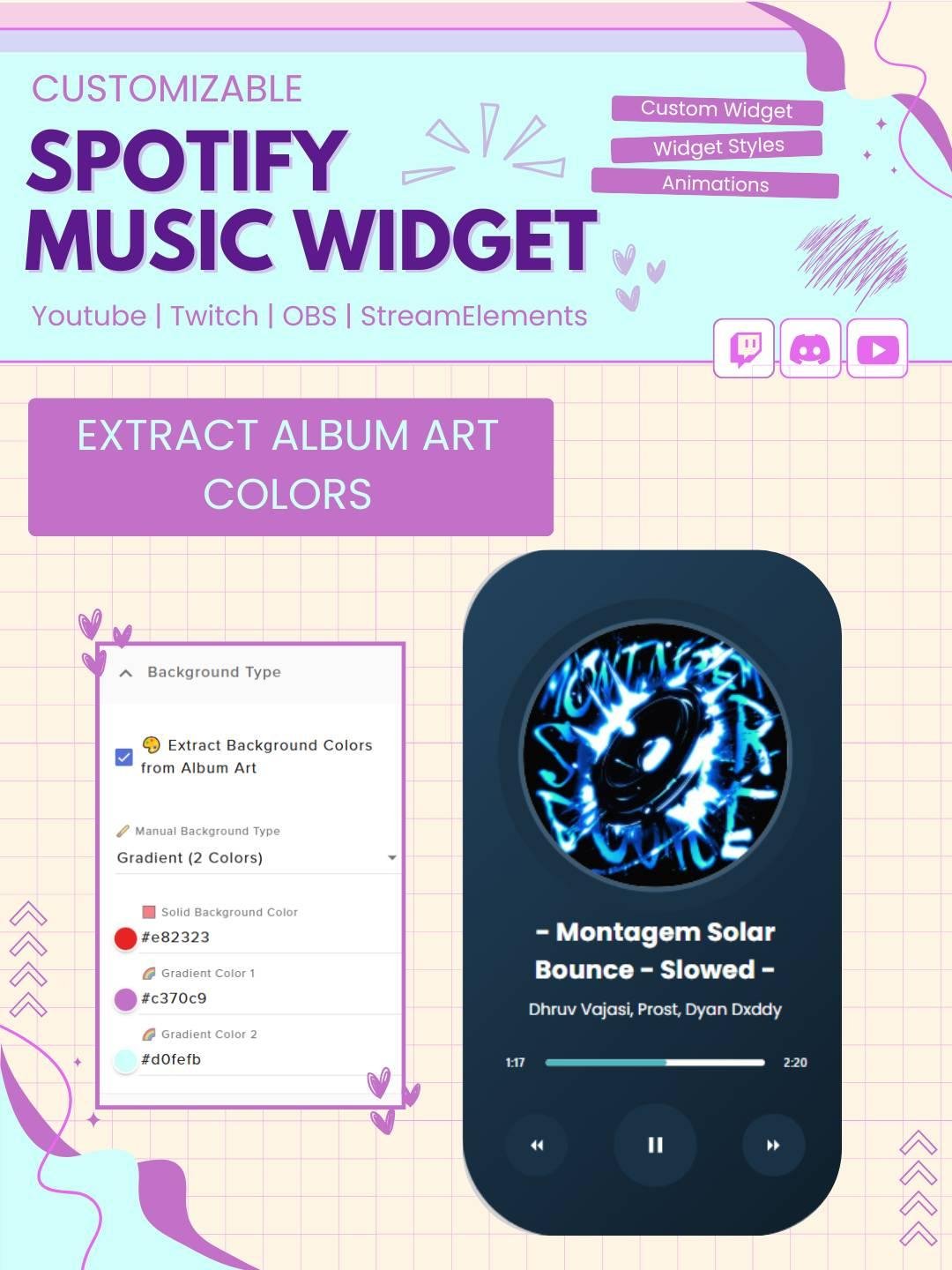
In addition, album artwork can add color and personality to the display. As a result, the widget can become an attractive part of your overall stream design.
Viewers often want to know which song is playing. Therefore, this Twitch music widget keeps the information visible throughout the stream.
Instead of answering repeated music questions, you can let the widget show the track automatically. Consequently, you can focus more on your content and audience.
The Now Playing Music Widget is designed for use with StreamElements. First, add the widget to your StreamElements overlay. Then, follow the included setup instructions and connect the supported music service.
No advanced coding or design skills are required. Therefore, both beginner and experienced streamers can install it easily.
This music widget works with popular streaming software, including:
You can add the widget as a browser source. As a result, it can fit smoothly into your current Twitch OBS setup.
Furthermore, you can place it near your webcam, chat box, alerts, gameplay, or other overlay elements.
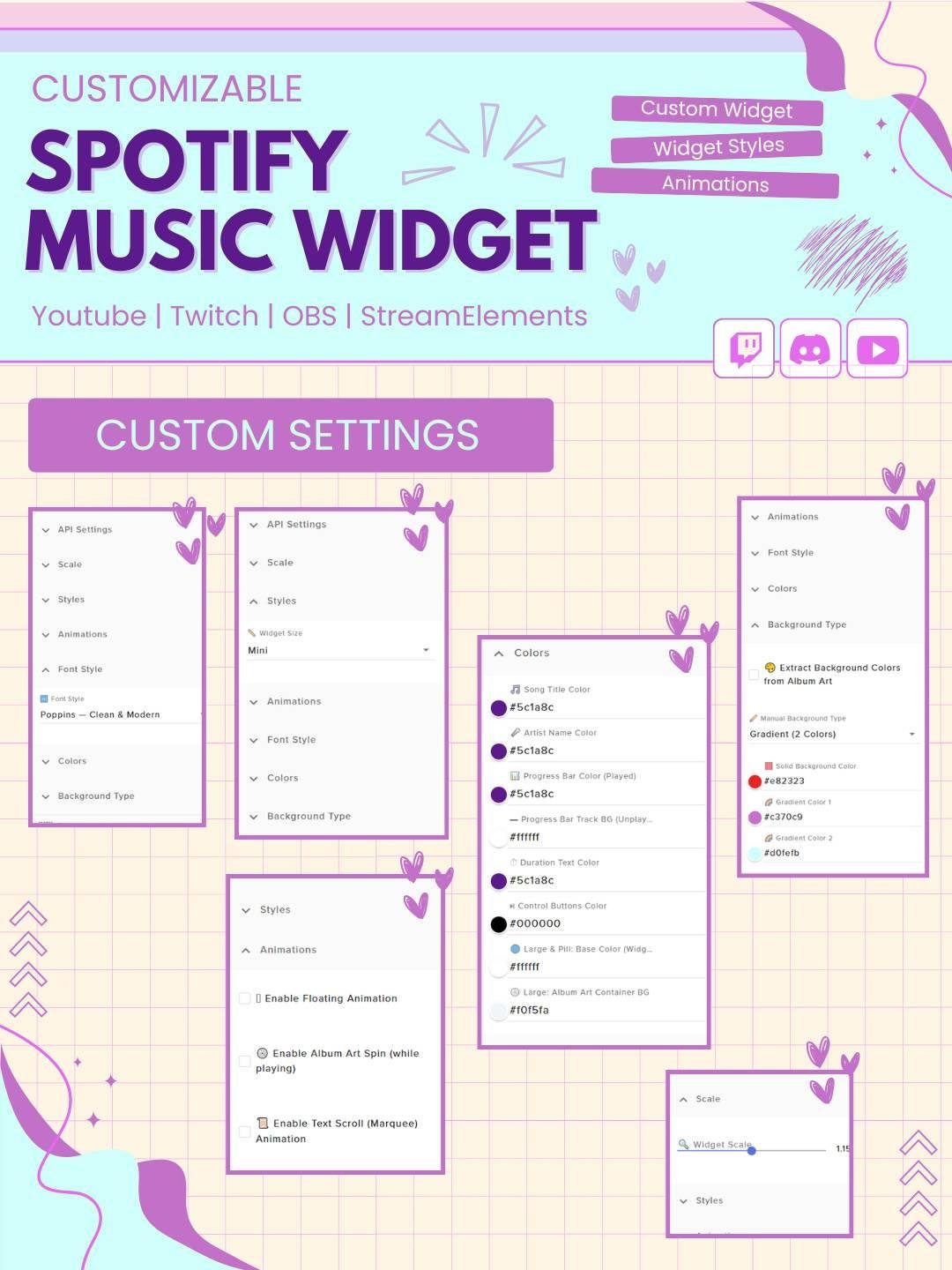
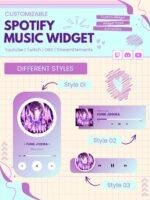
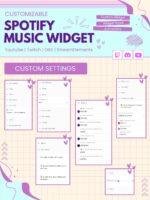
The available settings can be adjusted to match your channel style. For example, you may be able to customize:
Therefore, the widget can fit many Twitch overlay themes and layouts.
A consistent visual style helps your stream look more professional. Therefore, this customizable Now Playing widget can be matched with your alerts, webcam frames, panels, and chat box.
It can work with modern, minimal, gaming, anime, kawaii, retro, lofi, or futuristic stream themes. As a result, your overlay can feel more complete and connected.
Music plays an important role in lofi, study, and productivity streams. Therefore, the Now Playing Music Widget makes a useful addition to these broadcasts.
Viewers can see the current track while they study, work, draw, or relax. Moreover, the clean display can support a calm and organized stream atmosphere.
Gamers and VTubers can also use the widget to share their background music with viewers. It can be placed in a small area of the screen, so the gameplay remains clear.
In addition, the music display can help support the mood of the stream, whether the content feels energetic, cozy, funny, or relaxing.
The widget uses smooth updates and clear graphics to display each track. Consequently, viewers can easily read the music information when a new song begins.
The animation adds movement without making the overlay feel busy. Therefore, the widget can work with both simple and detailed stream designs.
The Now Playing Music Widget combines live song updates, clean design, and easy customization in one useful stream feature. Moreover, it gives viewers a simple way to follow the music during your broadcast.
Whether you run gaming streams, DJ sessions, lofi broadcasts, VTuber content, or Just Chatting streams, this Twitch music widget can make your overlay feel more stylish, informative, and engaging.
Reviews
0.0 Average Rating Rated ( 0 Review )
There are no reviews yet.