






$6.49 $10.49
⚡Dreamy Date & Time Widget — Cyber Stream Overlay (Animated + Customizable)
Level up your overlay with a sleek sci-fi HUD clock + date widget built for streamers who want a clean, futuristic, high-contrast look. Crisp typography, subtle scan/glow motion, and a layout that feels like it came straight from a pro esports broadcast. 🛰️🎮
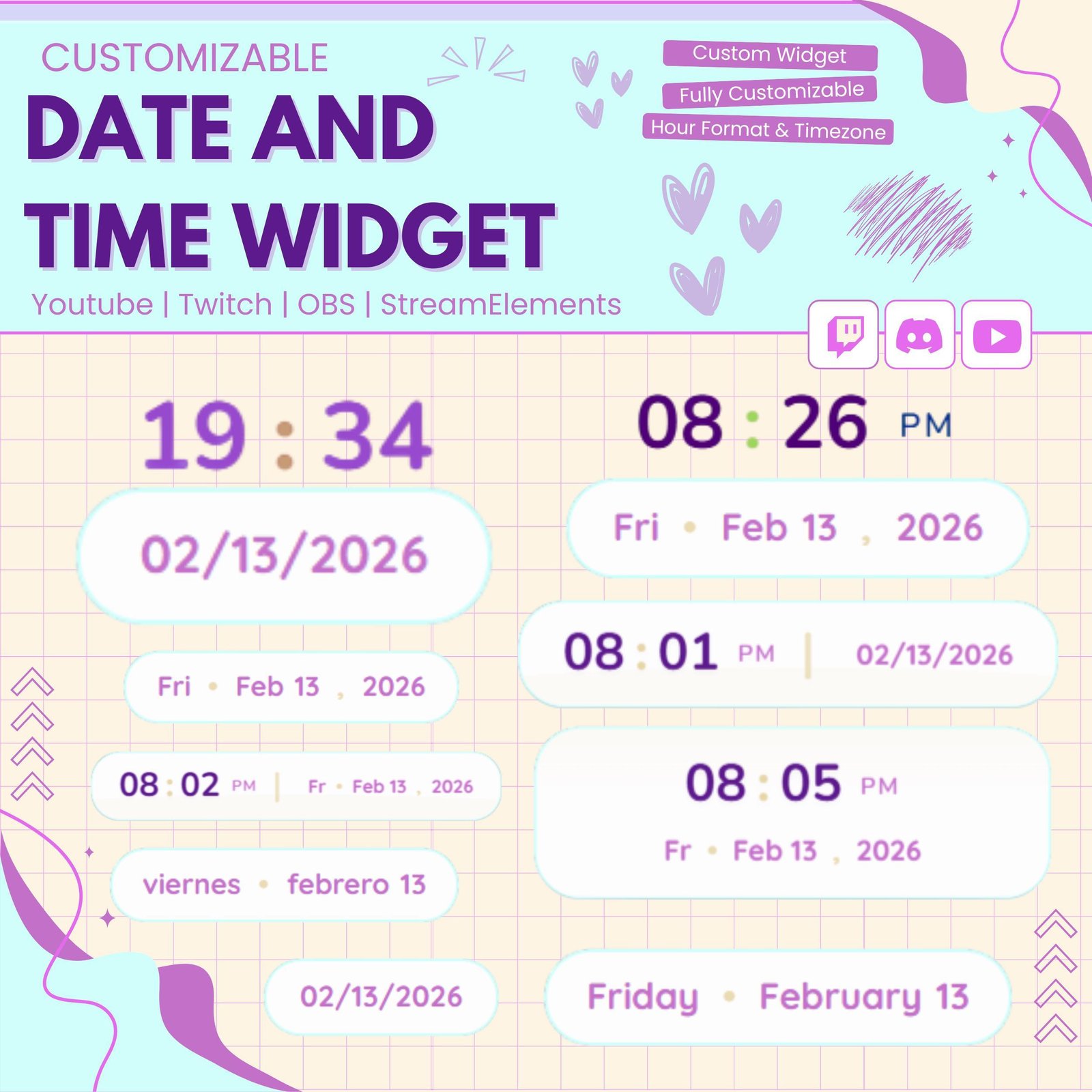
Keep your viewers updated with the Date & Time Widget for Twitch streams. This useful stream widget displays the current date and live time directly on your overlay. As a result, viewers can check the time without leaving your stream.
The widget works well for Twitch streamers, VTubers, gamers, study creators, and Just Chatting channels. Moreover, its clean design can make your stream setup look more complete and professional.
The Date & Time Widget shows a live digital clock on your stream. The time updates automatically, so you do not need to change it manually.
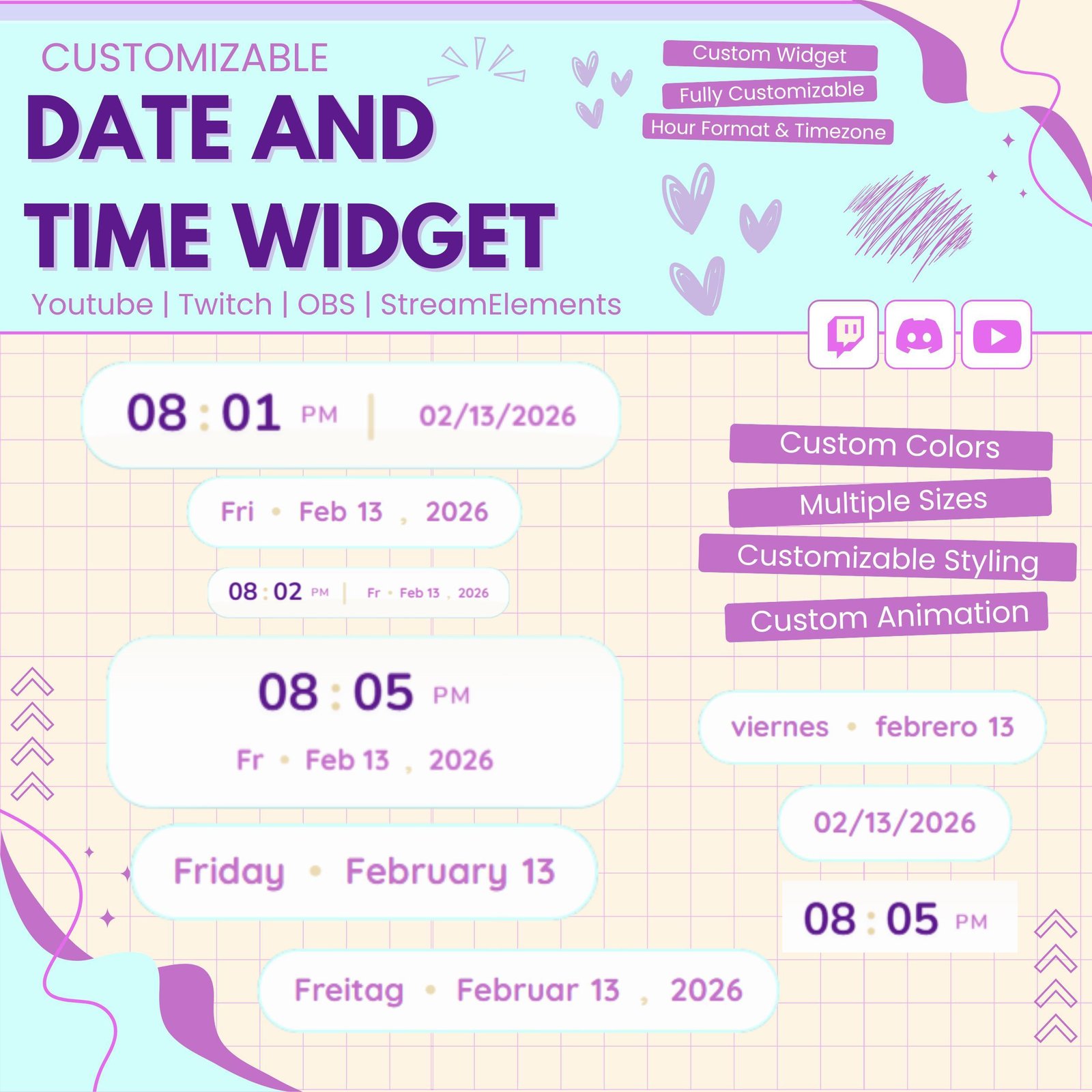
In addition, the current date can be shown beside the clock. Therefore, your audience can easily see both the day and time during long broadcasts.
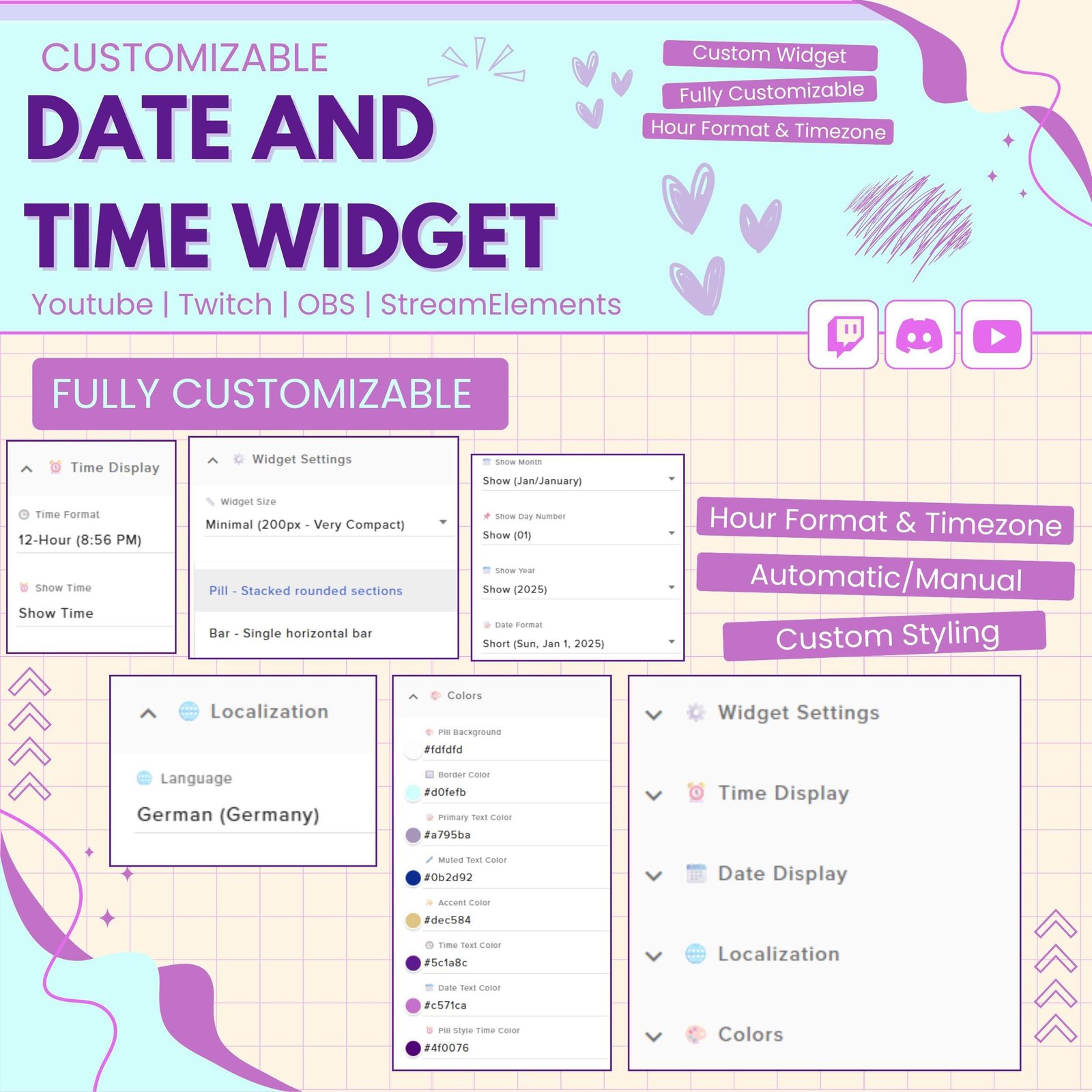
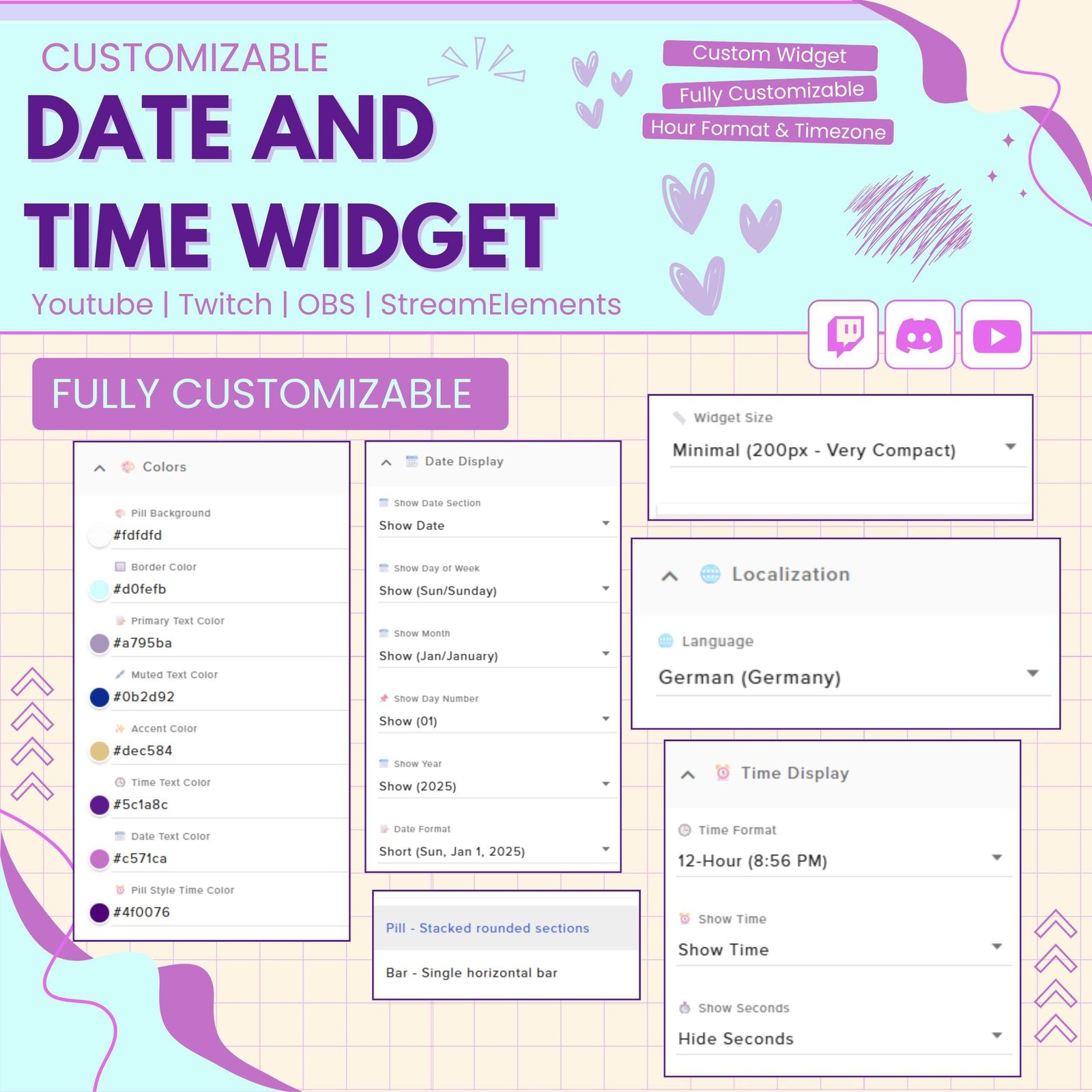
You can adjust the widget to match your stream theme. For example, you can customize the font, text size, format, color, and position.
You may also choose between a 12-hour or 24-hour time format. As a result, the widget can be set up for different audiences and locations.
A live clock can be especially useful during long broadcasts. Therefore, this Twitch clock widget works well for:
Moreover, viewers can track the time while they watch your content.
The Date & Time Widget is a useful addition to study, work, and productivity streams. It helps viewers follow the current time while they complete tasks with the streamer.
For example, the widget can be used with Pomodoro timers, task lists, calendars, and goal widgets. Consequently, the full stream layout can feel more organized and useful.
The widget is designed for easy use with StreamElements. First, add it to your StreamElements overlay. Then, follow the included instructions and adjust the settings.
No advanced coding or design skills are required. Therefore, both beginner and experienced streamers can install the widget easily.
This date and time stream widget works with popular streaming software, including:
You can add the widget as a browser source. As a result, it can fit smoothly into your current Twitch OBS setup.
Furthermore, the widget can be placed near your webcam, chat box, alerts, task list, or other overlay elements.
Different viewers prefer different date and time styles. Therefore, the widget may support formats such as:
This flexibility makes the widget suitable for streamers from different regions.
The Date & Time Widget uses a clear layout, so viewers can read the information quickly. Moreover, the simple display does not take attention away from your gameplay or main content.
You can resize and position the widget to fit small or large overlays. Therefore, it can work with minimal, modern, gaming, cozy, anime, and professional stream themes.
A date and clock display can add helpful information to your stream. Instead of checking another device, viewers can see the current time directly on screen.
In addition, the widget can support scheduled events, countdowns, study sessions, and long community streams. As a result, your Twitch overlay can feel more practical and complete.
A consistent visual style helps your channel look professional. Therefore, this customizable clock widget can be matched with your existing overlays, alerts, panels, and webcam frames.
You can select a font and layout that suit your channel style. Consequently, the widget can blend naturally with your full Twitch setup.
The Date & Time Widget combines a live clock, current date, and customizable design in one useful stream feature. Moreover, it helps viewers follow the time while keeping your overlay clean and organized.
Whether you run gaming streams, study sessions, long events, or Just Chatting broadcasts, this Twitch date and time widget can add useful information and a polished look to your stream.


Reviews
0.0 Average Rating Rated ( 0 Review )
There are no reviews yet.