







$9.99 $14.99
🎉 Kawaii Twitch Giveaway Widget Live Chat Raffle & Winner Draw Overlay
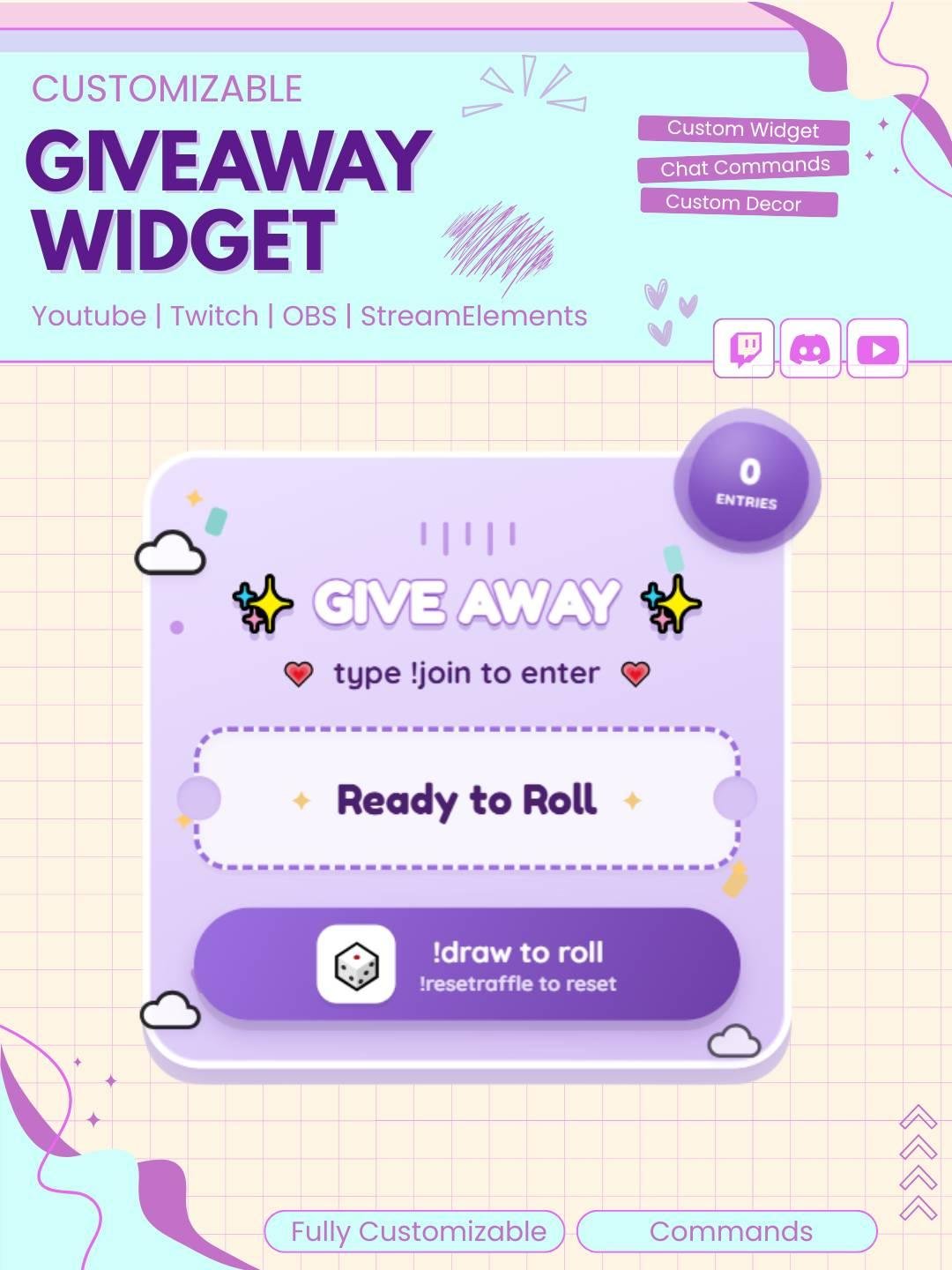
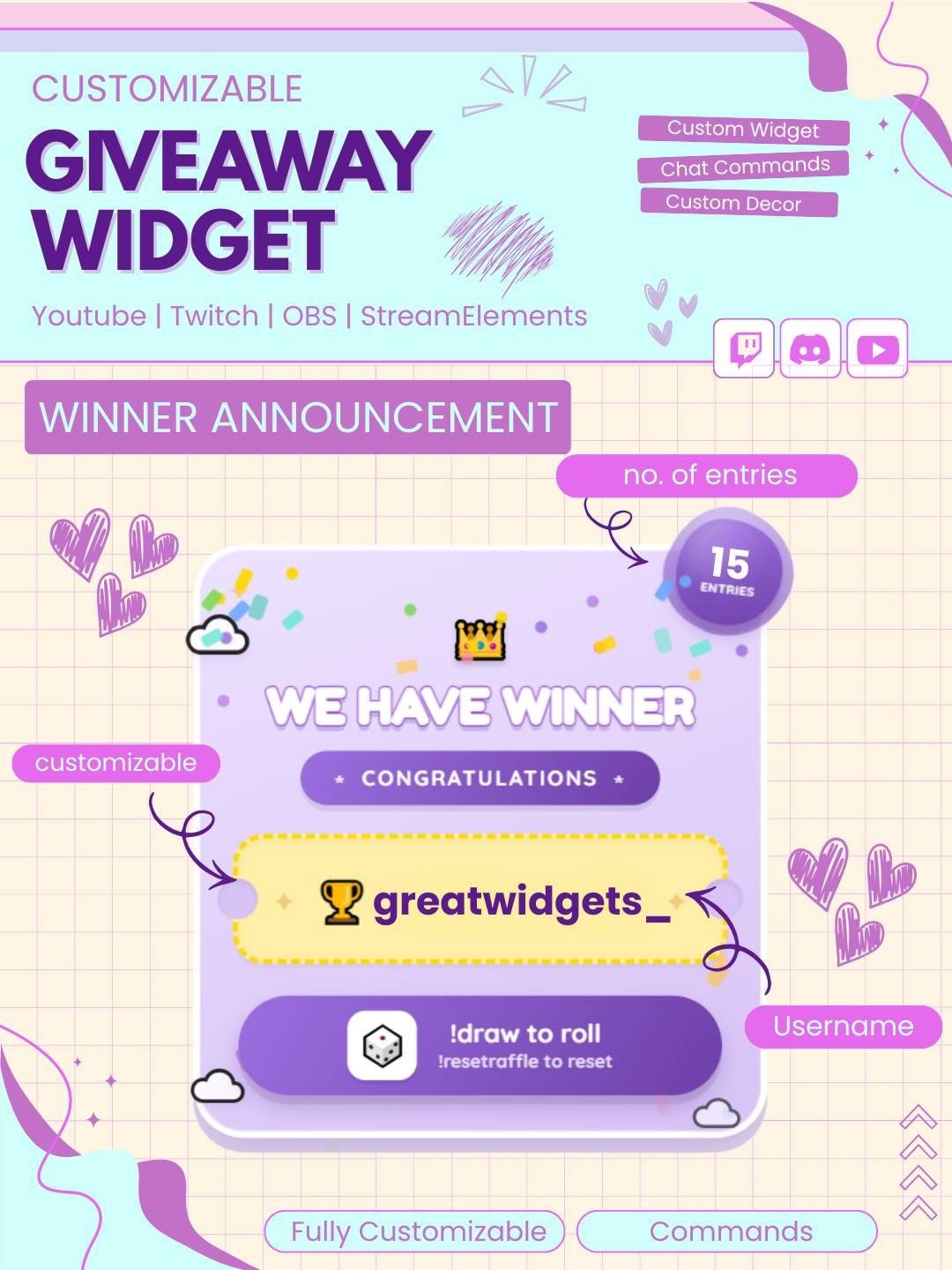
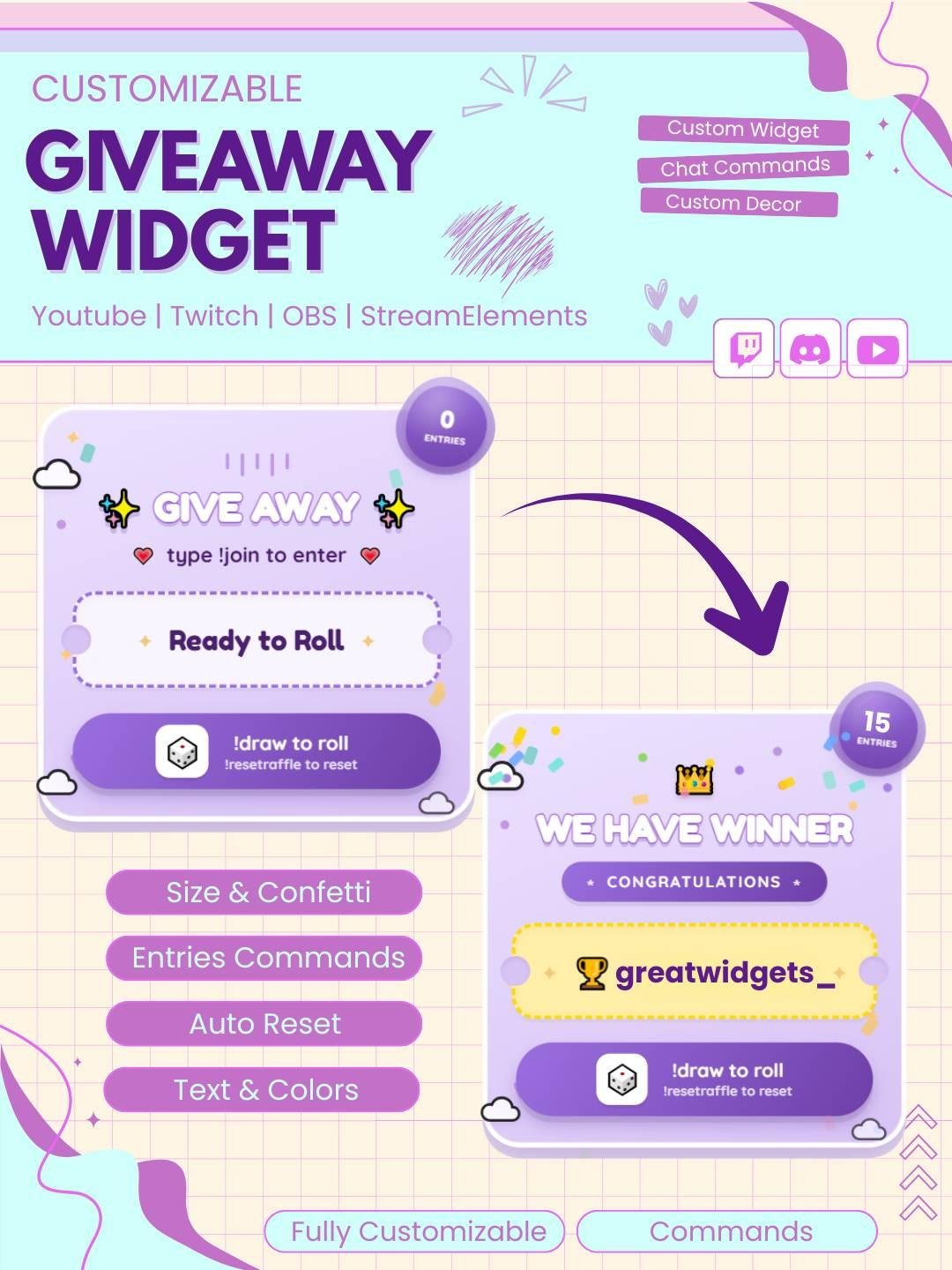
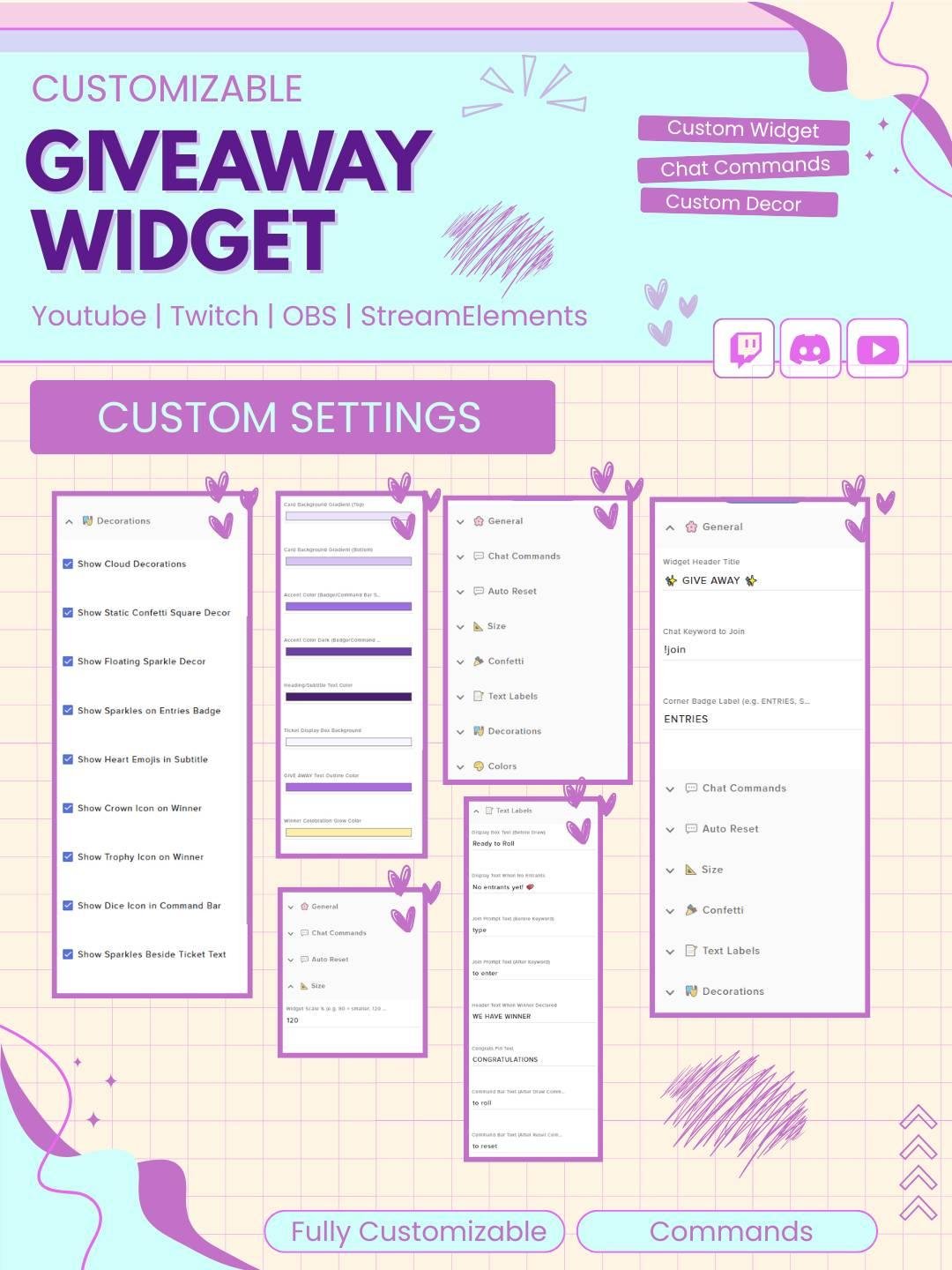
Turn your giveaways into an event! This kawaii-styled giveaway widget lets viewers enter your raffle straight from chat with a simple keyword, then delivers a fun animated winner reveal confetti, sparkles, crown, trophy, and all.
🎁 How It Works
Viewers type your join keyword (e.g. !join) in chat to enter the raffle
A live entry counter badge updates in real time as people join
Mods (or you) run a draw command (e.g. !draw) to trigger an animated “rolling” name cycle before landing on a winner
A reset command (e.g. !resetraffle) clears entries and returns the widget to its starting state
Optional auto-reset timer brings the widget back to “ready” state automatically after a set number of seconds
Make your live giveaways easier, faster, and more exciting with the Giveaway Widget for StreamElements. This interactive Twitch widget helps streamers collect entries, choose a winner, and display giveaway results directly on screen.
The widget works well for Twitch streamers, VTubers, gamers, creators, and community channels. Moreover, it adds a clear and professional giveaway system to your live stream.
The Giveaway Widget for StreamElements gives viewers a simple way to join a giveaway through Twitch chat. A supported command can be used to enter the event, while the widget keeps track of valid entries.
As a result, viewers can join without leaving the stream. In addition, the clear entry process makes the giveaway easy to understand for both new and regular viewers.
Viewers can enter by typing a chosen command in Twitch chat. For example, a command such as !giveaway or !enter can be used, depending on your setup.
Once the command is entered, the viewer can be added to the giveaway list. Therefore, the full activity can stay inside your live stream and chat.
The widget can select a random winner from the valid entries. As a result, the giveaway process can feel fair, simple, and exciting.
The winner’s name can appear on screen with a clear animation or result display. Moreover, the final reveal creates suspense and gives the audience a fun moment to enjoy.
This Twitch giveaway widget can be used for many types of rewards and events, including:
Therefore, the widget can support both small giveaways and larger live events.
A simple entry system helps viewers join quickly. For this reason, the Giveaway Widget for StreamElements can reduce confusion during busy streams.
Viewers can enter through one clear chat command, while the streamer can focus on the event. Consequently, the giveaway can feel more organized and enjoyable.
The widget works well for many stream styles, such as:
Furthermore, the design can fit cute, modern, minimal, gaming, colorful, retro, and anime-themed overlays.
The Giveaway Widget for StreamElements is designed for simple installation. First, add it to your StreamElements overlay. Then, follow the included setup steps and adjust the available settings.
No advanced coding or design knowledge is required. Therefore, both new and experienced streamers can use the widget easily.
This giveaway stream widget works with popular streaming software, including:
You can add it as a browser source. As a result, the giveaway display can fit smoothly into your current Twitch OBS setup.
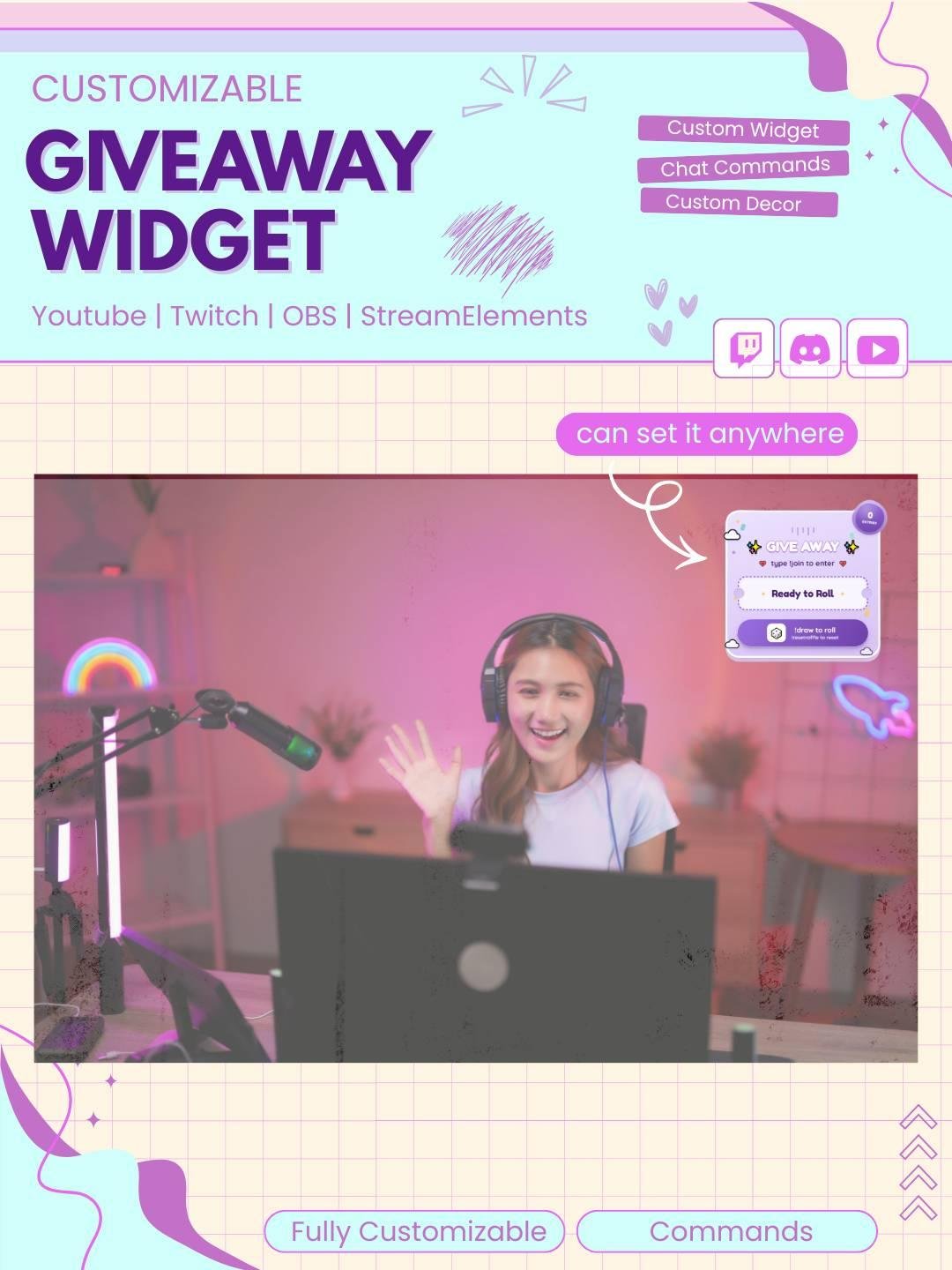
Moreover, the widget can be placed near your webcam, chat box, alerts, or main stream area.
The available settings can be adjusted to match your event. For example, you may be able to change:
Therefore, the giveaway system can be adapted to different channel rules and stream themes.
Depending on the available settings, entry may be limited to selected viewers. For example, you may allow only subscribers, followers, VIPs, or moderators to join.
As a result, the widget can support exclusive community rewards. In addition, separate giveaways can be created for different viewer groups.
A clear winner display helps prevent confusion. Therefore, the selected viewer’s name can appear directly on screen when the giveaway ends.
The visual result also makes the moment more exciting for the audience. Moreover, the winner announcement can become a memorable part of the stream.
The giveaway widget uses clear text and smooth visual effects. Consequently, viewers can easily follow the entry process and winner reveal.
The design adds movement without covering important gameplay or stream content for too long. Therefore, it can fit both simple and detailed overlays.
A professional giveaway display can help your stream look more complete. Therefore, this interactive widget can support your channel branding.
You can combine it with matching alerts, webcam frames, chat boxes, goal widgets, and stream overlays. As a result, your giveaway event can match the rest of your Twitch setup.
The Giveaway Widget for StreamElements combines chat entry, random winner selection, and on-screen results in one useful stream feature. Moreover, it gives viewers a simple way to join rewards and community events.
Whether you are giving away game codes, digital products, artwork, or special prizes, this Twitch giveaway widget can help your event feel more organized, fair, and engaging.

Reviews
0.0 Average Rating Rated ( 0 Review )
There are no reviews yet.