




$5.99 $11.00
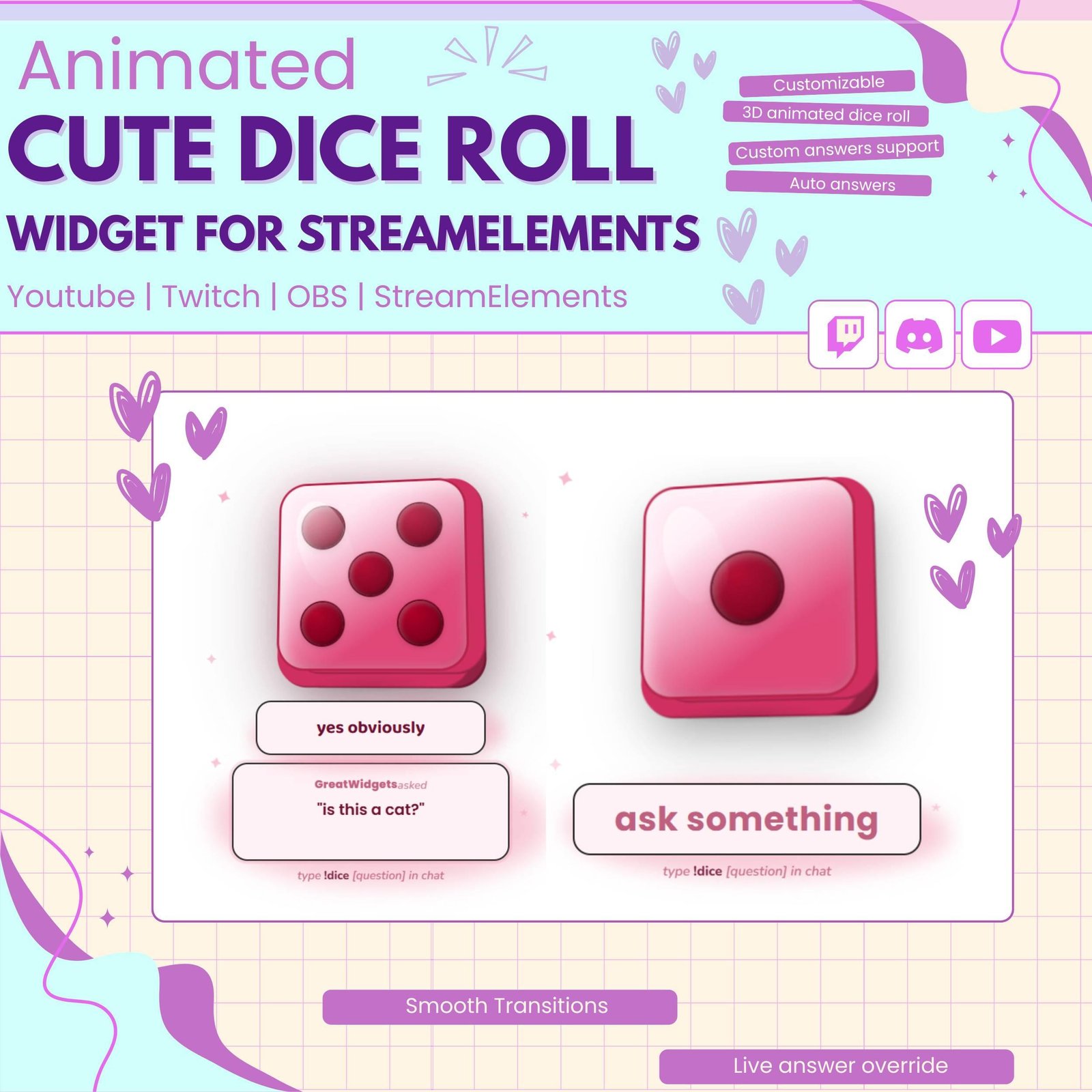
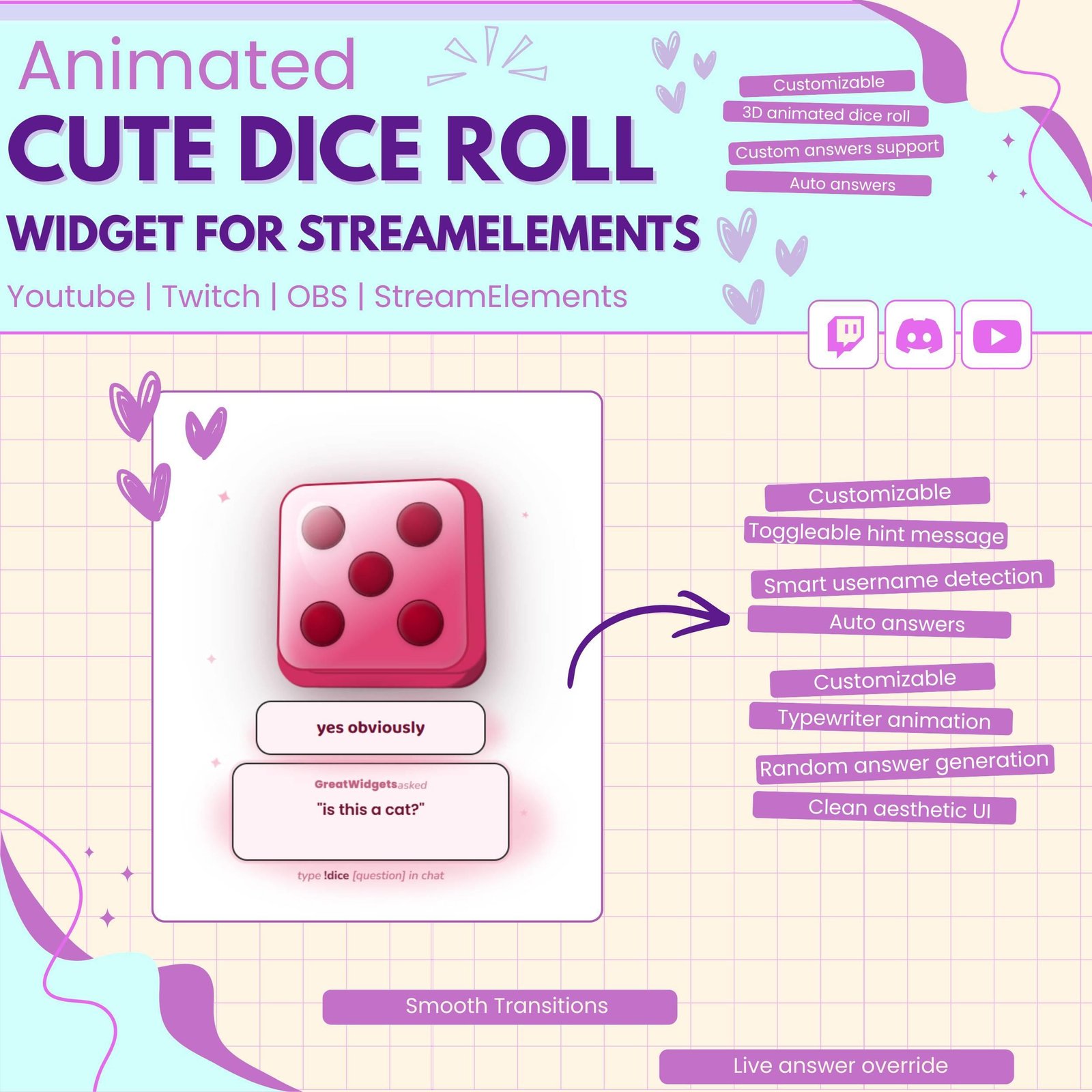
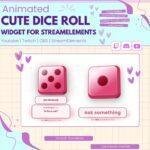
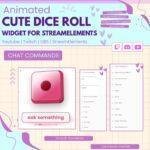
This cute dice widget lets your viewers ask a question in chat. The 3D dice will roll, spin, and show a random answer live on your stream.
🎀How It Works
A viewer types:
!dice Will I win today?
Then the dice moves up, shows the viewer’s name, displays their question, rolls, and lands with a small bounce. Stars appear, and the answer shows on a ribbon. Everything works automatically and looks cute on stream.
Add fun and surprise to your live stream with the Twitch Dice Roll Game. This interactive stream widget lets viewers roll a virtual dice directly through Twitch chat. As a result, every roll creates an exciting moment for your audience.
The widget works well for gamers, VTubers, Just Chatting streamers, and content creators. Moreover, it adds movement, interaction, and entertainment to your Twitch overlay.
The Twitch Dice Roll Game allows viewers to activate a dice roll by using a chat command. The dice spins, rolls, and lands on a random result.
Because every result is different, viewers can enjoy a new experience with each roll. Therefore, the widget works perfectly for games, challenges, questions, rewards, and community activities.
This dice roll widget includes a smooth animated dice effect. The dice can lift, spin, bounce, and reveal the final result on screen.
In addition, the animation helps each chat interaction feel more exciting. Instead of showing a simple number, the widget turns every roll into a full visual event.
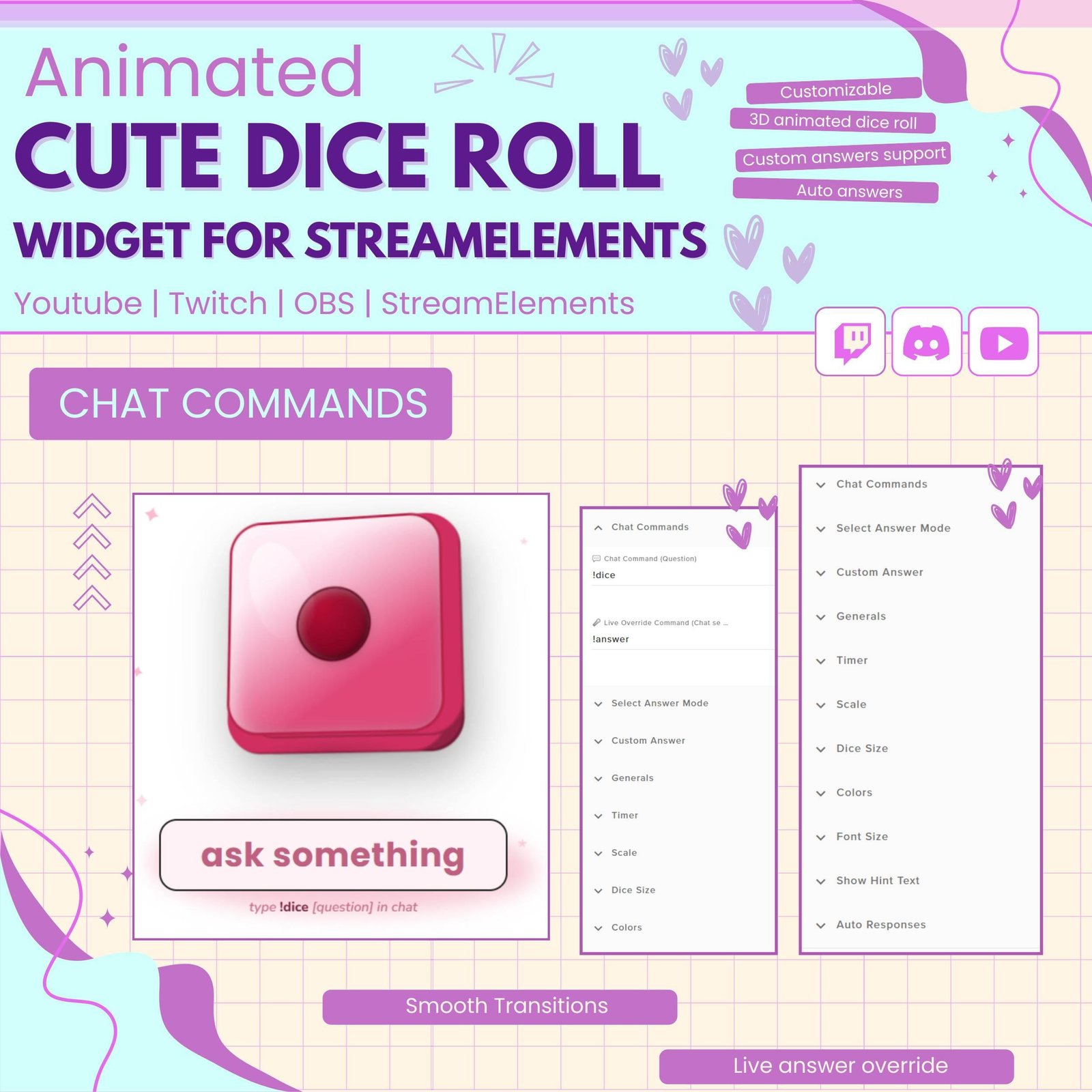
Viewers can join the game by typing the supported command in Twitch chat. For example, they may use a command such as:
!dice
Depending on the widget setup, viewers may also type a question or message with the command. Then, the animated dice roll appears on screen and reveals a random answer or result.
As a result, the stream feels more active and community-focused.
The Twitch Dice Roll Game can be used for more than number rolls. It can also support fun questions and random answers.
For example, viewers can ask:
Therefore, the widget can create funny and memorable moments during live streams.
This interactive dice game can support many stream activities, including:
Moreover, the random result keeps each activity fair and unpredictable.
Interactive Twitch widgets help viewers take part in the stream instead of only watching. Therefore, the Twitch Dice Roll Game gives your audience a simple way to join the action.
When a viewer types the command, their name, question, or result can appear on screen. As a result, the interaction feels personal and noticeable.
However, the widget does not guarantee more viewers or followers. Instead, it adds a fun feature that can improve the overall stream experience.
The Twitch dice game works well for many types of content, such as:
Furthermore, the dice animation can fit cute, colorful, gaming, fantasy, kawaii, or modern overlay themes.
The Twitch Dice Roll Game is designed for StreamElements. First, add the widget to your StreamElements overlay. Next, follow the included setup instructions and adjust the available options.
No advanced coding or design skills are required. Therefore, beginners and experienced streamers can use the widget easily.
This interactive Twitch widget works with popular streaming software, including:
You can add the widget as a browser source. As a result, it can fit smoothly into your current Twitch OBS setup.
Moreover, the widget can be placed near your webcam, chat box, alerts, or gameplay area.
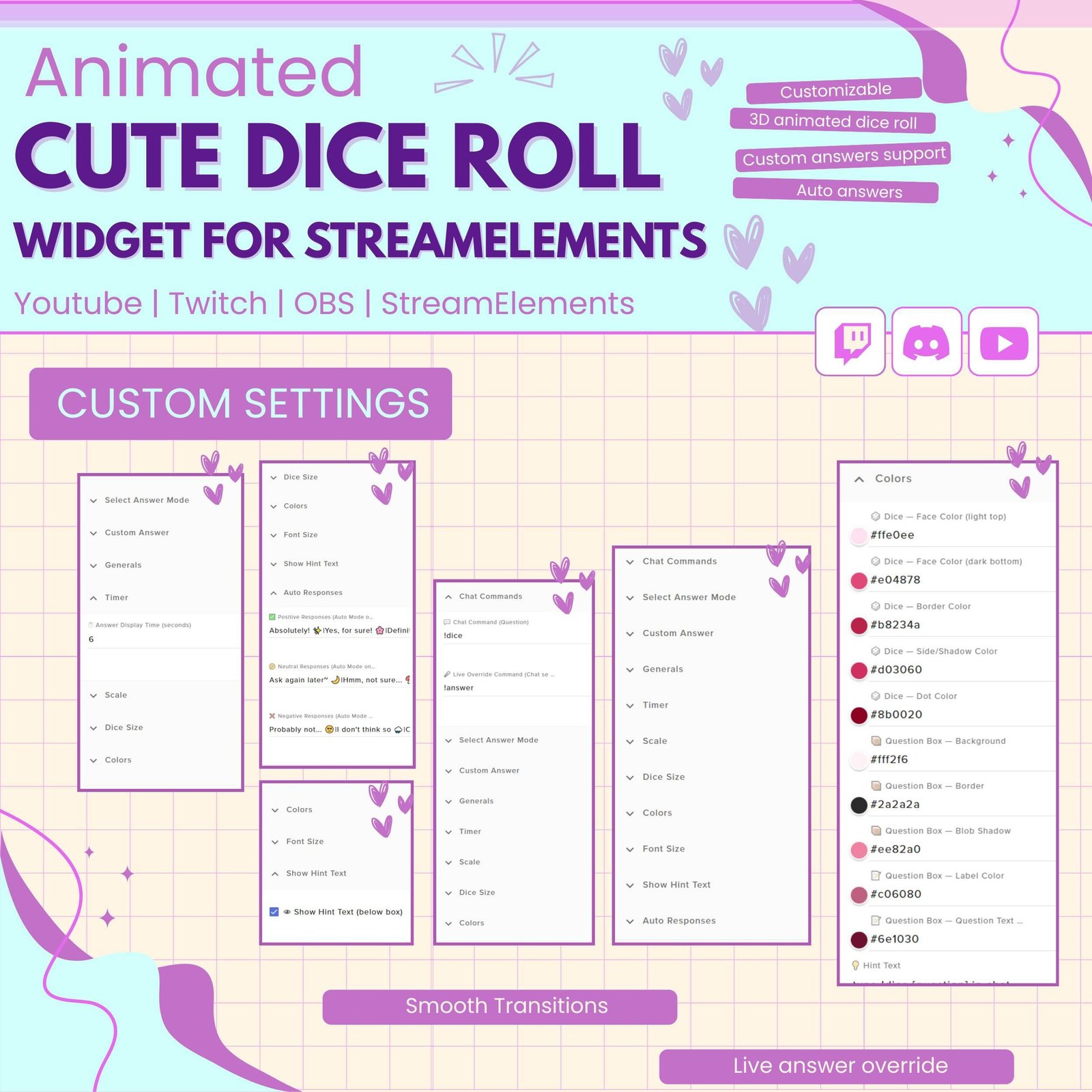
You can adjust the available settings to match your stream. For example, you may be able to change:
Therefore, the widget can be customized for different games, themes, and community events.
The dice roll animation uses clear visuals and smooth movement. Consequently, viewers can easily follow the roll and see the final result.
The animation also adds energy to your overlay without covering important gameplay or stream content.
A unique interactive feature can help your channel feel more memorable. Therefore, this Twitch dice widget can become part of your stream identity.
You can combine it with matching alerts, overlays, chat boxes, webcam frames, and goal widgets. As a result, your Twitch setup can look more complete and professional.
The Twitch Dice Roll Game combines chat interaction, random results, and animated effects in one entertaining widget. Moreover, it gives viewers a simple and enjoyable way to join your live stream.
Whether you use it for questions, dares, challenges, rewards, or random choices, this interactive dice roll widget can make your Twitch stream feel more active, playful, and engaging.

Reviews
0.0 Average Rating Rated ( 0 Review )
There are no reviews yet.