


$7.49 $10.99
★ TICKET MACHINE — Twitch Task Widget for StreamElements ★
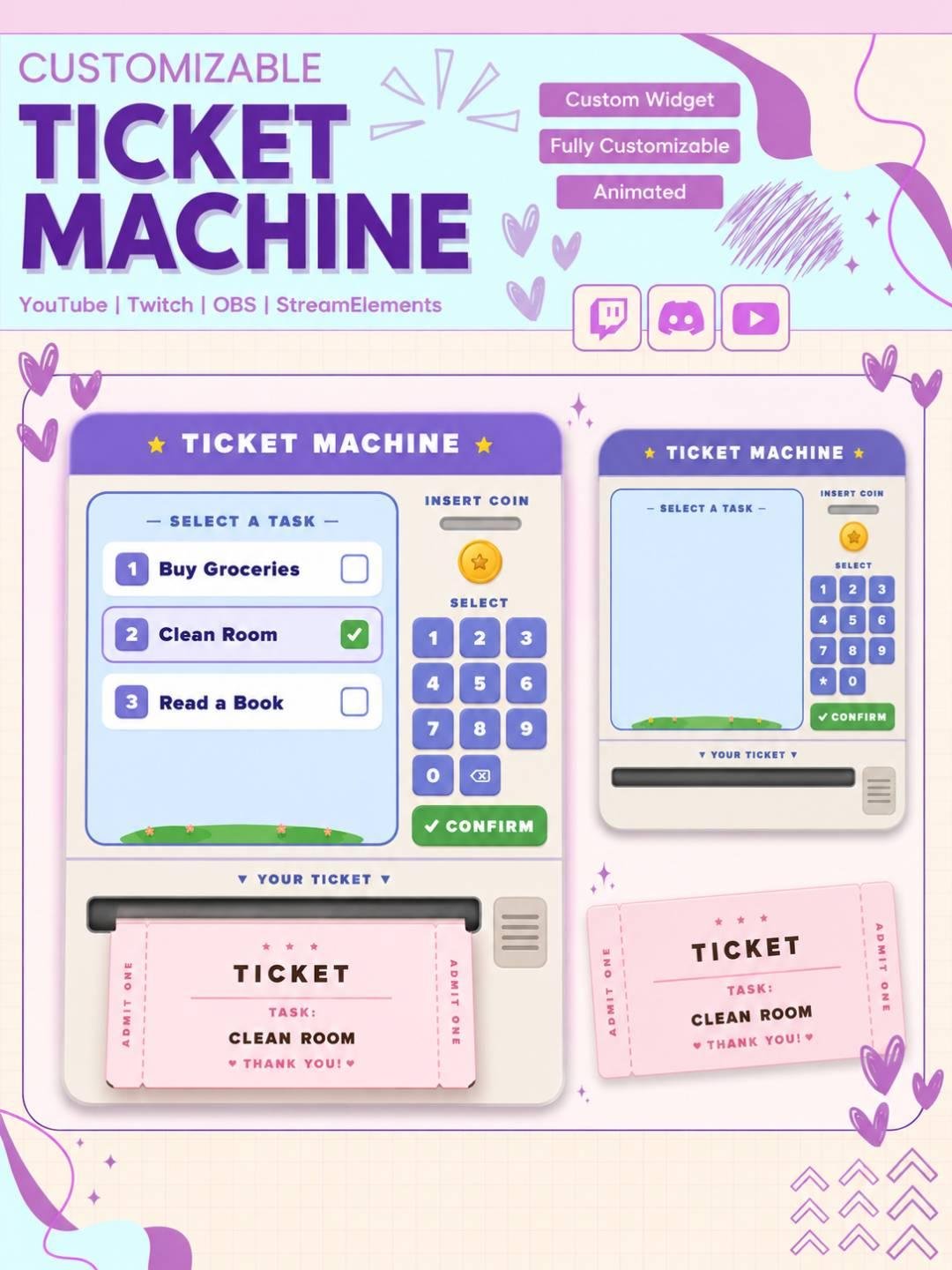
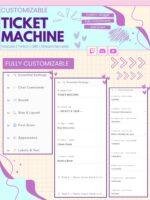
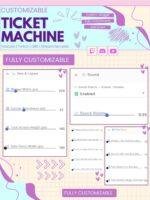
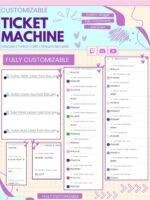
Turn your stream’s to-do list into a carnival experience! The Ticket Machine is a fully animated, customizable task tracker widget for StreamElements — built for Twitch streamers who want their chat involved in every goal they crush on stream.
────────────────────────────────────
🎟️ WHAT IS THIS WIDGET?
────────────────────────────────────
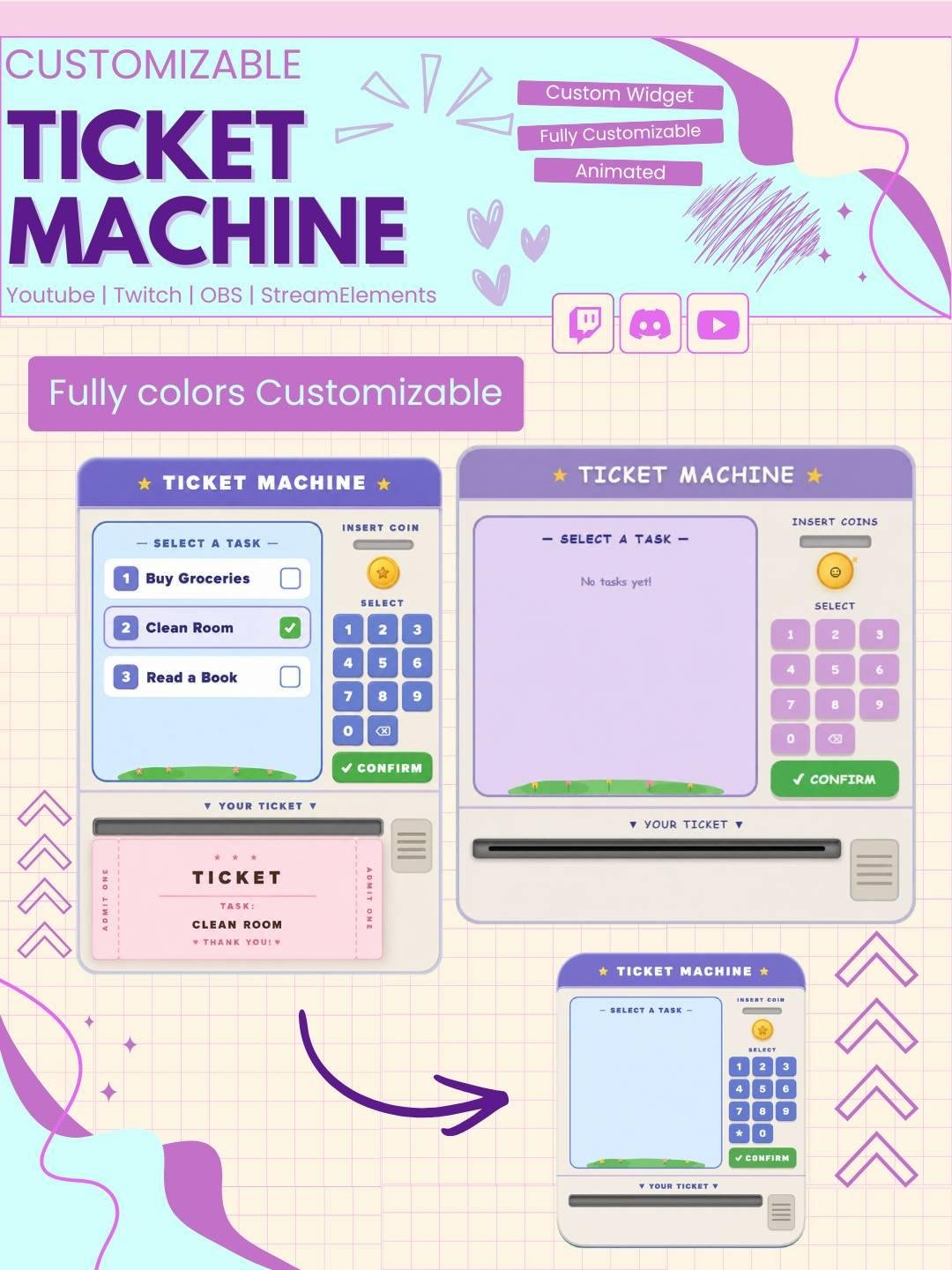
The Ticket Machine is an OBS overlay widget that displays up to 5 tasks on a retro arcade-style “ticket machine” screen. When a task is completed, an animated carnival ticket prints out, flies to the center of your screen, then dramatically shatters into confetti — all with built-in sound effects. No external files needed.
Organize your stream in a fun and creative way with the TaskList Ticket Machine Widget. This interactive stream widget displays tasks like printed tickets, which makes your goals and activities easy for viewers to follow.
The widget works well for Twitch streamers, VTubers, gamers, artists, and content creators. Moreover, it adds a unique ticket machine style to your overlay while keeping your task list clear and useful.
The TaskList Ticket Machine Widget helps you display stream tasks, goals, challenges, or reminders directly on screen. Each task appears like a small printed ticket, which gives the widget a playful and original look.
As a result, viewers can quickly understand what you are working on during the stream.
This widget uses a creative ticket machine design instead of a basic checklist. New tasks can appear as printed tickets, while completed tasks can be updated or removed.
Therefore, the widget adds movement and personality to your Twitch overlay. In addition, the ticket-style animation works well with retro, arcade, café, cozy, gaming, and kawaii stream themes.
The task list stream widget can support many types of live content. For example, you can use it for:
Because the task list stays visible, viewers can follow your progress throughout the stream.
Clear goals help viewers understand what is happening. Therefore, this Twitch task list widget makes your stream easier to follow.
You can show the current task, upcoming activities, or completed goals. Moreover, the ticket machine style turns simple updates into a more engaging visual experience.
The widget can help make your audience feel more involved. Viewers can suggest tasks, challenges, games, or creative ideas during the stream.
Then, selected ideas can be added to the task list. As a result, the widget can support a more interactive and community-focused stream.
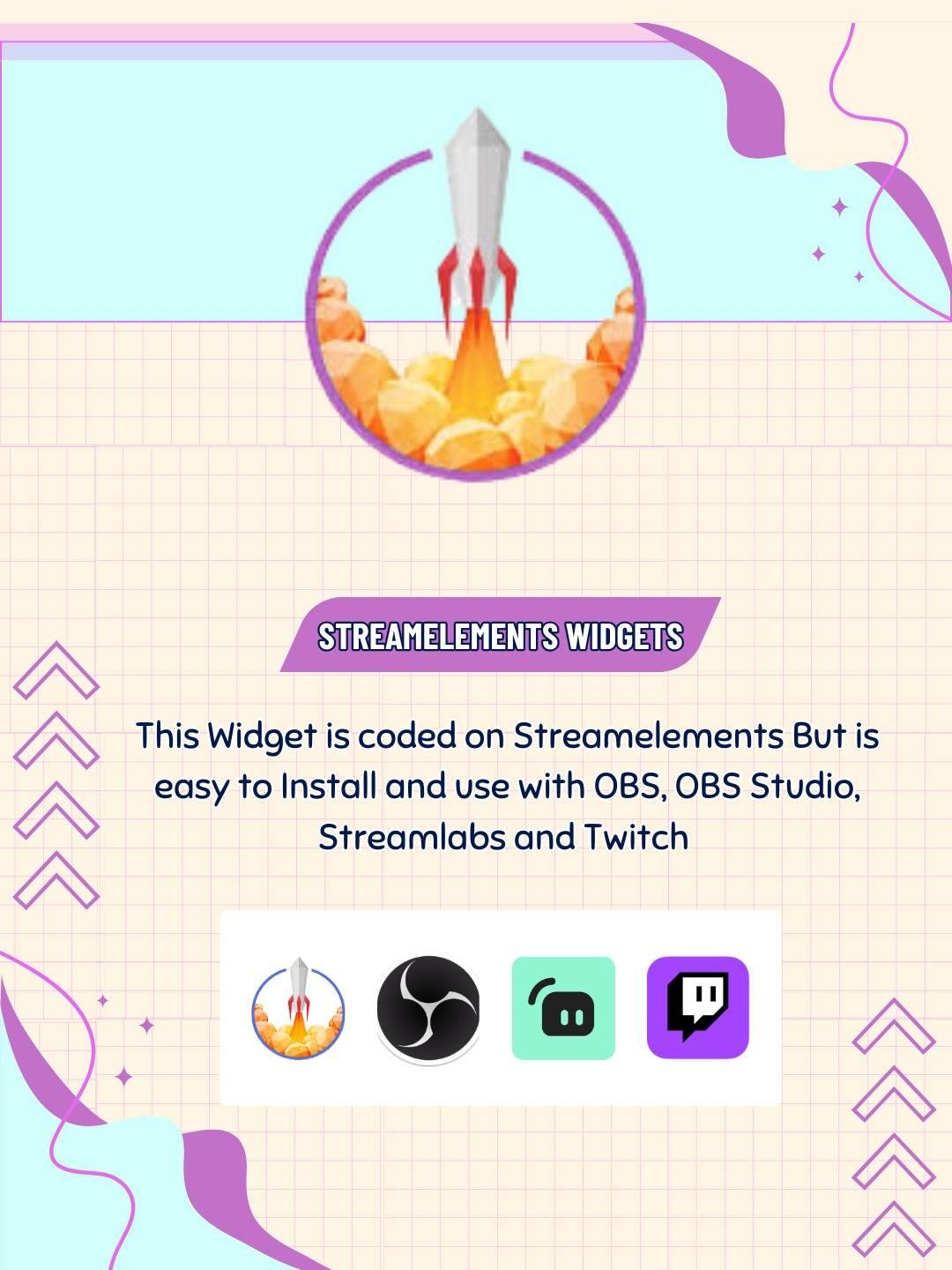
The TaskList Ticket Machine Widget is designed for use with StreamElements. First, add the widget to your StreamElements overlay. Next, follow the included setup instructions and adjust the available settings.
No advanced coding or design skills are required. Therefore, both beginner and experienced streamers can use the widget easily.
This task list widget works with popular streaming software, including:
You can add it as a browser source. As a result, the widget can fit smoothly into your existing Twitch OBS setup.
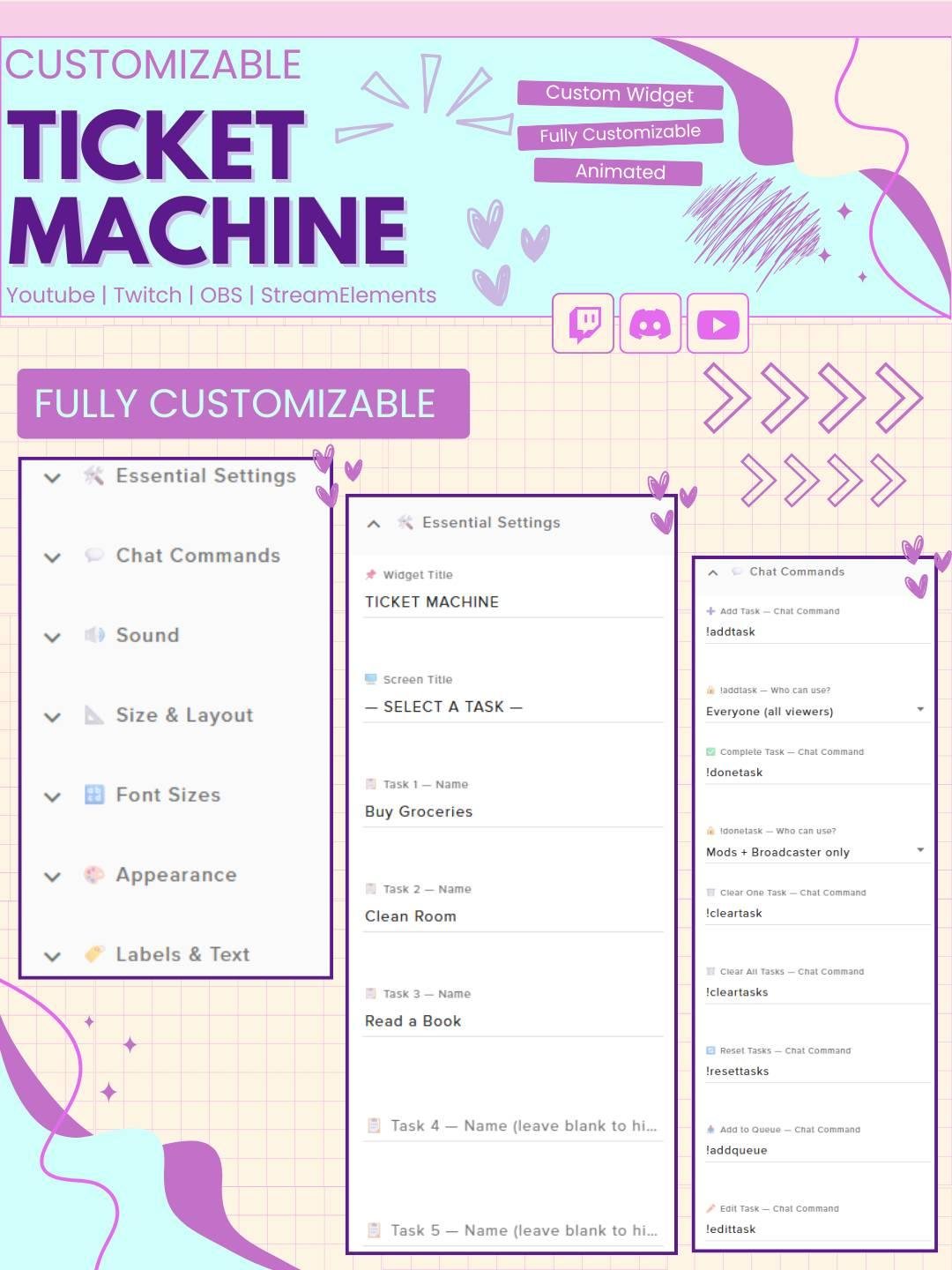
You can add your own tasks, goals, reminders, or challenges. Therefore, the widget can be used for different stream types and events.
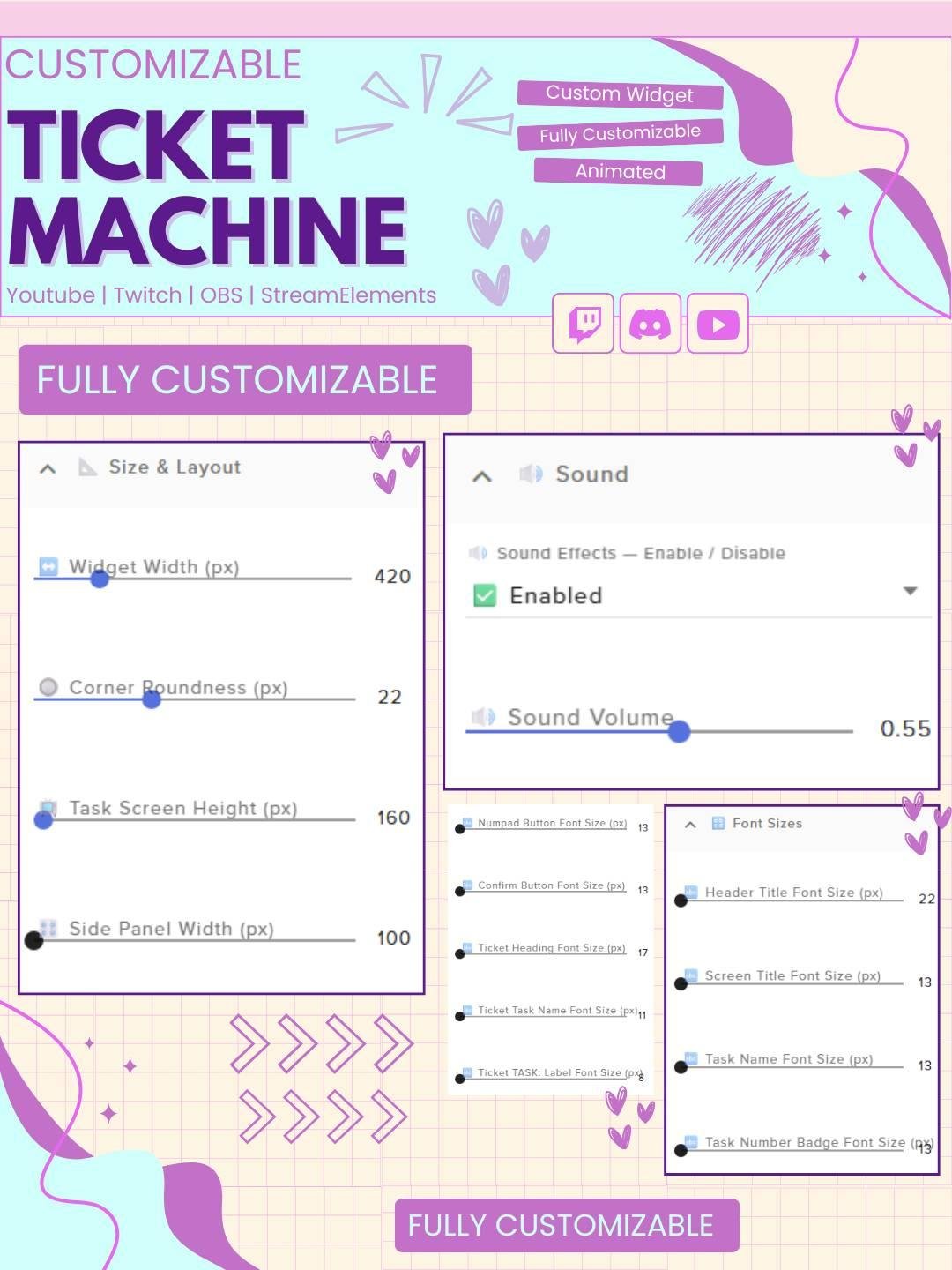
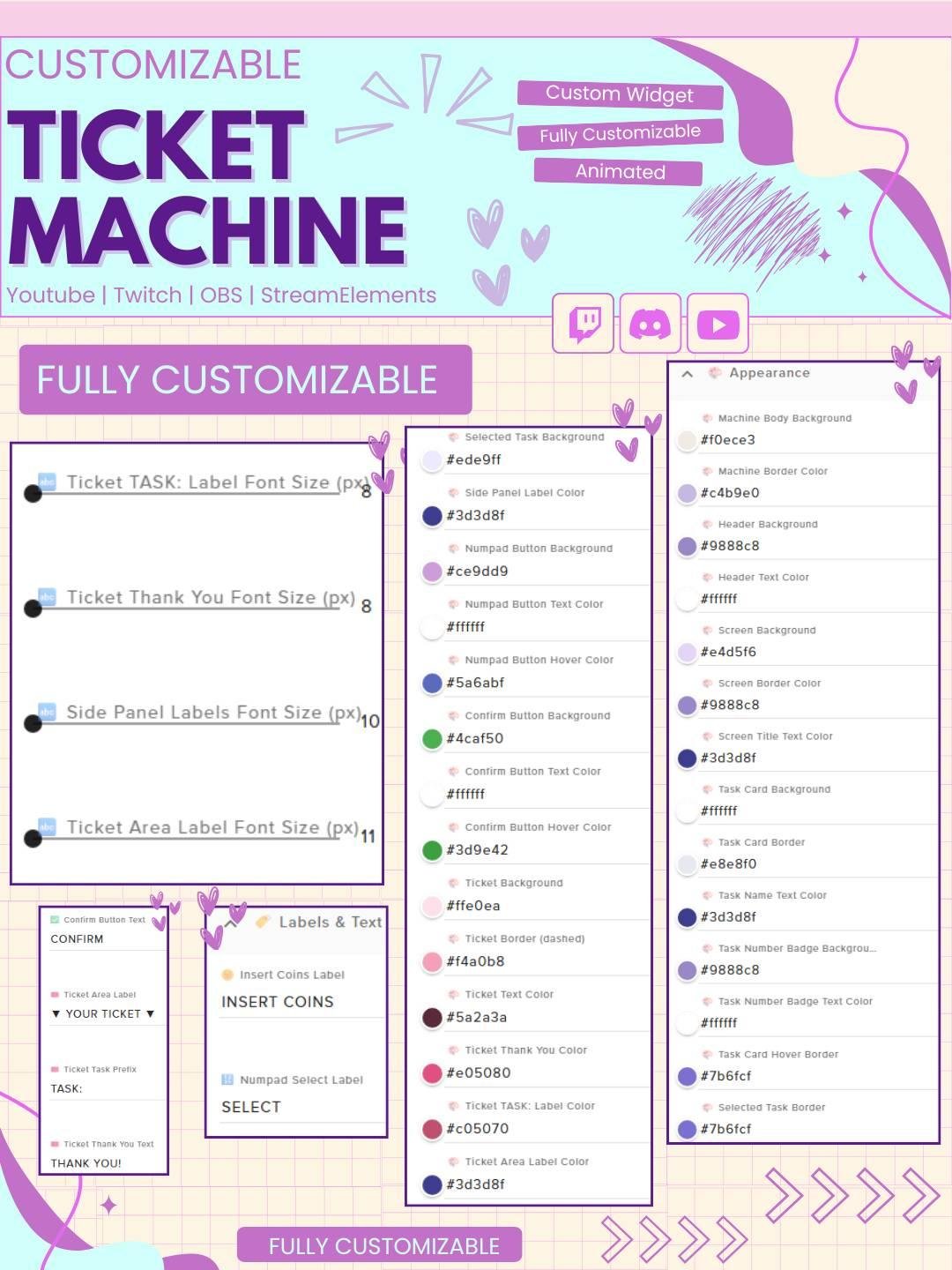
You may also adjust the task text, list order, or other available settings to match your content. In addition, the flexible design helps the widget fit many overlay styles.
The TaskList Ticket Machine Widget works well for:
Moreover, the ticket machine design adds a fun detail without covering important gameplay or stream content.
The widget uses a clear and attractive layout, so tasks remain easy to read. Smooth ticket animations add visual interest while keeping the design organized.
You can place the widget near your chat box, webcam, alerts, or goal area. Therefore, it can become a useful part of your full Twitch overlay setup.
Live streams can include many goals and activities. However, viewers may lose track when updates are only explained through chat or voice.
This interactive task list widget keeps important information visible. Consequently, your audience can follow your progress without asking repeated questions.
The TaskList Ticket Machine Widget combines organization, animation, and stream interaction in one useful tool. Moreover, it turns a normal to-do list into a fun visual feature for your audience.
Whether you are tracking gaming challenges, art requests, study goals, or community activities, this Twitch task list widget can help your stream feel more organized, engaging, and complete.


Reviews
0.0 Average Rating Rated ( 0 Review )
There are no reviews yet.