

$6.49 $10.99
🌐 SOCIAL MEDIA ROTATOR WIDGET FOR STREAMELEMENTS
Automatically cycle through ALL your social media handles on stream beautifully animated, fully customizable, and dead simple to set up.
━━━━━━━━━━━━━━━━━━━━━━
✨ WHAT IS THIS WIDGET?
━━━━━━━━━━━━━━━━━━━━━━
This is a plug-and-play StreamElements overlay widget that automatically rotates through all your social media accounts on a live timer. Your viewers will always know where to follow you no need to type handles in chat or interrupt your stream. Just set your usernames and let the widget do the work.
Promote all your social media accounts with the Social Media Rotator Widget. This animated stream widget rotates through your social media names, usernames, and icons directly on your live stream. As a result, viewers can easily find and follow you on different platforms.
The widget works well for Twitch streamers, VTubers, gamers, influencers, and content creators. Moreover, it keeps your social links visible without taking up too much space on your stream overlay.
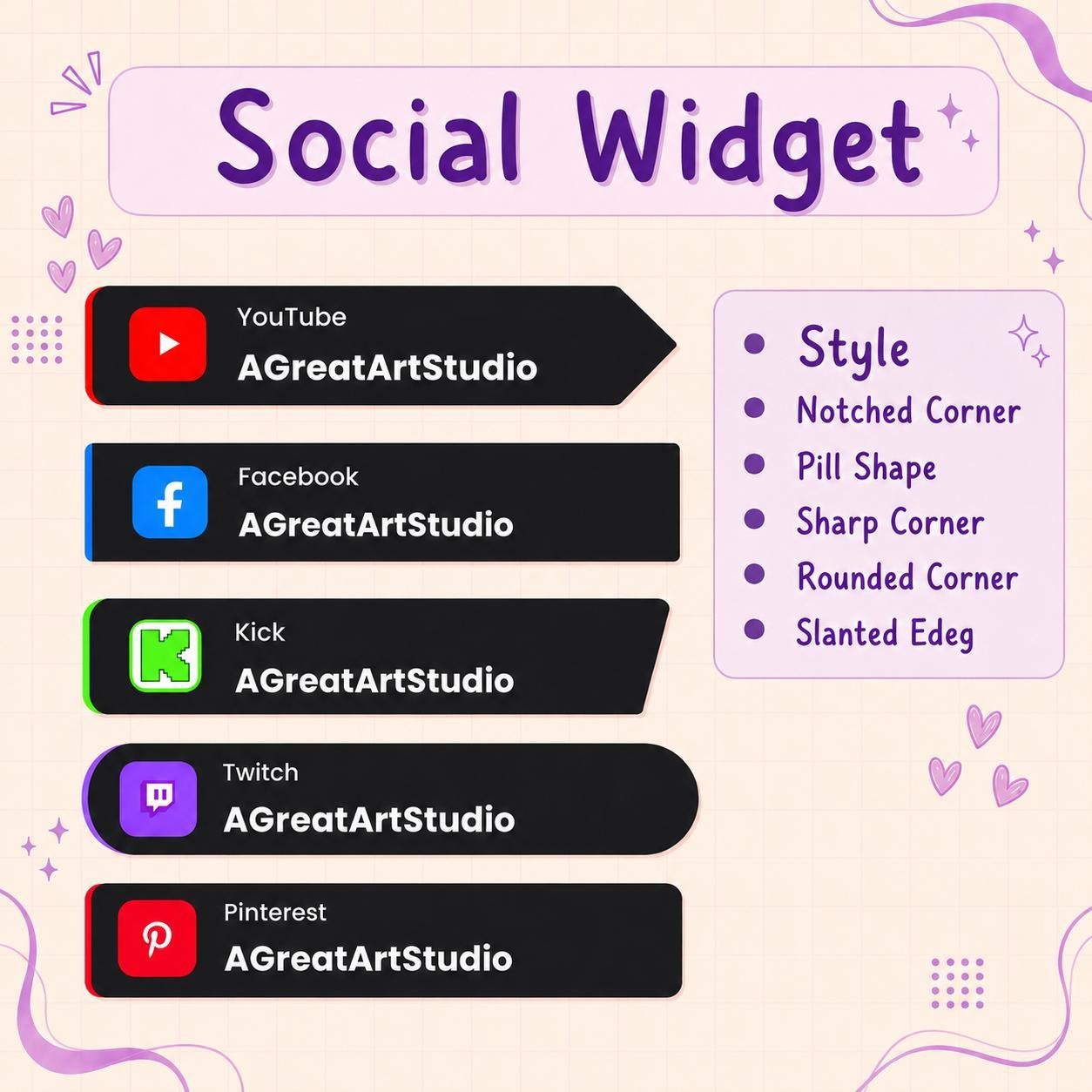
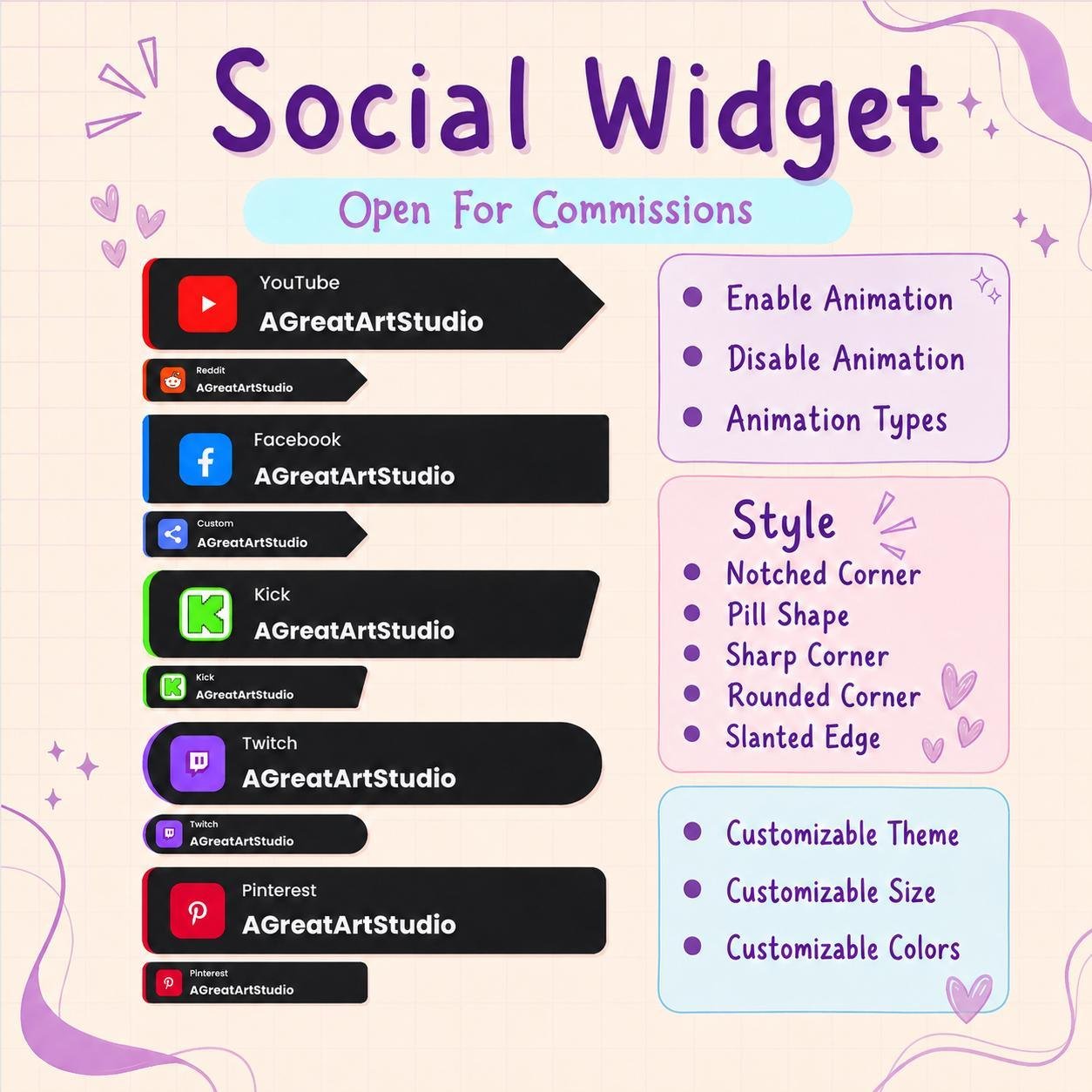
The Social Media Rotator Widget displays one social platform at a time. After a few seconds, the current social media name changes to the next one with a smooth animation.
Therefore, several social accounts can be promoted in one small area. In addition, the rotating design helps your stream layout stay clean and organized.
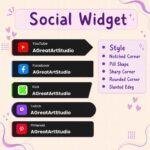
This social media stream widget can display many popular platforms, including:
As a result, viewers can discover more places to connect with you after the stream.
Your personal usernames and channel names can be added to the widget. Therefore, viewers can see the correct account information directly on screen.
For example, you can display your Instagram username, YouTube channel, TikTok handle, or Discord community name. Moreover, each platform can appear with its matching social media icon.
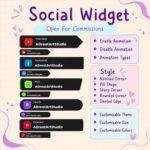
The widget changes between social platforms with a smooth visual effect. Depending on the available design, usernames may slide, fade, flip, or move across the screen.
Consequently, the social media display feels active without becoming distracting. The animation also helps each username receive attention during the broadcast.
Showing every social media account at the same time can make an overlay feel crowded. However, the Social Media Rotator Widget displays one account at a time.
Therefore, multiple links can be shared while only a small part of the screen is used. This design works especially well for minimal, modern, and organized Twitch overlays.
The social rotator widget is useful for many types of creators, including:
Furthermore, the widget can support creators who post content across several platforms.
Viewers may enjoy your stream but forget to check your other profiles. Therefore, a visible social media widget can remind them where else they can follow your content.
The rotating usernames stay on screen during the broadcast. As a result, viewers can notice your social handles naturally while watching.
However, the widget does not guarantee more followers. Instead, it provides a clear and professional way to promote your online profiles.
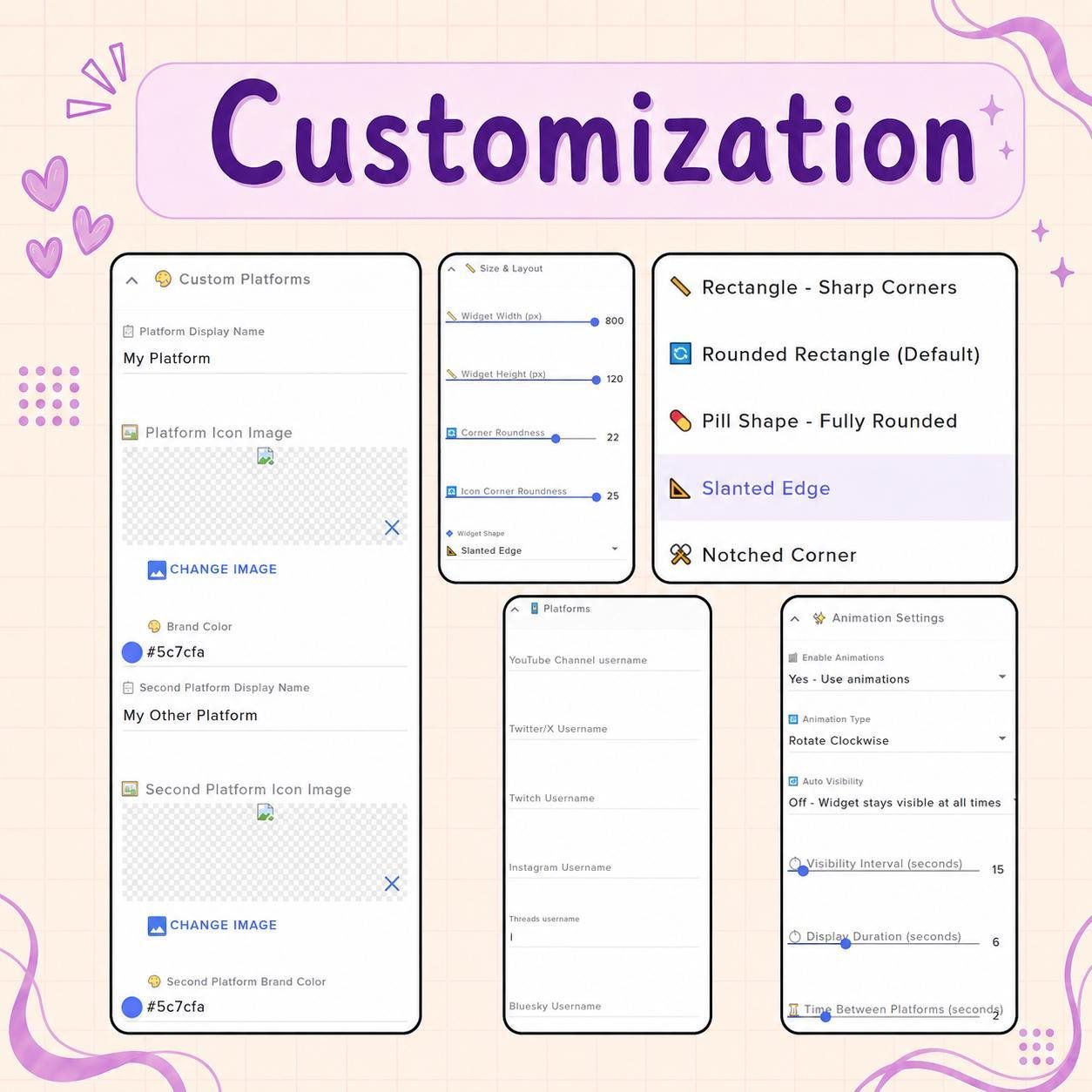
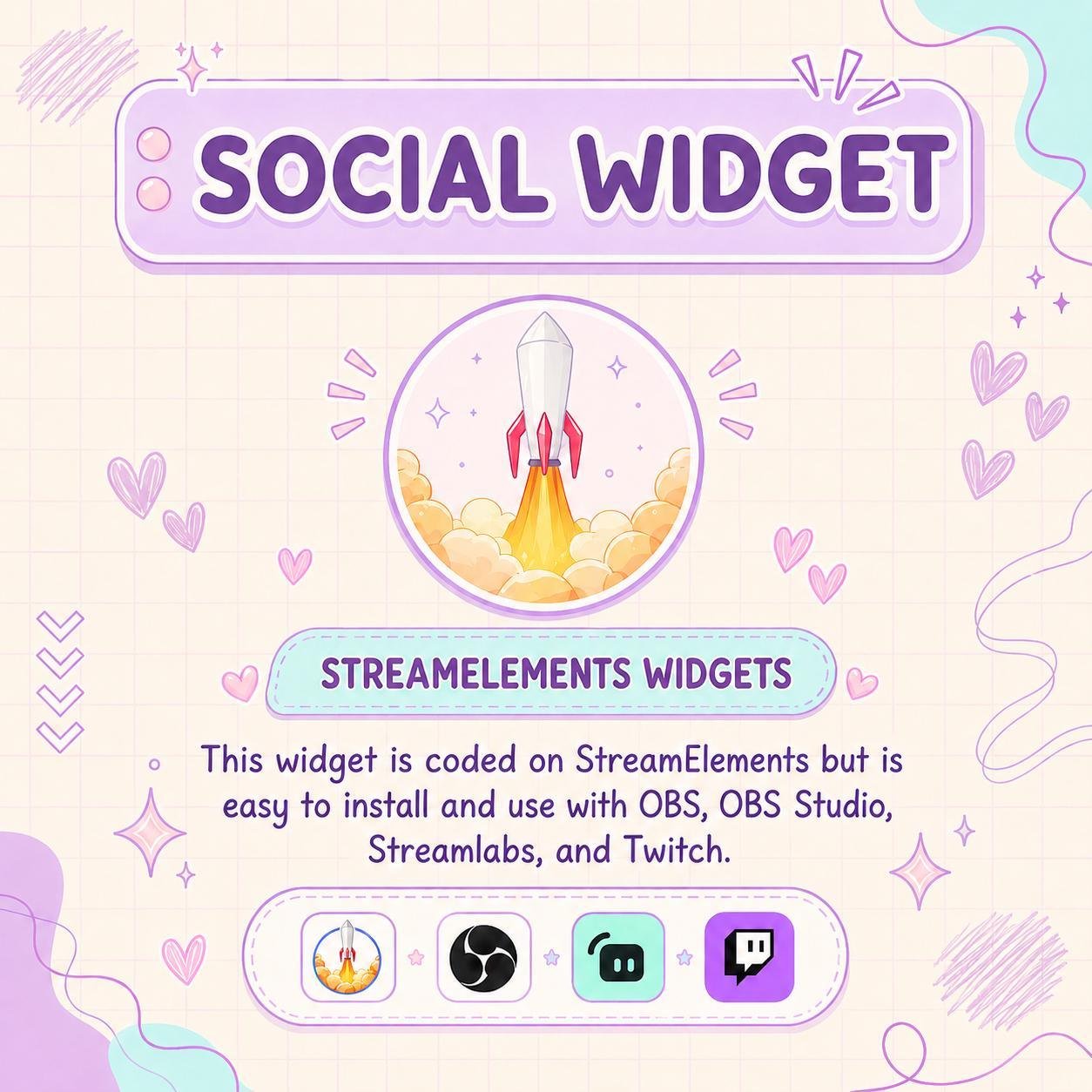
The Social Media Rotator Widget is designed for use with StreamElements. First, add the widget to your StreamElements overlay. Then, enter your social platforms and usernames in the available settings.
No advanced coding or design skills are required. Therefore, both beginner and experienced streamers can set it up easily.
This animated social media widget works with popular streaming software, including:
You can add it as a browser source. As a result, the widget can fit smoothly into your current Twitch OBS setup.
Moreover, it can be placed near your webcam, chat box, alerts, lower-third area, or other overlay elements.
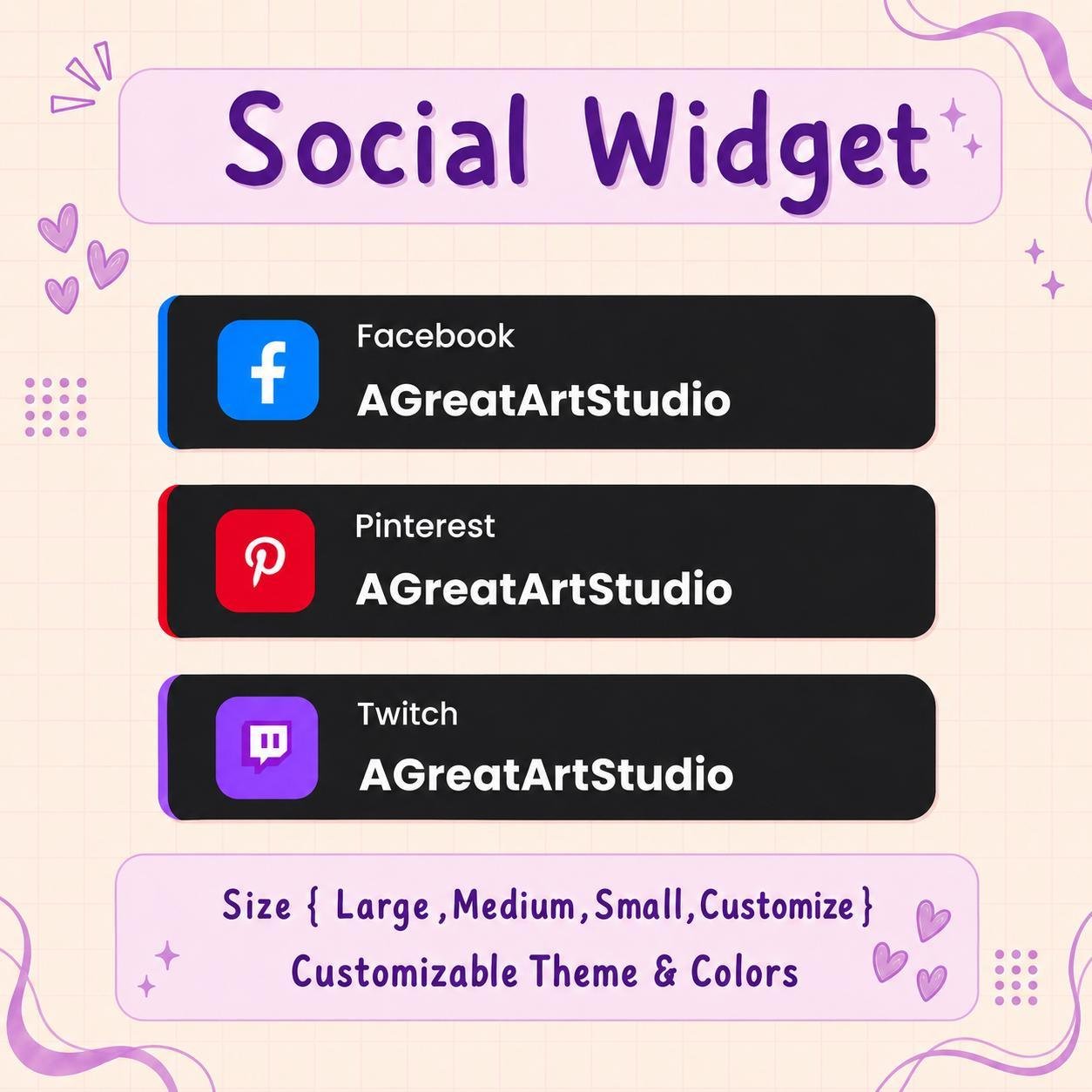
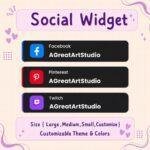
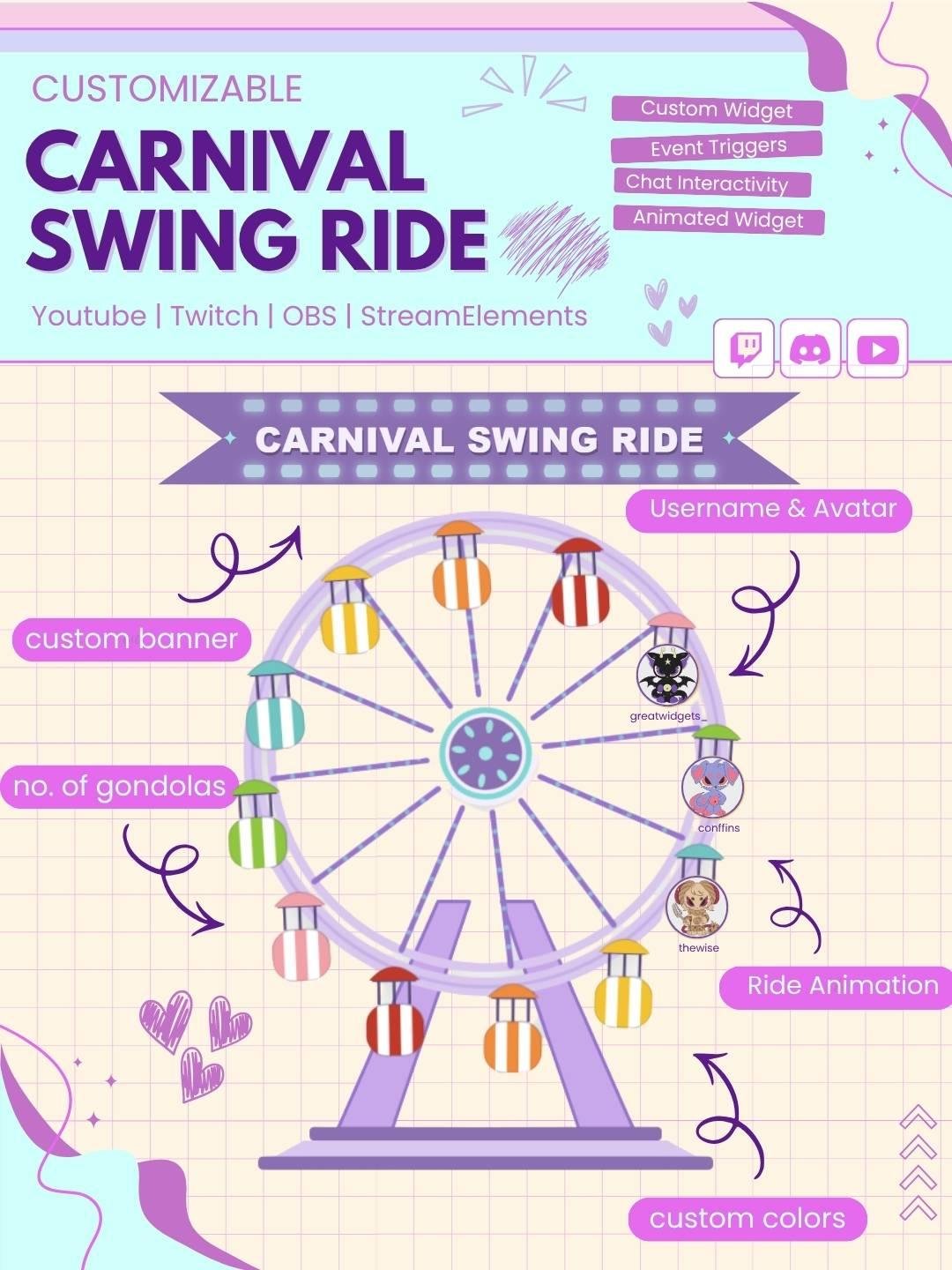
The available options can be adjusted to match your channel branding. For example, you may be able to customize:
Therefore, the widget can match many stream themes and color palettes.
Consistent branding helps your channel look more professional. Therefore, this customizable social media widget can be matched with your overlays, alerts, panels, webcam frames, and chat box.
It can fit gaming, anime, kawaii, minimal, retro, lofi, modern, or futuristic stream themes. As a result, your full Twitch setup can look more connected and polished.
The Social Media Rotator Widget works well during:
In addition, the compact design keeps your social information visible without covering important stream content.
The widget uses clear text, recognizable icons, and smooth transitions. Consequently, viewers can easily read each username before the next platform appears.
Moreover, the animation adds movement to your stream while maintaining a clean and professional appearance.
The Social Media Rotator Widget combines animated transitions, custom usernames, and multiple social platforms in one useful stream feature. Moreover, it gives viewers an easy way to discover your content outside Twitch.
Whether you want to promote YouTube, Instagram, TikTok, Discord, X, or other profiles, this StreamElements social widget can make your overlay feel more connected, professional, and complete.


Reviews
0.0 Average Rating Rated ( 0 Review )
There are no reviews yet.