




$6.49 $10.99
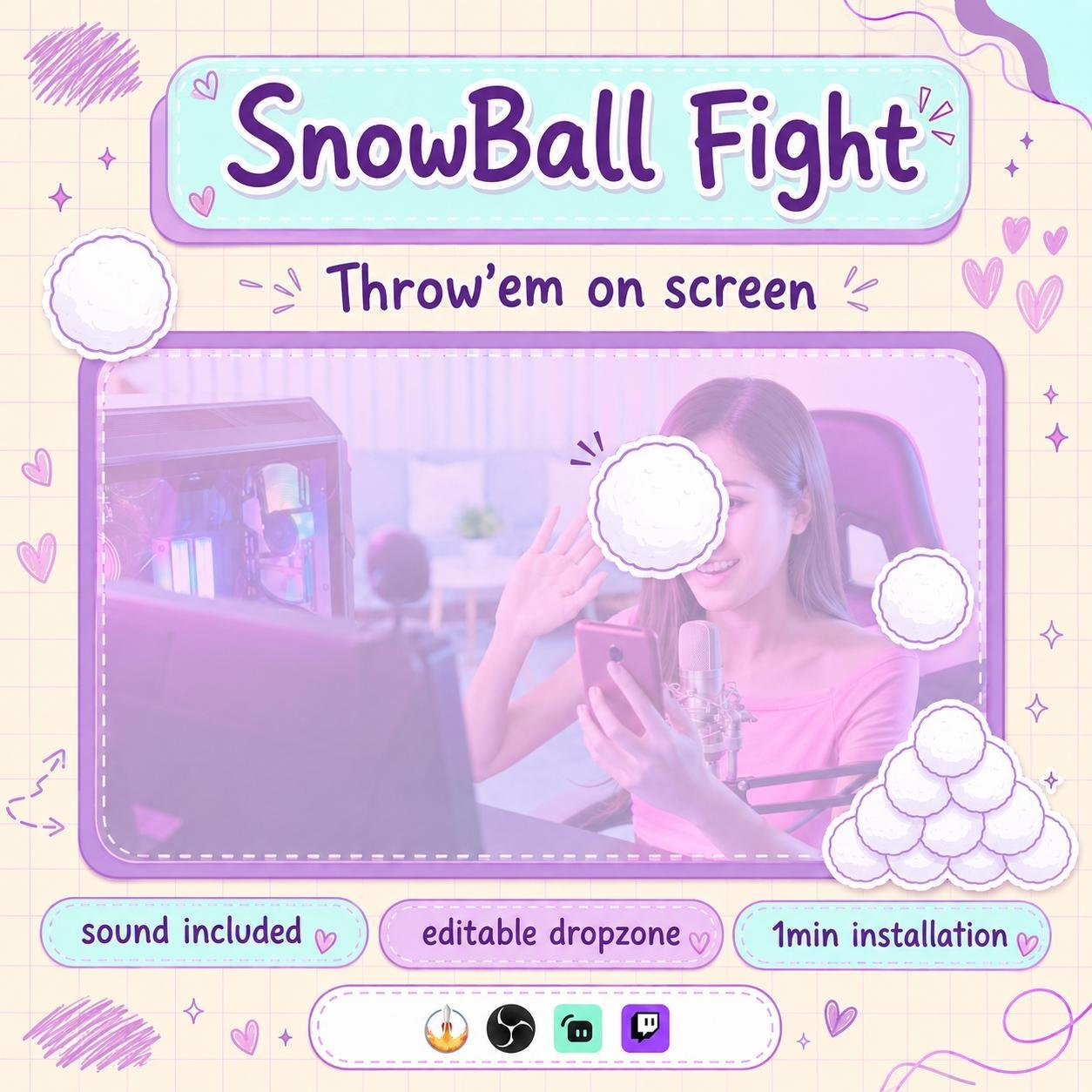
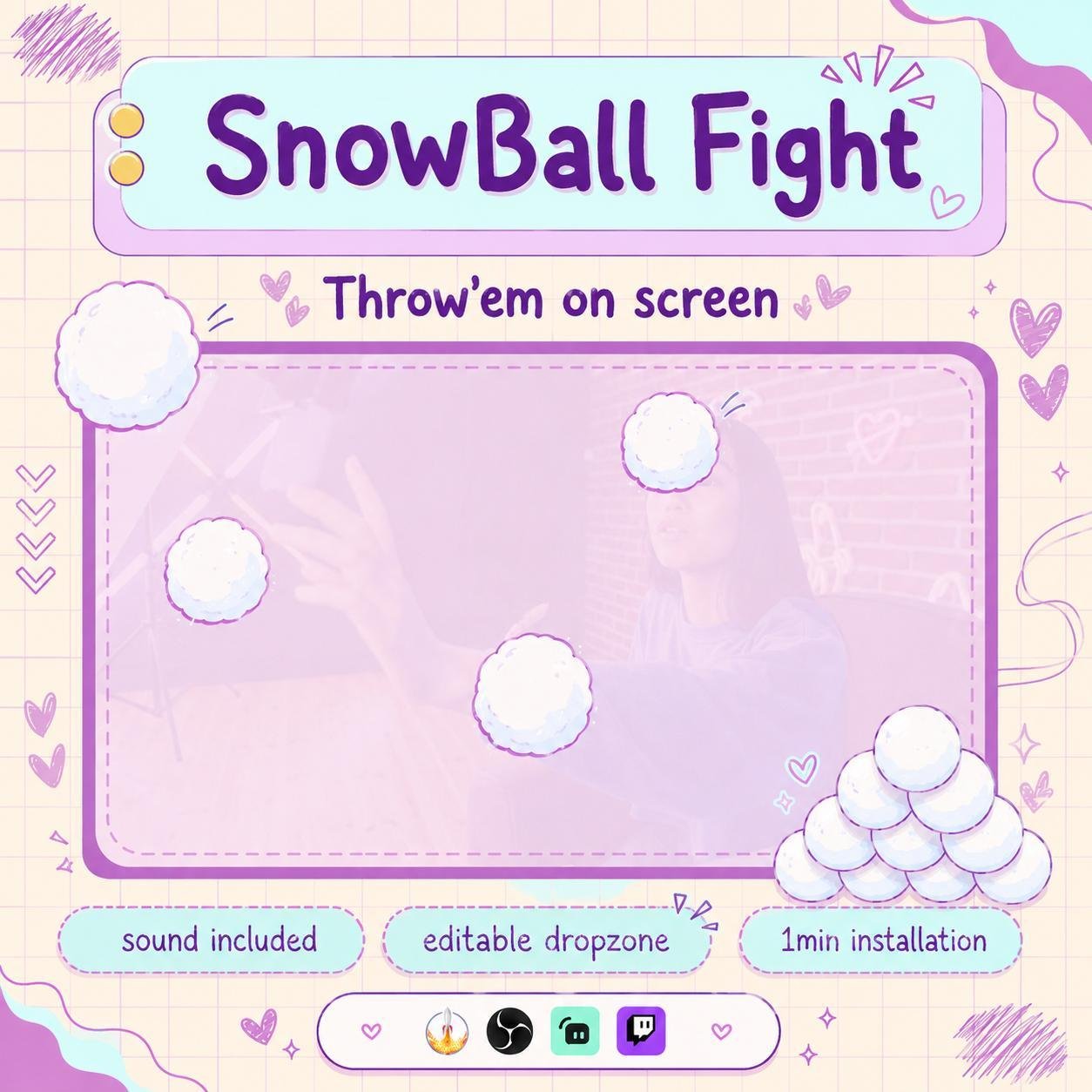
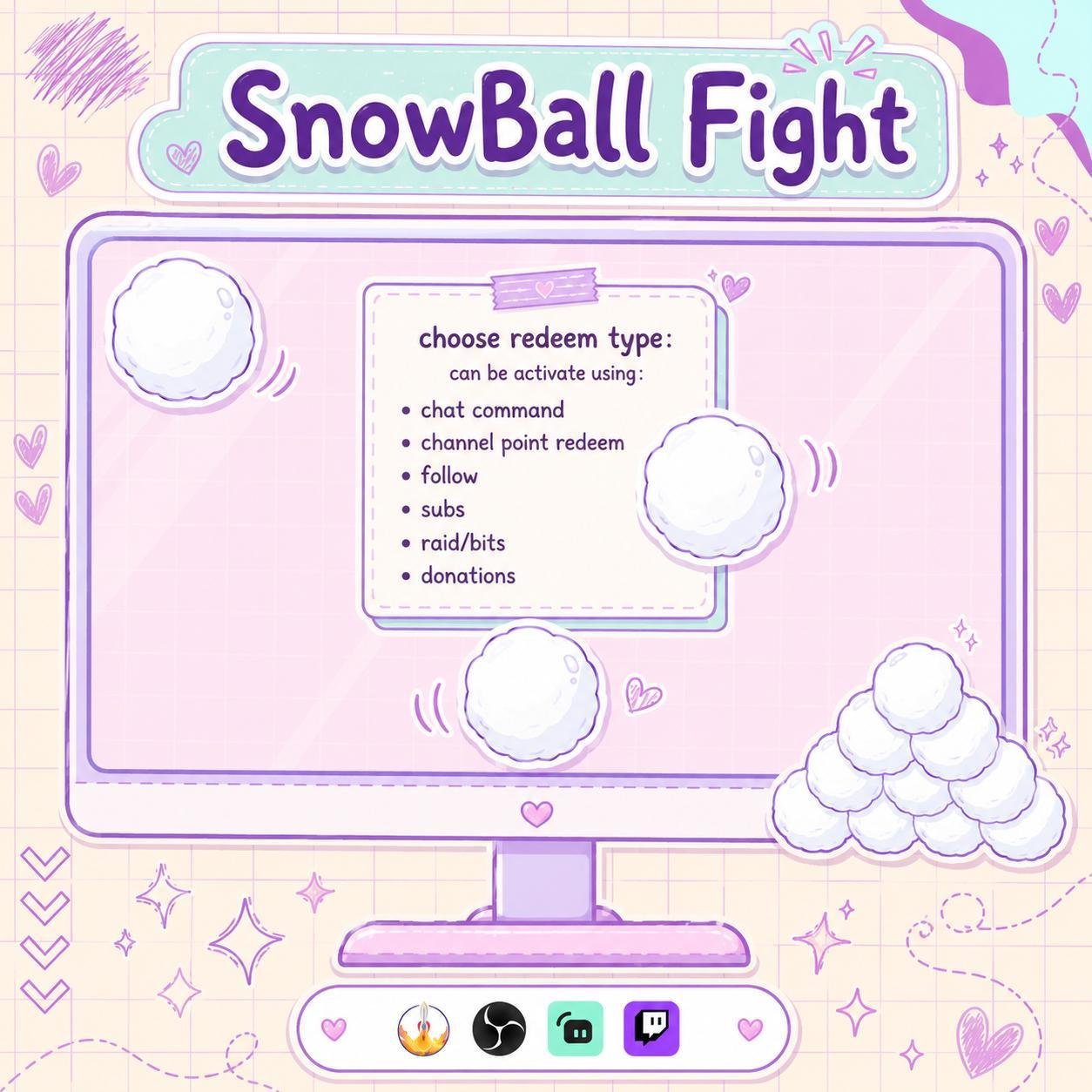
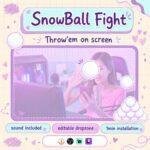
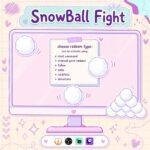
Engage your audience with a fun, interactive snowball fight overlay on your stream! It supports chat commands, donations, bits, subs, followers, and raids, with customizable sounds, animations, and cooldowns.
Let your viewers redeem snowballs, trigger them as alerts, or use them as a cute decorative mini-game on stream.
Perfect for streamers who love cozy, cute, wholesome, or community-focused winter vibes 💜
Add winter fun and viewer interaction to your live stream with the Interactive Snowball Twitch Widget. This playful stream widget lets viewers throw animated snowballs on screen through Twitch chat. As a result, normal chat activity can become a funny and memorable stream moment.
The widget works well for Twitch streamers, VTubers, gamers, and Just Chatting creators. Moreover, the snowball effect adds movement, humor, and seasonal energy to your overlay.
The Interactive Snowball Twitch Widget allows viewers to trigger a snowball throw with a supported chat command. Once the command is used, an animated snowball flies across the screen and creates a fun impact effect.
Because the action happens live, viewers can feel more involved in the stream. Therefore, the widget is a great choice for playful reactions, winter events, and community games.
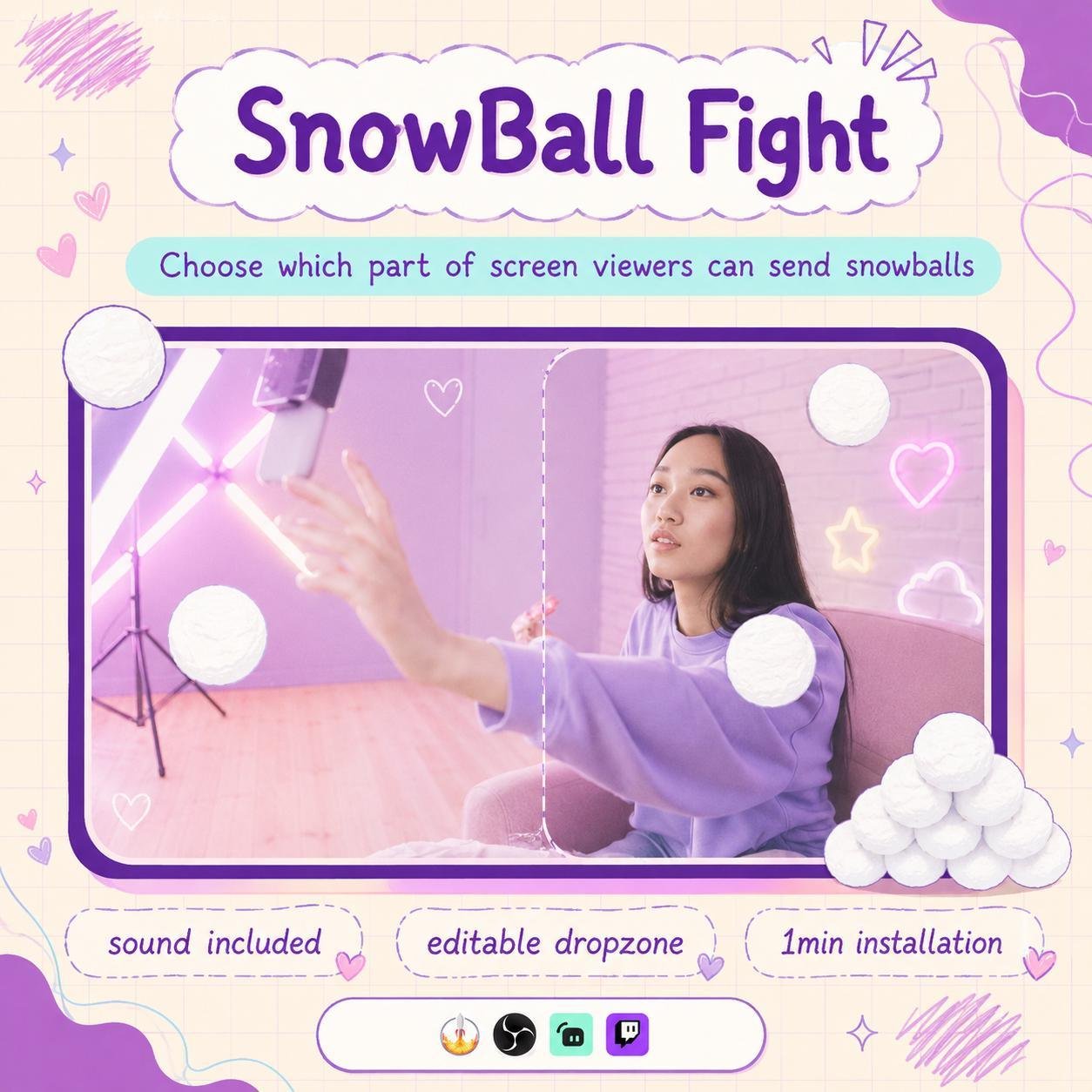
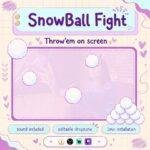
The widget shows a smooth snowball animation directly on your stream. The snowball can fly toward the screen, hit a target area, and create a snowy splash.
In addition, the quick animation adds surprise without covering important gameplay for too long. As a result, your overlay feels more active and entertaining.
Viewers can join the fun by typing a simple Twitch chat command. For example, a command such as !snowball can activate the animation, depending on your setup.
The interaction happens directly through chat. Therefore, viewers do not need to open another website or leave your stream.
Moreover, the simple command makes the widget easy to understand for new and regular viewers.
The Interactive Snowball Twitch Widget works especially well for winter-themed and holiday broadcasts. For example, it can be used during:
Consequently, the widget can add a festive touch to your full stream setup.
Viewers can throw snowballs during funny, surprising, or frustrating moments. For example, they may use the command when:
As a result, ordinary stream moments can become more interactive and entertaining.
Interactive Twitch widgets give viewers more ways to join the broadcast. Therefore, this snowball stream widget helps make chat actions feel more visible and rewarding.
Each snowball creates a direct on-screen response. Consequently, viewers may feel more connected to the stream and community.
However, the widget does not guarantee more followers or engagement. Instead, it provides a creative feature that can improve the viewer experience.
The Interactive Snowball Twitch Widget is designed for StreamElements. First, add the widget to your StreamElements overlay. Then, follow the included setup instructions and adjust the available options.
No advanced coding or design skills are required. Therefore, both beginner and experienced streamers can install the widget easily.
This interactive snowball widget works with popular streaming software, including:
You can add it as a browser source. As a result, the snowball effect can fit smoothly into your current Twitch OBS setup.
Furthermore, the animation can appear over gameplay, webcam areas, chat boxes, or other overlay elements.
The available settings can be adjusted to match your stream style. For example, you may be able to customize:
Therefore, the widget can fit different layouts, event rules, and community needs.
Busy chats may trigger too many snowballs at once. Therefore, cooldown settings can help keep the interaction fun and manageable.
Depending on the available options, you may also limit the command to subscribers, VIPs, moderators, or selected viewers. As a result, you can control how often the effect appears during your stream.
The Interactive Snowball Twitch Widget works well for many stream types, including:
Moreover, the snowy animation can match cute, festive, cartoon, gaming, kawaii, and winter overlay themes.
The widget uses clear graphics and smooth motion, so viewers can easily follow each snowball throw. In addition, the effect adds movement without changing your full overlay design.
The animation can work with both simple and detailed Twitch setups. Therefore, it is a useful choice for seasonal streams and year-round community fun.
The snowball effect can be used as a fun viewer reward during supported Twitch activities. For example, viewers may activate it through chat commands or channel point rewards.
As a result, the widget can become part of your stream games, jokes, challenges, and special events.
A unique interactive feature can make your channel easier to remember. Therefore, this animated snowball widget can become a fun part of your stream personality.
You can combine it with matching winter overlays, alerts, webcam frames, chat widgets, and goal displays. Consequently, your full setup can look more polished and connected.
The Interactive Snowball Twitch Widget combines chat interaction, animated effects, and seasonal fun in one entertaining stream feature. Moreover, it gives viewers a playful way to react to gameplay, jokes, challenges, and special moments.
Whether you use it for winter events, channel rewards, community games, or funny reactions, this StreamElements snowball widget can make your Twitch stream feel more active, festive, and engaging.

Reviews
0.0 Average Rating Rated ( 0 Review )
There are no reviews yet.