



$11.99 $16.99
Spin the wheel live on stream and let chance decide what happens next!
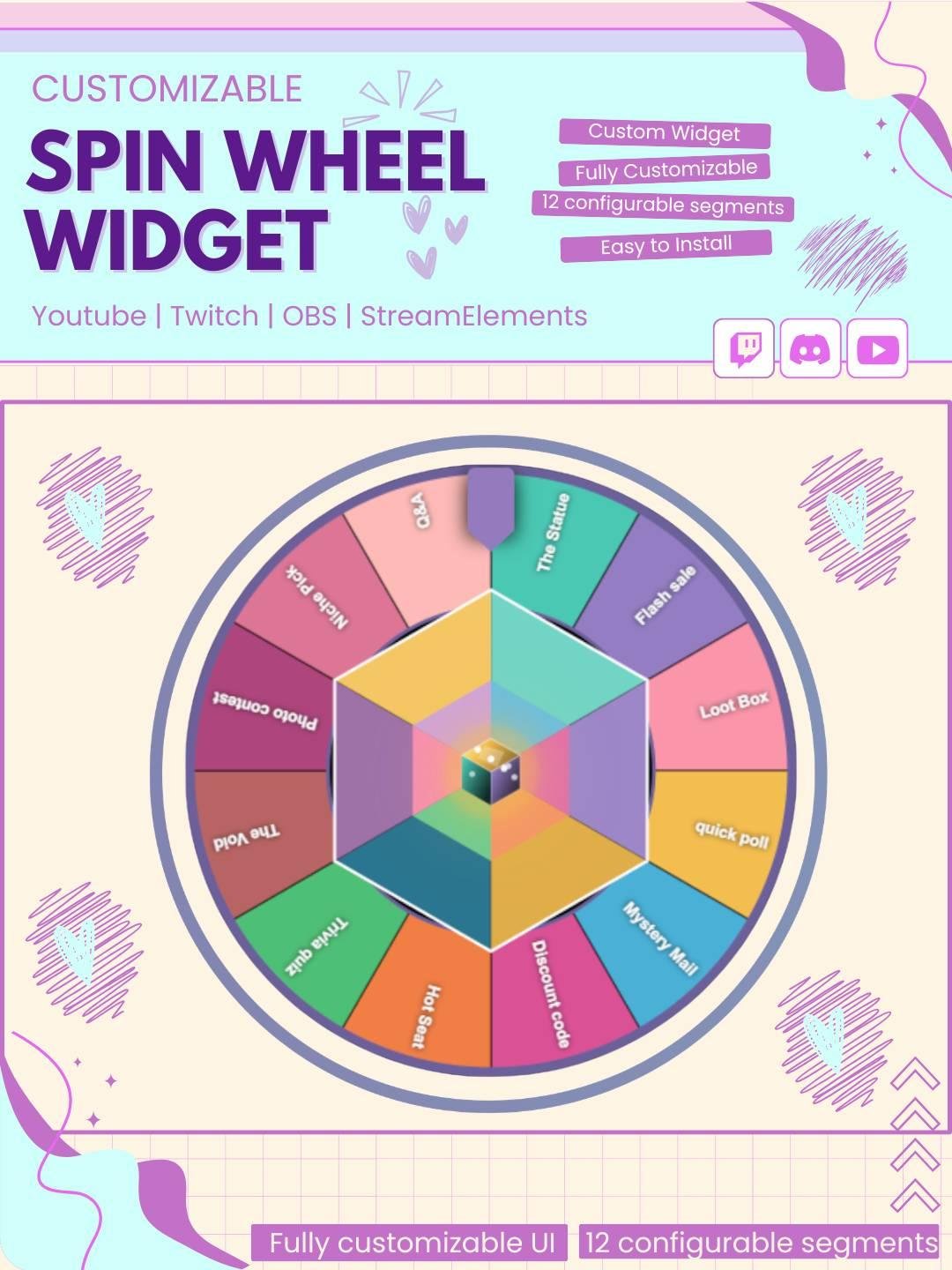
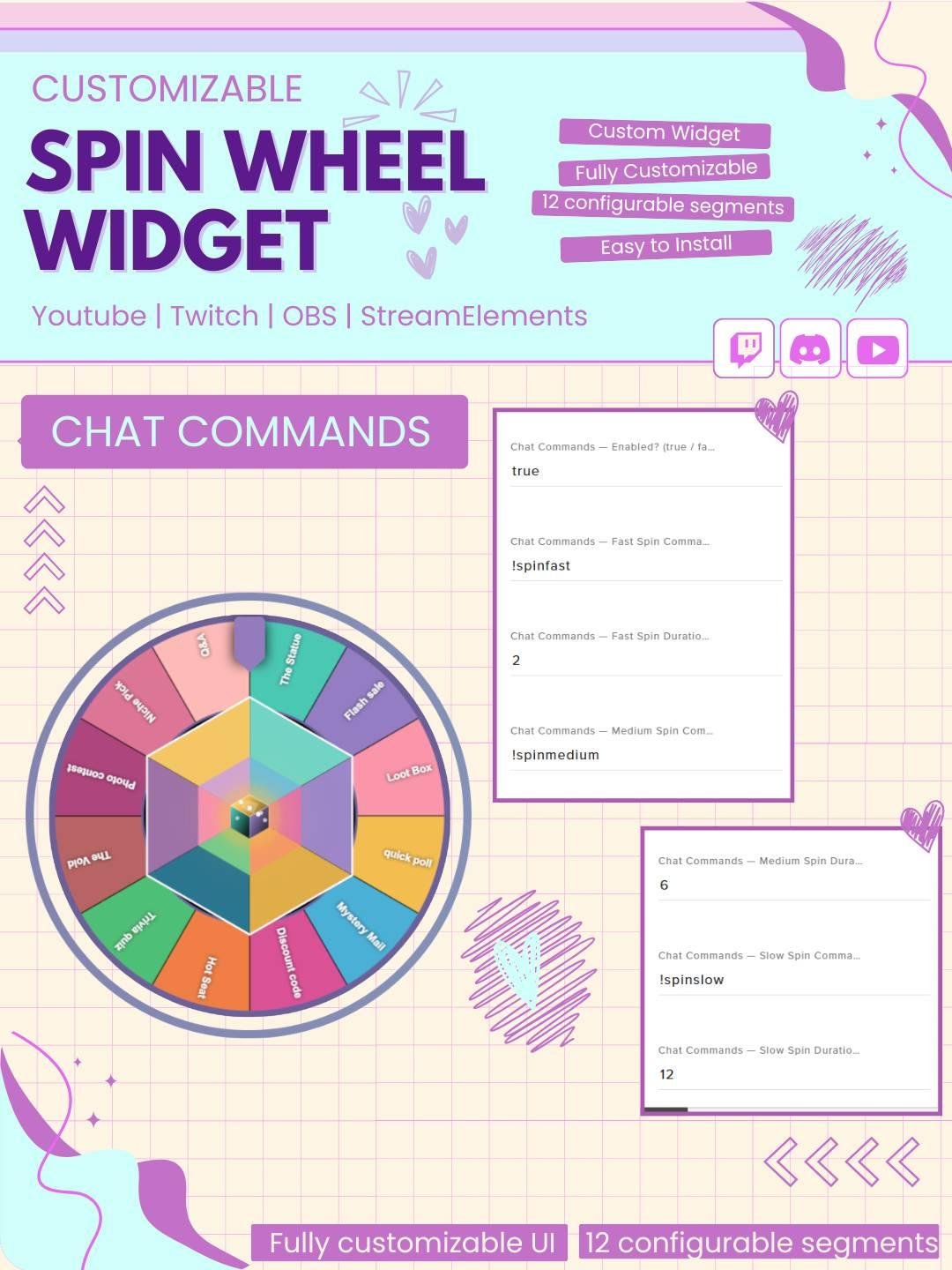
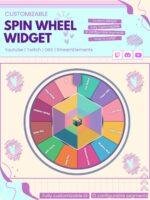
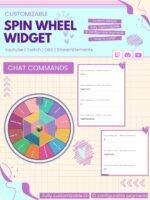
This widget displays a fully custom spinning wheel with up to 12 segments triggered entirely from chat commands, no on-screen interaction needed.
🎡 What’s Included
📄 4x Widget Files (html.txt, css.txt, js.txt, fields)
🎰 12x Customizable Wheel Segments each with its own label and color
🔷 Decorative Hex Ring around the wheel
🎲 Decorative 3D Dice centerpiece
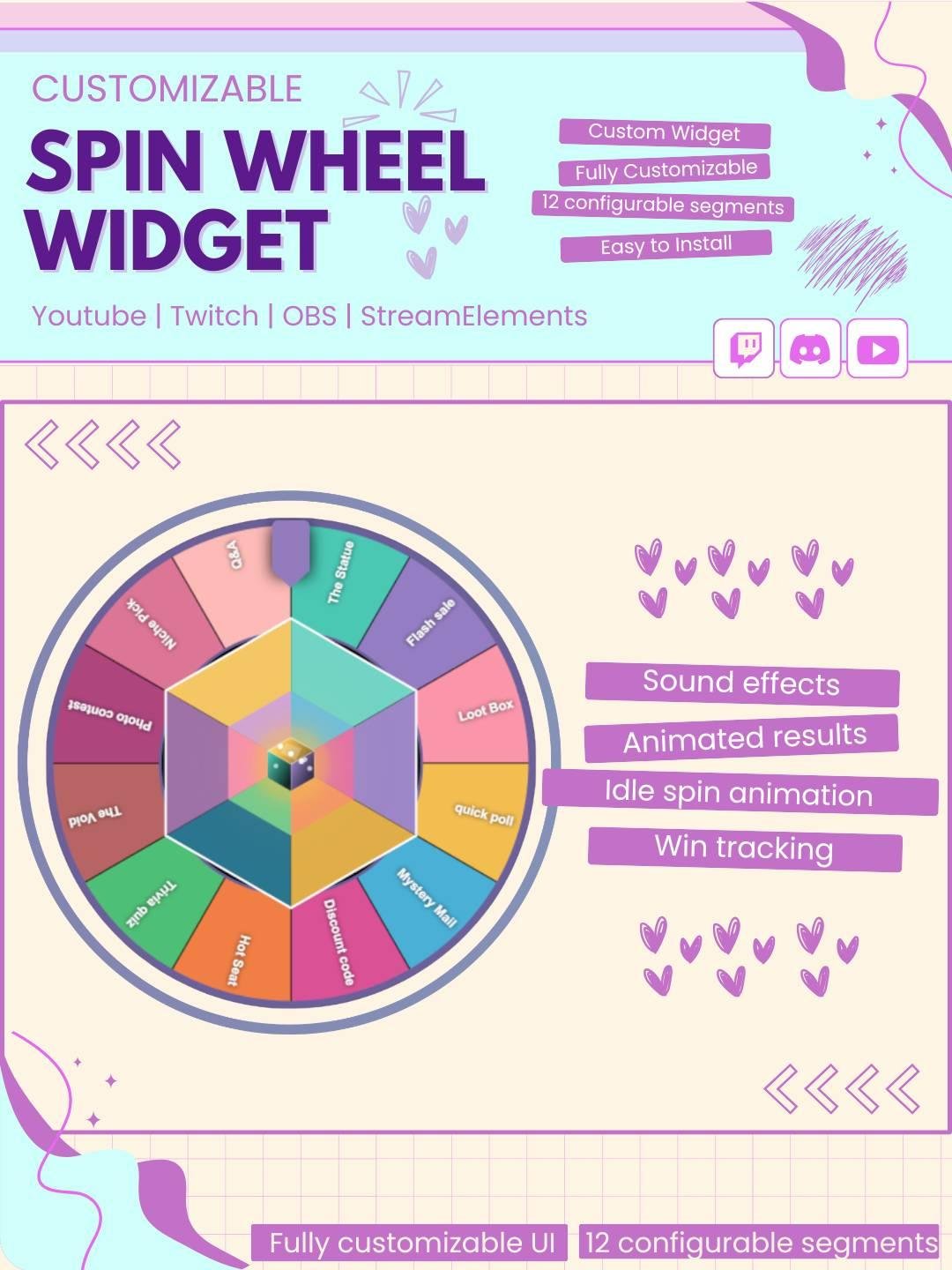
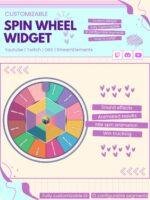
🏆 Result Display shows the winning segment on screen
🎊 Confetti Burst on result reveal
🔉 Spin Sound + Win Sound (custom MP3 URLs)
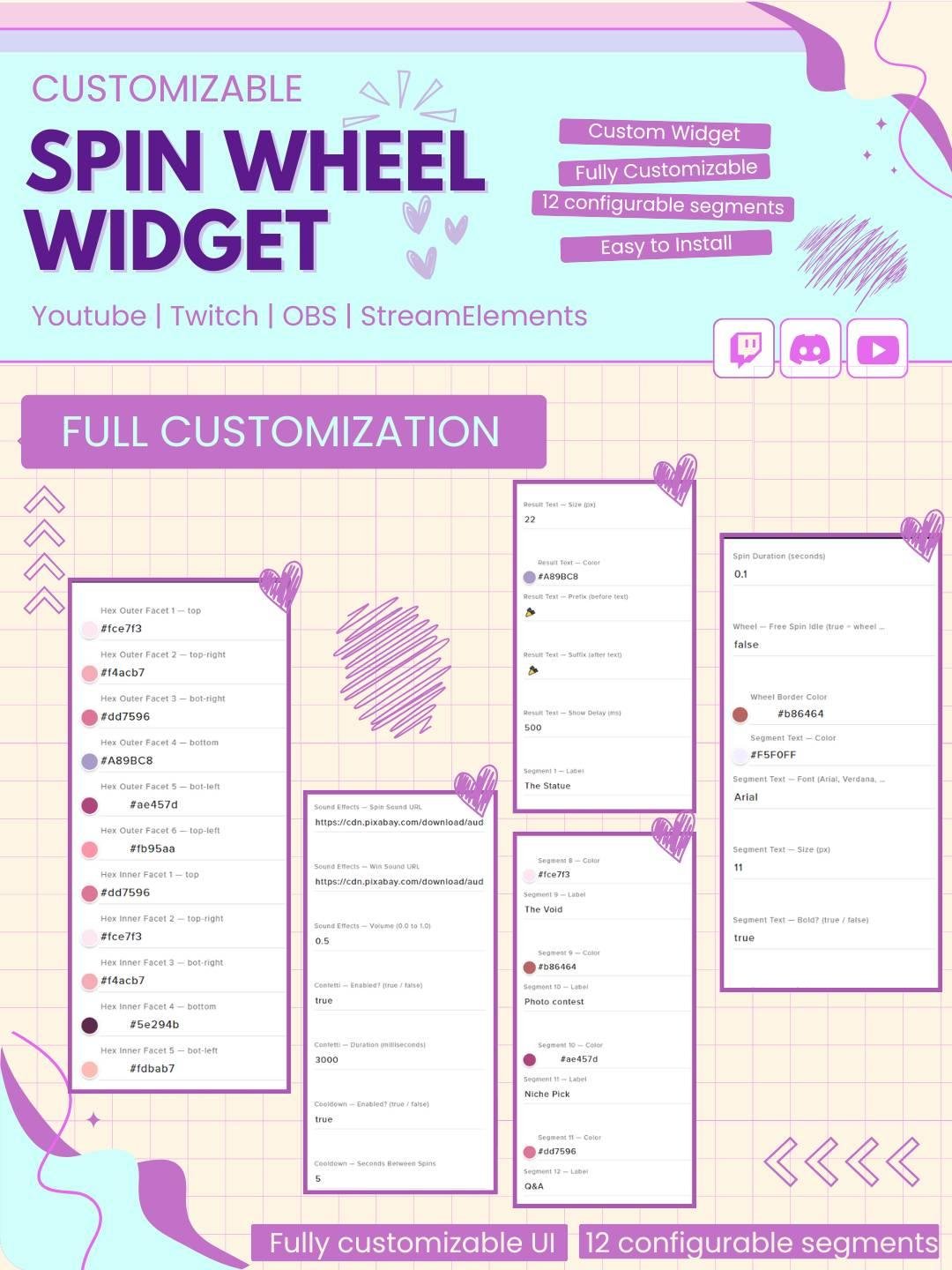
⚙️ Full Settings Panel no coding required
🎨 Full Customization
🎰 Segments — label and color per slice (x12)
🔵 Wheel border color
📝 Segment text — font, size, color, bold toggle
🎯 Selector pointer — color, width, height
🔷 Hex ring — 6 outer faces, 6 inner faces, border color
🎲 Dice centerpiece — top, right, left face colors
🏆 Result text — font, size, color, prefix & suffix text, show delay
Add fun, suspense, and viewer interaction to your live stream with the Spinning Wheel Twitch Widget. This interactive stream widget lets you spin a customizable wheel and select a random result directly on screen.
The widget works well for Twitch streamers, VTubers, gamers, and Just Chatting creators. Moreover, it can turn simple choices, rewards, and challenges into exciting stream moments.
The Spinning Wheel Twitch Widget gives you a fun way to choose random names, games, rewards, tasks, or challenges during a live stream.
Once the wheel starts spinning, viewers can watch it slow down and land on the final result. As a result, every spin creates suspense and keeps the audience interested.
You can add your own text and choices to the wheel. Therefore, the widget can be used for many different stream activities.
For example, you can add:
Because the wheel options can be changed, the same widget can support many types of content.
The spinning wheel can make giveaways and rewards more entertaining. Instead of choosing a result manually, you can let the wheel select one at random.
Therefore, the widget works well for:
Moreover, the spinning animation makes the final result feel more exciting.
Choosing the next game or challenge can sometimes take too long. However, the Spinning Wheel Twitch Widget can make the decision quickly.
You can add several games, dares, tasks, or activities to the wheel. Then, one option can be selected with a single spin.
As a result, the stream stays active and viewers can enjoy the decision process.
Interactive widgets give viewers more ways to take part in the stream. Therefore, your audience can suggest options, vote for ideas, or wait for the wheel to choose the result.
In addition, the random outcome can create funny reactions and memorable community moments.
However, the widget does not guarantee more viewers or engagement. Instead, it adds a creative feature that can make your stream more enjoyable.
The Spinning Wheel Twitch Widget works well for many types of live content, including:
Furthermore, the widget can match colorful, cute, gaming, modern, retro, kawaii, or minimal overlays.
The widget includes a smooth wheel animation that makes each spin easy to follow. The wheel rotates, slows down, and stops on the selected option.
Consequently, viewers can clearly see the final result. Moreover, the animated movement adds energy without covering important stream content for too long.
The Spinning Wheel Twitch Widget is designed for StreamElements. First, add the widget to your StreamElements overlay. Then, enter your custom wheel choices and adjust the available settings.
No advanced coding or design skills are required. Therefore, both beginner and experienced streamers can use it easily.
This spinning wheel stream widget works with popular streaming software, including:
You can add it as a browser source. As a result, the wheel can fit smoothly into your current Twitch OBS setup.
Moreover, it can be placed near your webcam, gameplay, chat box, alerts, or main stream area.
The available settings can be adjusted to match your channel style. For example, you may be able to change:
Therefore, the widget can match many stream themes and event ideas.
The spinning wheel can act as a simple random picker during your broadcast. It can help select viewers, prizes, games, challenges, or other custom options.
As a result, decisions can feel more open and entertaining. In addition, the wheel can reduce repeated manual choices during long streams.
A unique interactive feature can help your channel feel more memorable. Therefore, this customizable Twitch wheel can become part of your stream identity.
You can combine it with matching alerts, webcam frames, chat widgets, goal bars, and other overlays. Consequently, your full stream setup can look more polished and connected.
The Spinning Wheel Twitch Widget combines random selection, smooth animation, and stream interaction in one useful feature. Moreover, it can turn ordinary decisions into fun moments for your audience.
Whether you use it for giveaways, rewards, games, dares, challenges, or viewer names, this StreamElements spinning wheel widget can make your Twitch stream feel more active, organized, and entertaining.


Reviews
0.0 Average Rating Rated ( 0 Review )
There are no reviews yet.