

$12.00 $16.99
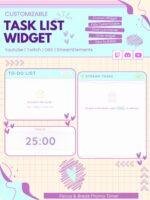
Twitch Stream Tasklist 3-in-1 Widget for StreamElements -> Co-working . To-Do List & Pomodoro Timer (Digital Download)
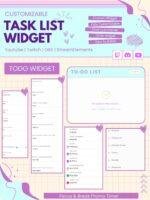
TASKLIST WIDGET
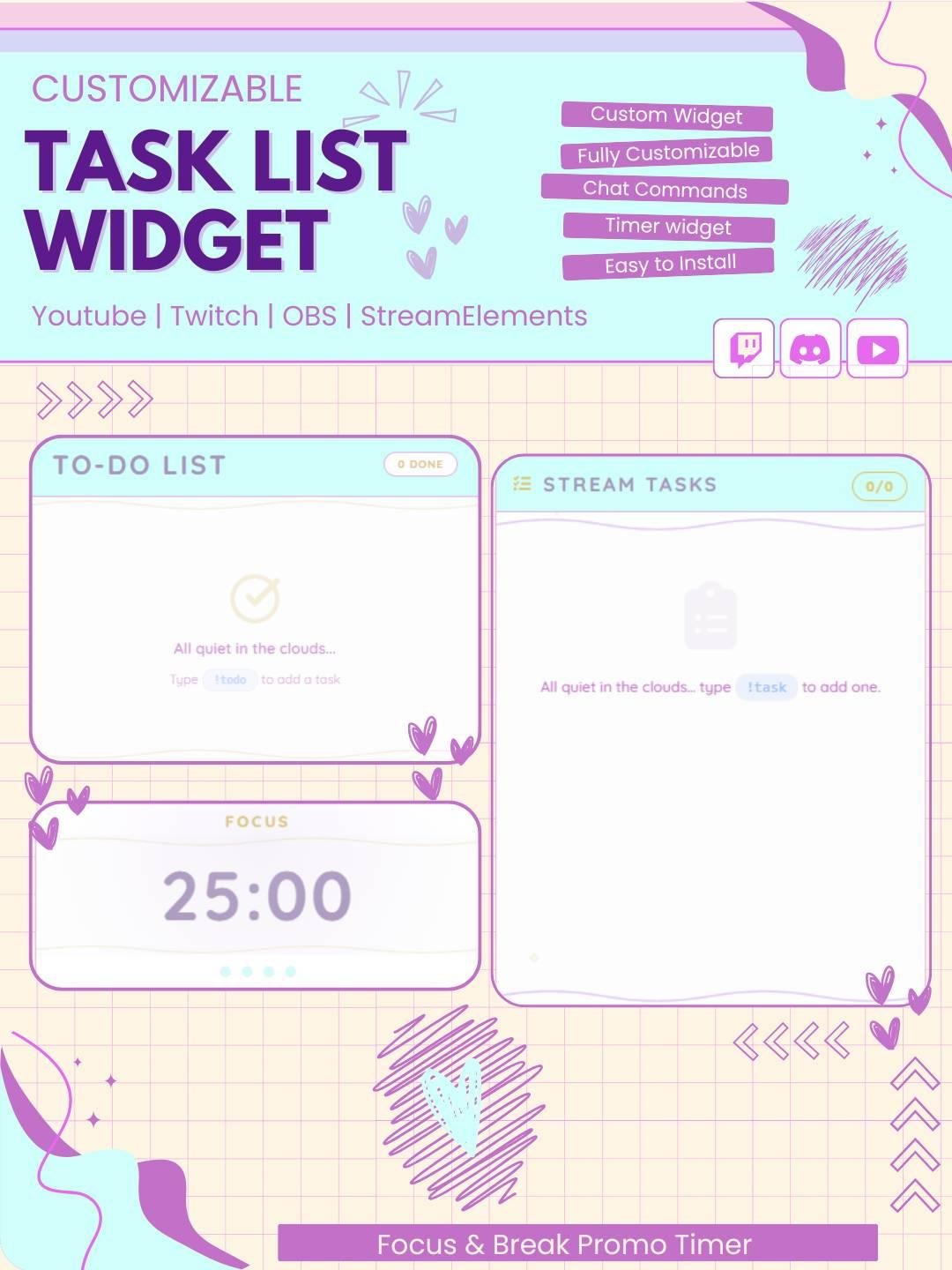
Transform how you organize your work and creative projects with our versatile, fully customizable Tasklist Widget. Designed to help you track everything from daily to‑dos and art commissions to game progress, this tool makes productivity a shared journey. Invite your viewers to join you as you complete tasks together!
Keep your live stream organized with the Tasklist Twitch Stream Widget. This useful Twitch widget lets you display tasks, goals, challenges, and reminders directly on your stream overlay.
The widget works well for Twitch streamers, VTubers, gamers, artists, study creators, and Just Chatting channels. Moreover, it helps viewers follow your progress while keeping your stream clear and organized.
The Tasklist Twitch Stream Widget gives you a simple way to show your current and upcoming tasks. You can add new tasks, mark completed items, edit the list, or remove tasks when needed.
As a result, viewers can easily see what you are working on during the stream. In addition, the task list helps you stay focused during long broadcasts.
This Twitch task widget can be used for many types of goals and activities. For example, you can display:
Therefore, the widget can support many different stream styles and content types.
The task list can be updated while you stream. You can add a new task, mark an item as completed, edit the text, or remove old tasks.
Consequently, your stream information stays accurate and easy to follow. Moreover, you do not need to create a new overlay every time your plans change.
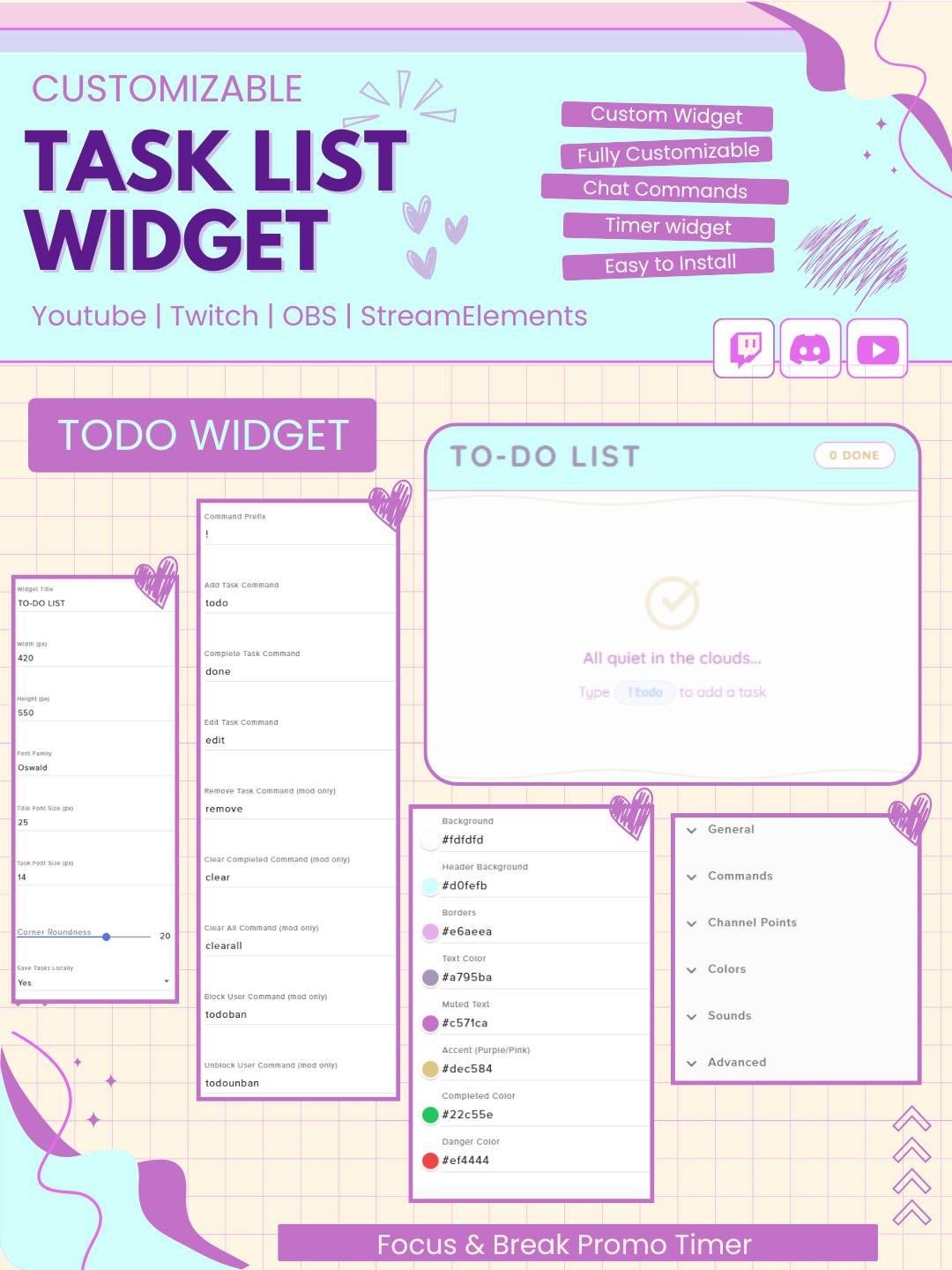
Depending on the setup, tasks can be managed through Twitch chat commands. For example, commands may allow you or your moderators to:
As a result, the task list can be controlled without leaving the live stream.
Viewers may miss spoken updates during a busy stream. Therefore, the Tasklist Twitch Stream Widget keeps important goals visible on screen.
Your audience can check the current activity, upcoming challenge, or completed progress at any time. In addition, the widget can reduce repeated questions in chat.
Gamers can use the widget to display missions, achievements, boss fights, game objectives, or challenge rules.
For example, you can create a list for:
Therefore, the widget can make gaming progress easier for viewers to follow.
Artists and creative streamers can use the task list to show commissions, drawing requests, project steps, or design goals.
Moreover, viewers can see which task is active and what will be completed next. As a result, creative streams can feel more organized and professional.
The Tasklist Twitch Stream Widget also works well for study, coding, work, and productivity streams.
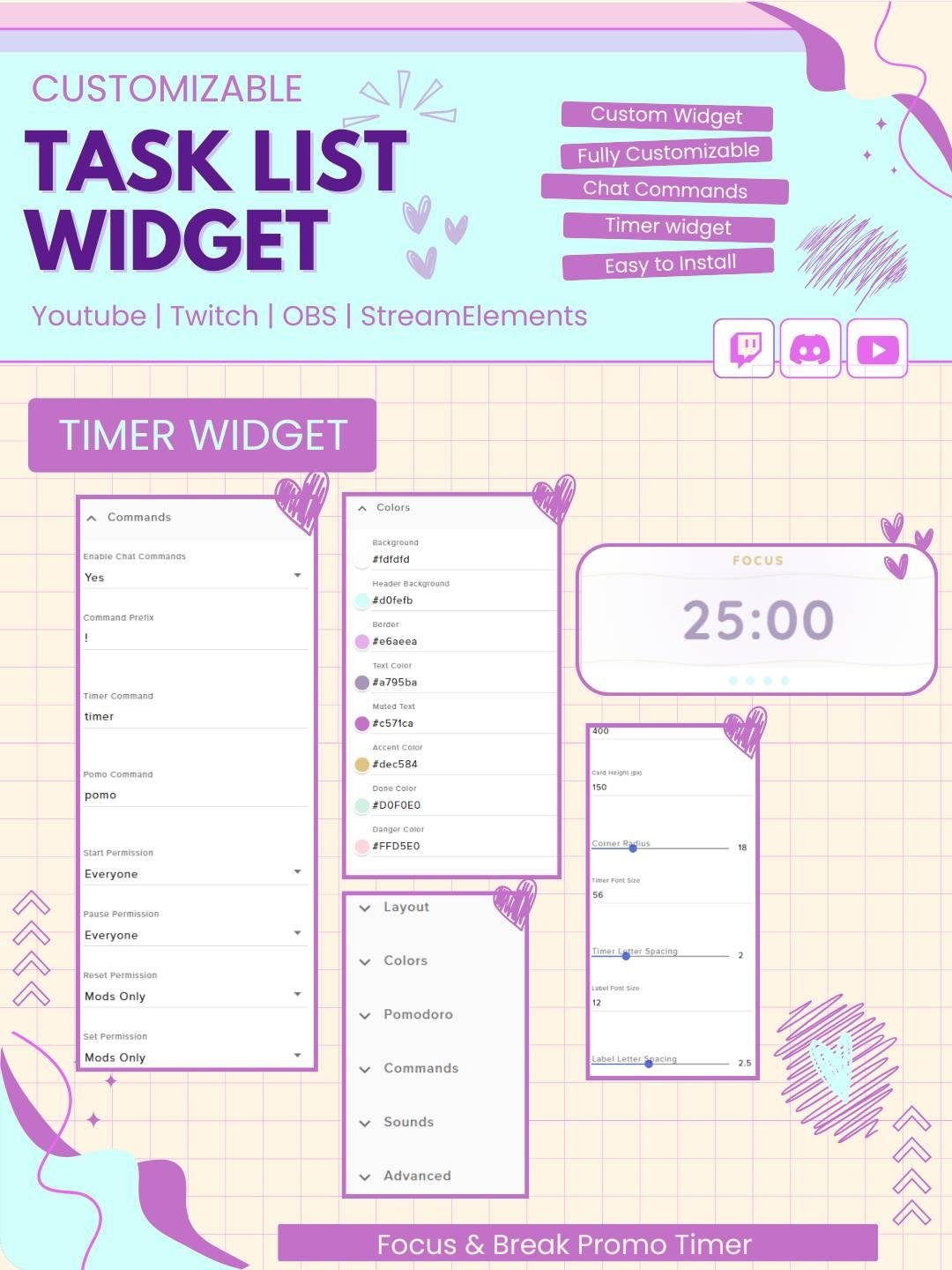
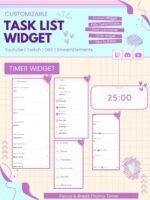
You can use it with timers, Pomodoro widgets, calendars, or goal displays. Consequently, viewers can work alongside you while following the same task plan.
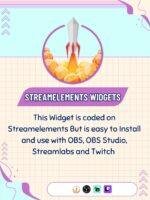
The widget is designed for use with StreamElements. First, add the task list to your StreamElements overlay. Then, follow the included setup steps and adjust the available settings.
No advanced coding or design skills are required. Therefore, both new and experienced streamers can set it up easily.
This Twitch task list widget works with popular streaming software, including:
You can add it as a browser source. As a result, the widget can fit smoothly into your current Twitch OBS setup.
Furthermore, it can be placed near your webcam, chat box, goal bar, alerts, or gameplay area.
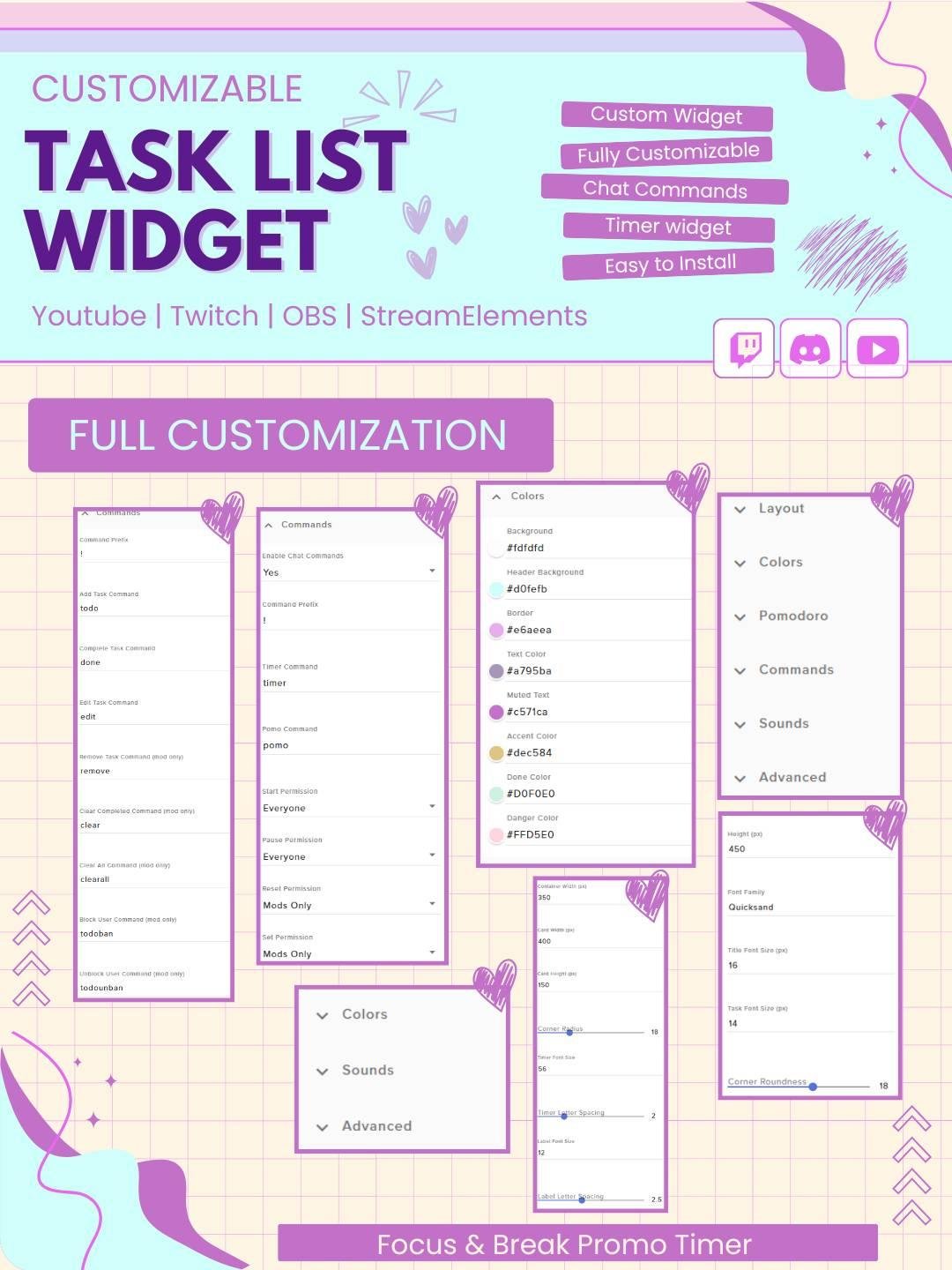
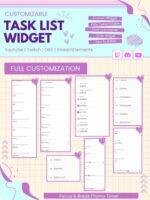
The available settings can be adjusted to match your channel branding. For example, you may be able to customize:
Therefore, the widget can fit cute, modern, gaming, anime, minimal, colorful, or professional stream themes.
Long streams often include many activities. However, it can be difficult to remember every goal while talking to viewers and managing gameplay.
The Tasklist Twitch Stream Widget keeps everything in one visible place. As a result, you can focus on your content while the list tracks your plans.
A visible task list can also support community participation. For example, viewers can suggest games, challenges, art ideas, or stream activities.
Then, selected ideas can be added to the list. Therefore, viewers can feel more involved in the stream.
However, the widget does not guarantee more engagement. Instead, it provides a useful way to display ideas and progress clearly.
The Tasklist Twitch Stream Widget works well for:
Moreover, the clean design can fit many different overlay styles.
The widget uses clear text and an easy-to-read layout. Consequently, viewers can quickly understand each task.
In addition, completed items can be shown differently from active tasks. This makes stream progress clear without filling the screen with too much information.
The Tasklist Twitch Stream Widget combines task tracking, stream organization, and viewer-friendly design in one useful widget. Moreover, it helps you display goals and progress without interrupting your content.
Whether you use it for gaming challenges, art requests, study goals, community ideas, or daily stream plans, this StreamElements task list widget can make your broadcast feel more organized, clear, and engaging.


Reviews
0.0 Average Rating Rated ( 0 Review )
There are no reviews yet.