


$6.99 $9.99
✨ Description
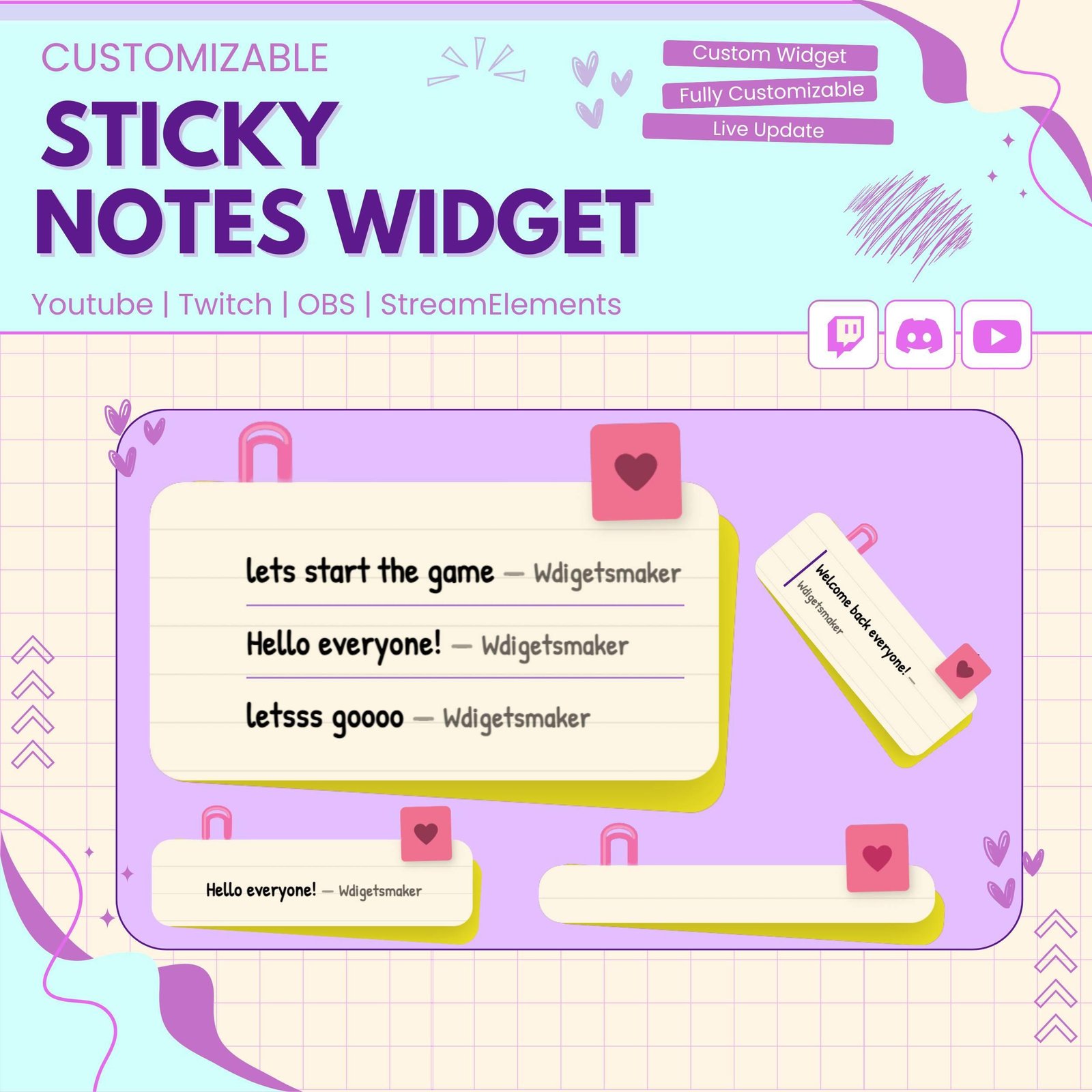
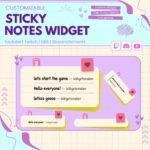
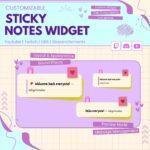
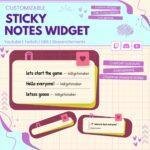
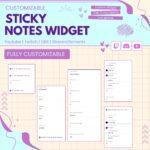
Display your Twitch chat messages as a live sticky note on your stream!
This widget turns your chat into a beautiful handwritten note on screen.
🗒️ What’s Included
📄 4x Widget Files (index.html, style.css, script.js, fields.json)
🎨 8x Color Theme Presets (Classic, Pink, Mint, Lavender, Dark, Ocean, Sunset, Forest)
🎬 7x Entrance Animations (Pop In, Bounce, Slide, Flip, Zoom, Drop, Wobble)
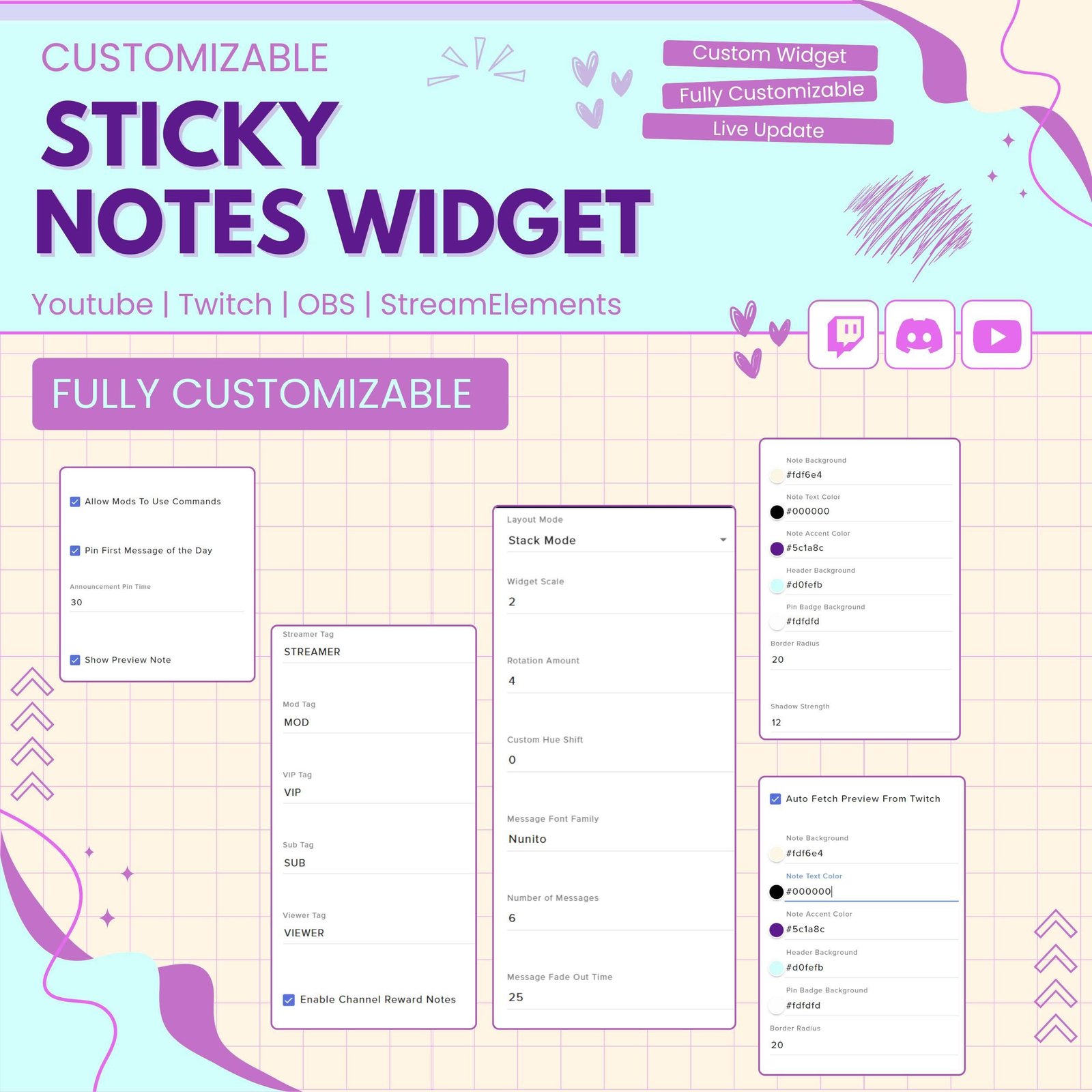
⚙️ Full Settings Panel — no coding required
Add a cute and creative chat display to your stream with the Sticky Note Chat Widget. This interactive Twitch widget shows viewer messages as colorful sticky notes on screen. As a result, your chat can become a fun part of the stream design.
The widget works well for Twitch streamers, VTubers, gamers, artists, and Just Chatting creators. Moreover, it adds personality to your overlay while keeping viewer messages easy to read.
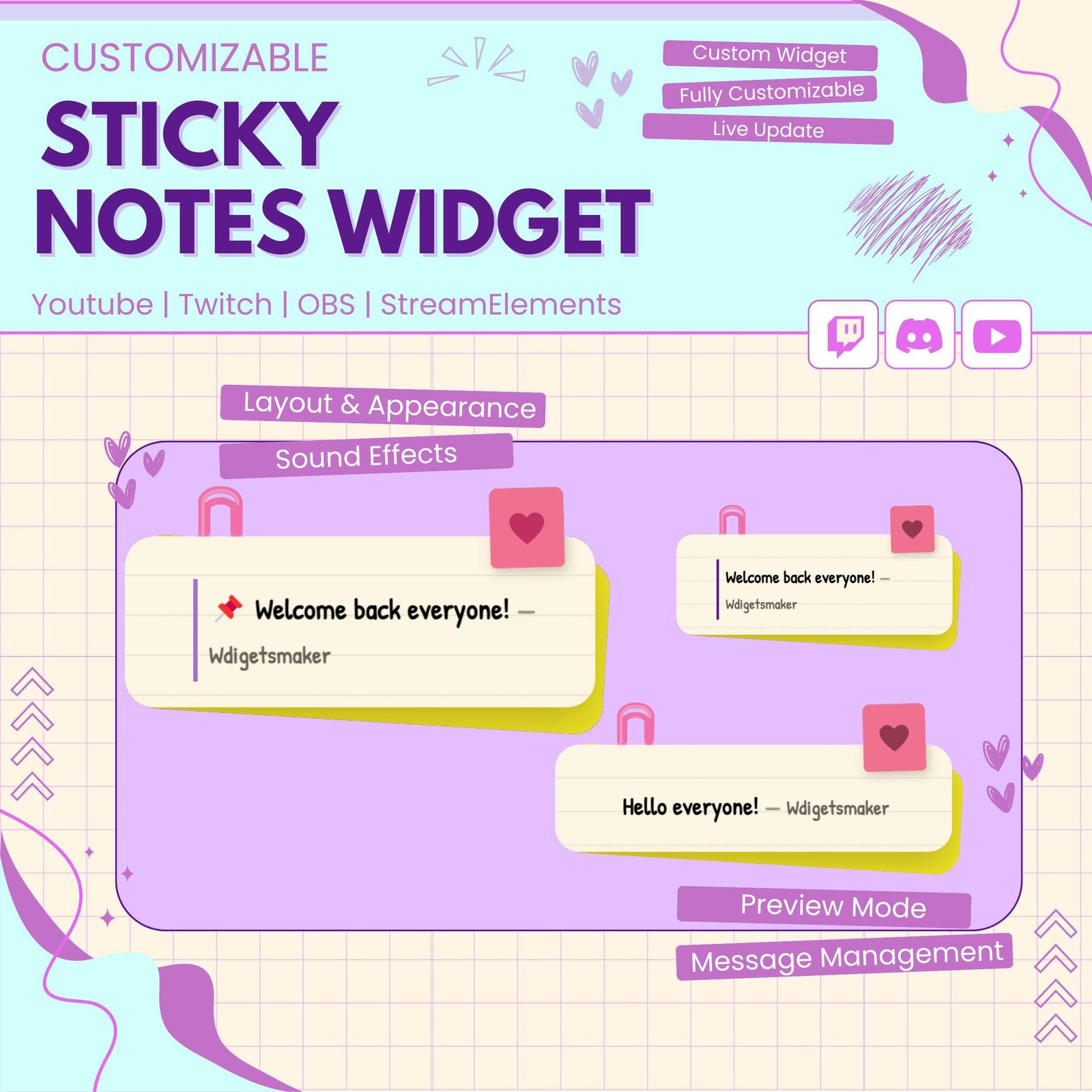
The Sticky Note Chat Widget turns normal Twitch chat messages into animated sticky notes. When viewers send a message, a new note can appear on screen with their name and chat text.
Therefore, viewers can see their messages become part of the live stream. In addition, the note-style display creates a more personal and playful chat experience.
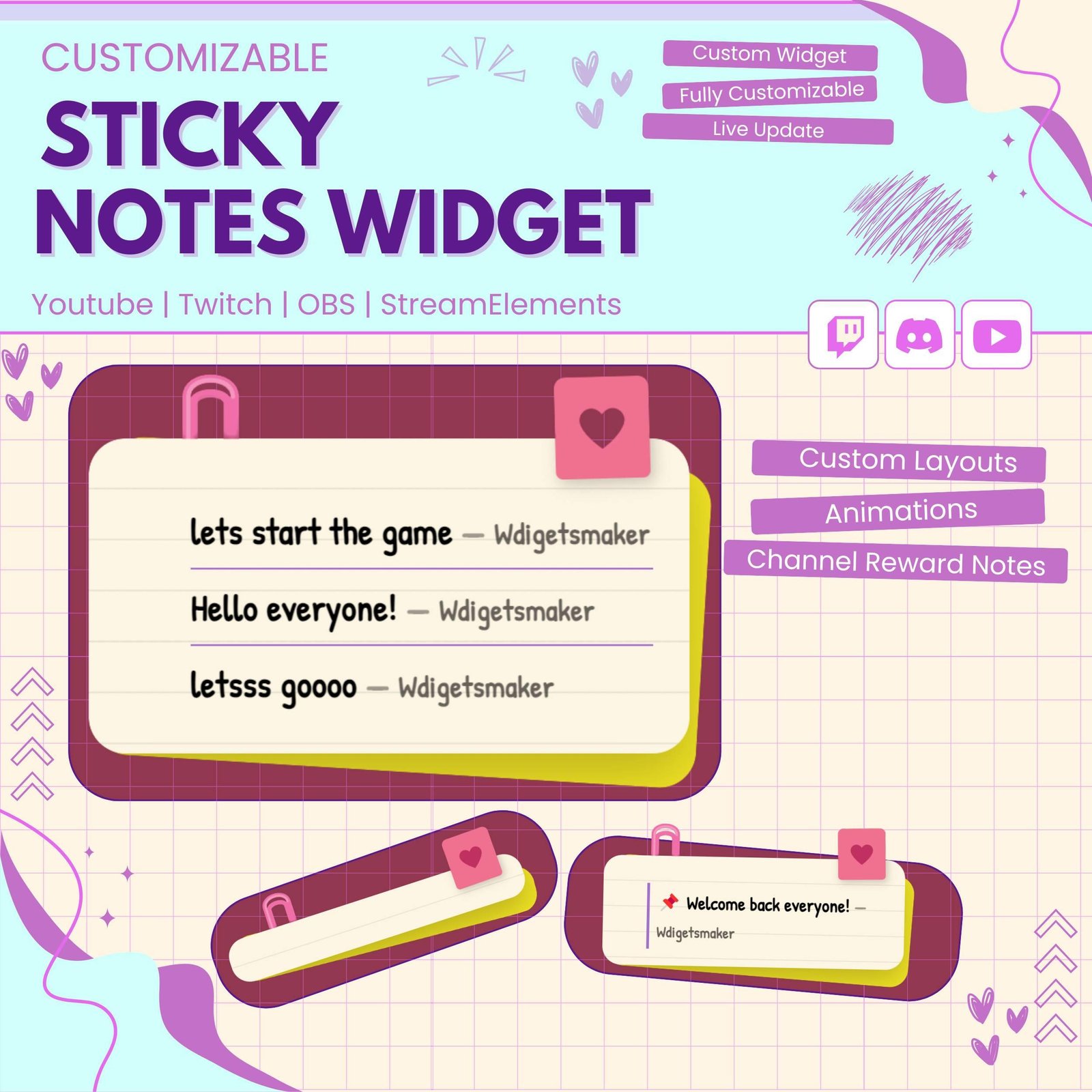
Each chat message appears in a sticky note design instead of a standard chat box. As a result, your stream overlay can look more creative and unique.
The widget can match many stream themes, including:
Moreover, the animated notes add movement without making the screen feel too busy.
Viewer messages play an important role during live streams. Therefore, this interactive chat widget helps make each message more visible and enjoyable.
When a viewer sends a message, their sticky note can appear directly on stream. Consequently, the audience may feel more connected to the conversation.
However, the widget does not guarantee more viewers or engagement. Instead, it adds a creative way to display chat and improve the overall viewer experience.
The Sticky Note Chat Widget can display many types of chat activity. For example, it can be used for:
As a result, important or entertaining messages can become part of your visual stream layout.
The Sticky Note Chat Widget is designed for StreamElements. First, add the widget to your StreamElements overlay. Then, follow the included setup instructions and adjust the available settings.
No advanced coding or design skills are required. Therefore, both beginner and experienced streamers can use the widget easily.
This Twitch chat widget works with popular streaming software, including:
You can add the widget as a browser source. As a result, it can fit smoothly into your current Twitch OBS setup.
In addition, the widget can be placed near your webcam, gameplay, alerts, or other overlay elements.
The available settings can be adjusted to match your stream theme. For example, you may be able to change:
Therefore, the widget can work with many different stream styles and branding choices.
The widget uses clear text and smooth animations, so viewer messages remain easy to read. Moreover, the sticky note style adds a professional yet playful look to your stream.
You can use it as a full chat display or as a small decorative chat feature. As a result, it can support both simple and detailed overlays.
The Sticky Note Chat Widget works well for:
Furthermore, the soft and friendly design helps create a welcoming stream atmosphere.
A unique chat display can help your stream stand out. Therefore, this sticky note widget can become a memorable part of your channel branding.
You can combine it with matching alerts, panels, webcam frames, goal widgets, and overlays. Consequently, your full Twitch setup can look more connected and polished.
The Sticky Note Chat Widget combines live chat, animation, and cute stream design in one useful widget. Moreover, it gives viewers a fun way to see their messages appear during the broadcast.
Whether you run a gaming stream, VTuber channel, art session, or cozy Just Chatting stream, this interactive Twitch chat widget can make your overlay feel more personal, colorful, and engaging.


Reviews
0.0 Average Rating Rated ( 0 Review )
There are no reviews yet.