


$12.49 $16.99
🎮✨ Let Your Viewers Play Live on Stream! ✨🎮
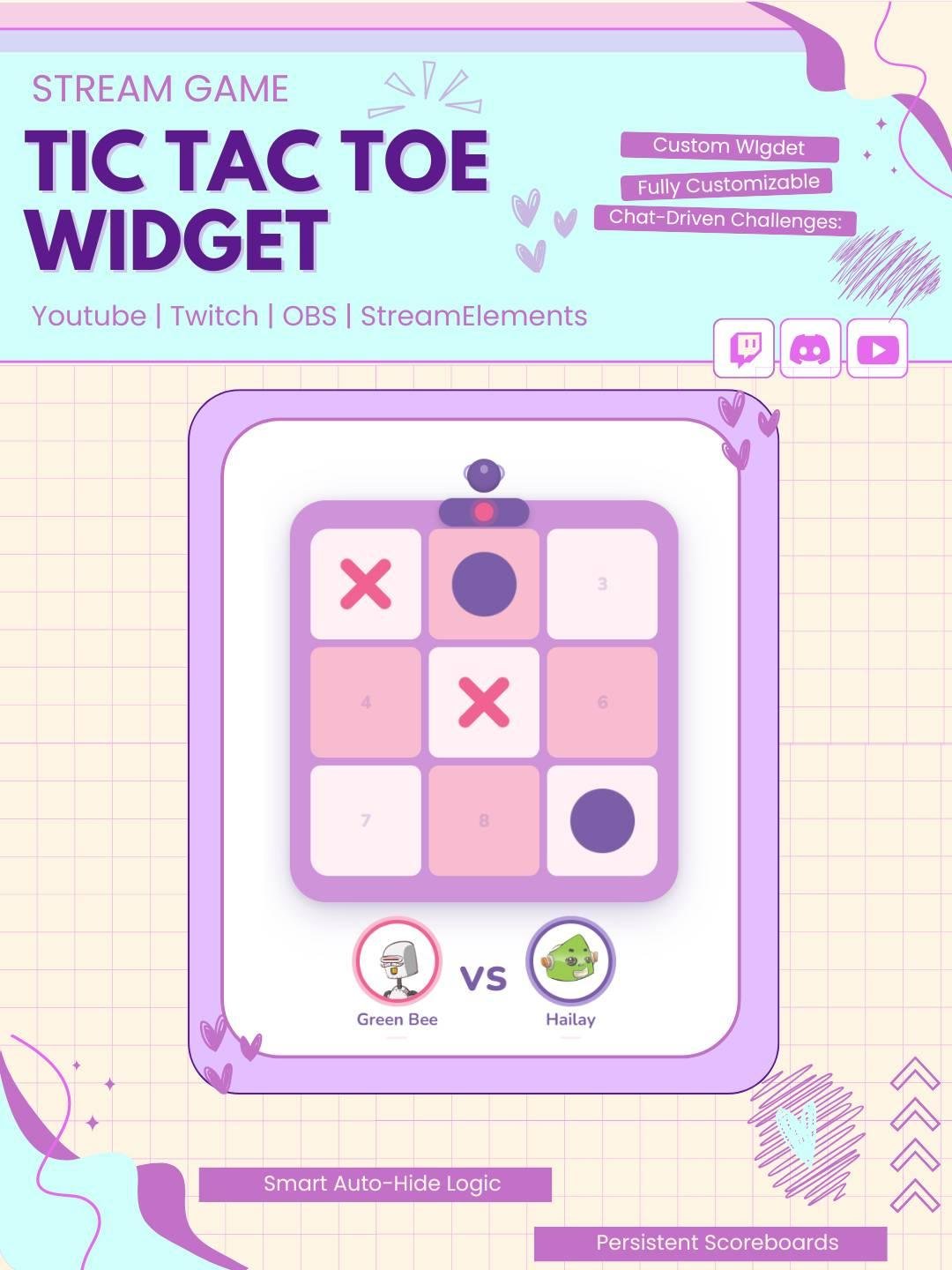
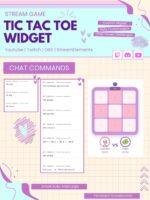
Turn your Twitch chat into a live Tic-Tac-Toe arena! Viewers challenge each other
directly in chat, the game board appears on your OBS overlay in real time
━━━━━━━━━━━━━━━━━━━━━━━━━━━━━━━━━━━━━
🎯 WHAT IS IT?
━━━━━━━━━━━━━━━━━━━━━━━━━━━━━━━━━━━━━
A fully coded, plug-and-play StreamElements browser widget. Viewers type chat
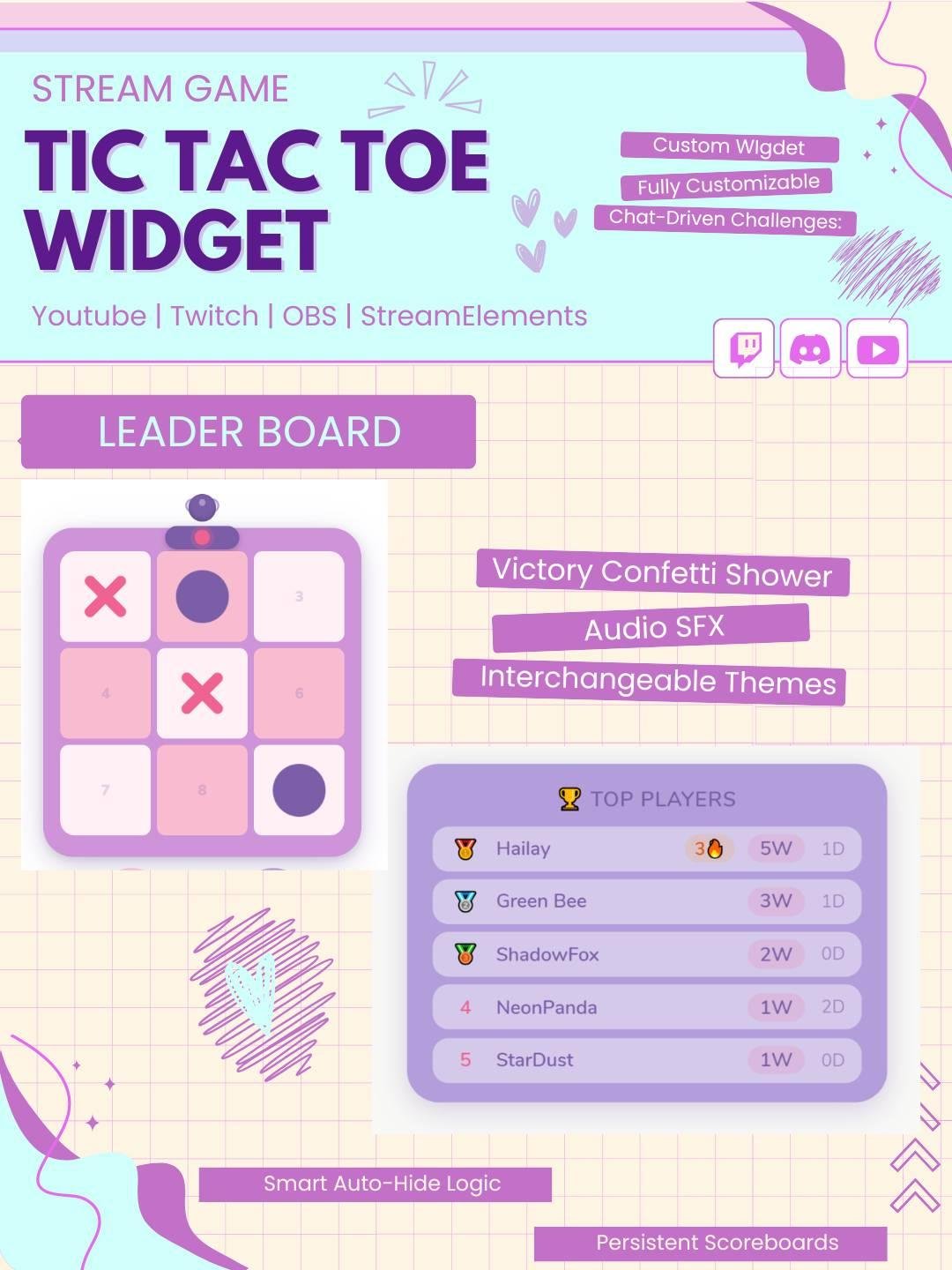
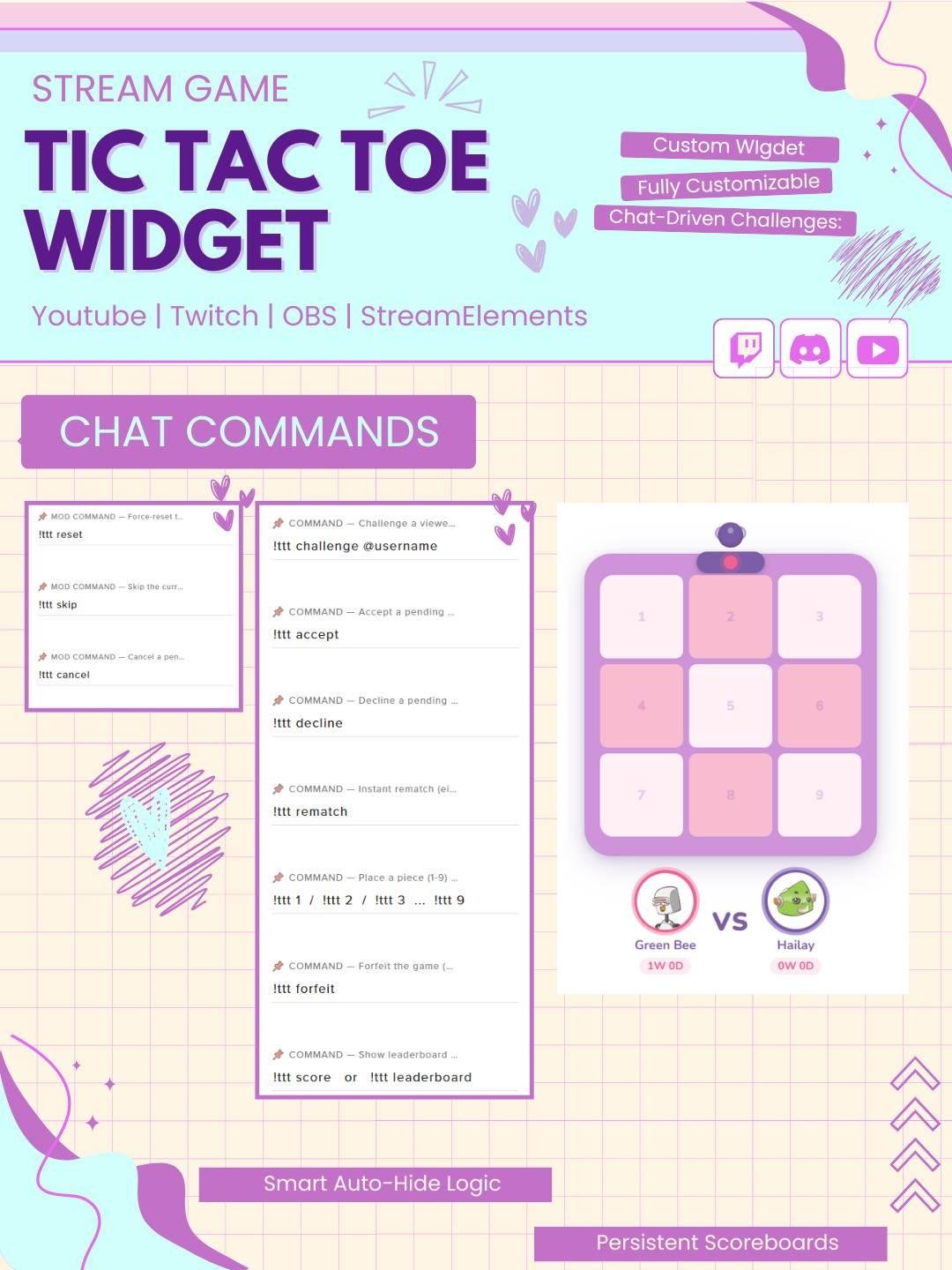
commands to challenge each other, place pieces, rematch, and climb the leaderboard
all without you lifting a finger. Add it to OBS as a browser source and it
just works.
Add a classic mini-game to your live stream with the Tic-Tac-Toe Chat Game Widget StreamElements. This interactive Twitch widget lets viewers play tic-tac-toe through chat while the game board appears directly on screen.
The widget works well for Twitch streamers, VTubers, gamers, and Just Chatting creators. Moreover, it adds quick entertainment, friendly competition, and viewer interaction to your StreamElements overlay.
The Tic-Tac-Toe Chat Game Widget gives viewers a simple way to join a live game. Players can use Twitch chat commands to choose a space and place an X or O on the board.
As a result, the full game can happen without viewers leaving the stream. In addition, each move appears on screen, so the audience can easily follow the match.
Viewers can play by typing the supported command and choosing a board position. For example, the widget may use numbers from 1 to 9 to represent each square.
Therefore, the game stays simple and easy to understand. Moreover, both new and regular viewers can join without using another website or downloading extra software.
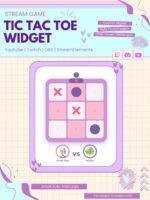
The widget displays a clear and animated tic-tac-toe board on your stream. Each X and O appears as players make their moves.
Once someone completes a row, column, or diagonal, the winner can be shown with a result message or animation. As a result, every match feels more exciting than a basic chat response.
The Tic-Tac-Toe Twitch widget can allow two viewers to challenge each other during the stream. One player uses X, while the other uses O.
Consequently, chat activity can become part of the main stream content. The game also works well during breaks, loading screens, Just Chatting sessions, or community nights.
Viewers may also play against the streamer, depending on the setup. The viewer can choose a position through chat, while the streamer makes the next move.
Therefore, the game can create direct and personal interaction between the streamer and audience.
The Tic-Tac-Toe Chat Game Widget can support many stream activities, including:
As a result, the widget can be used as a quick mini-game or as part of a larger community event.
Interactive Twitch widgets give viewers more ways to join the broadcast. Therefore, this chat game widget helps make viewer commands feel more visible and rewarding.
Each move creates an instant on-screen response. Consequently, viewers can feel more involved in the stream.
However, the widget does not guarantee more followers or engagement. Instead, it adds a fun feature that can improve the overall viewer experience.
The Tic-Tac-Toe Chat Game Widget works well for:
Furthermore, the game design can match cute, gaming, retro, arcade, kawaii, minimal, colorful, or modern Twitch overlays.
The Tic-Tac-Toe Chat Game Widget StreamElements is designed for easy setup. First, add the widget to your StreamElements overlay. Then, follow the included instructions and adjust the available game settings.
No advanced coding or design skills are required. Therefore, both beginner and experienced streamers can install the widget easily.
This interactive tic-tac-toe widget works with popular streaming software, including:
You can add the widget as a browser source. As a result, the game board can fit smoothly into your current Twitch OBS setup.
Moreover, it can be placed near your webcam, chat box, alerts, gameplay, or main stream area.
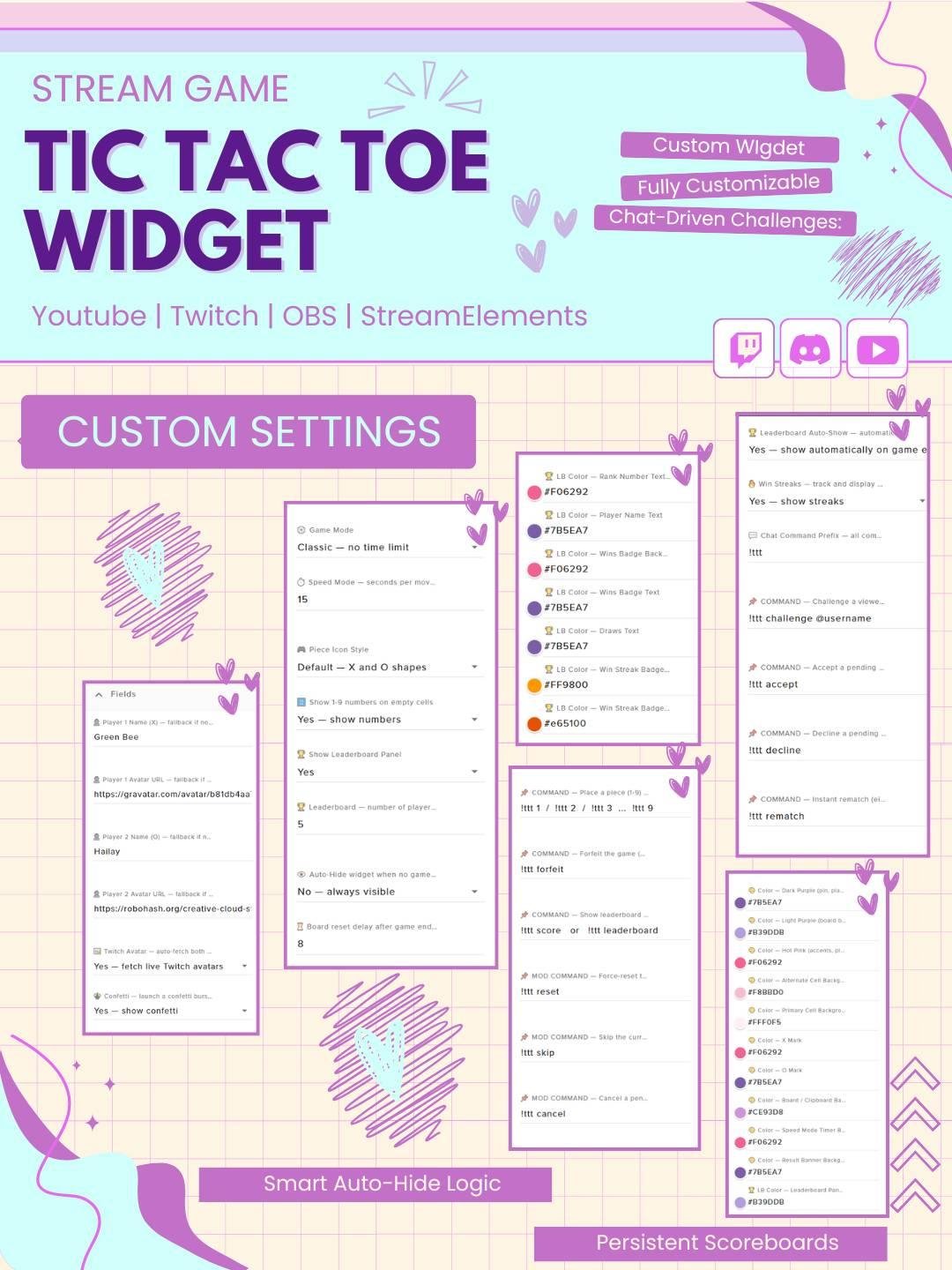
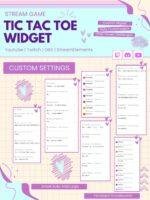
The available settings can be adjusted to match your channel style. For example, you may be able to customize:
Therefore, the widget can support different stream themes and community rules.
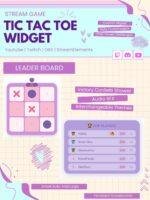
The widget can display the final result when a player wins or the board ends in a draw. This makes each match easy to understand for both players and viewers.
In addition, the result message can create a fun celebration or reaction moment during the stream.
Busy chats may trigger too many game requests at once. Therefore, cooldown settings can help keep matches organized.
Depending on the available options, games may also be limited to subscribers, VIPs, moderators, or selected viewers. As a result, the widget can stay fun and easy to manage.
The widget uses clear graphics, smooth animations, and an easy-to-read game board. Consequently, viewers can quickly understand each move and result.
Moreover, the animation adds energy without covering important gameplay or stream content for too long.
A classic chat game can become a memorable part of your channel. Therefore, this interactive Tic-Tac-Toe widget can support your stream identity.
You can combine it with matching alerts, chat boxes, goal widgets, webcam frames, and stream overlays. As a result, your full Twitch setup can look more connected and polished.
The Tic-Tac-Toe Chat Game Widget StreamElements combines Twitch chat interaction, animated gameplay, and a classic game in one entertaining feature. Moreover, it gives viewers a quick and easy way to take part in your live broadcast.
Whether you use it for community games, channel rewards, challenges, friendly competition, or special events, this StreamElements game widget can make your Twitch stream feel more active, playful, and engaging.

Reviews
0.0 Average Rating Rated ( 0 Review )
There are no reviews yet.