

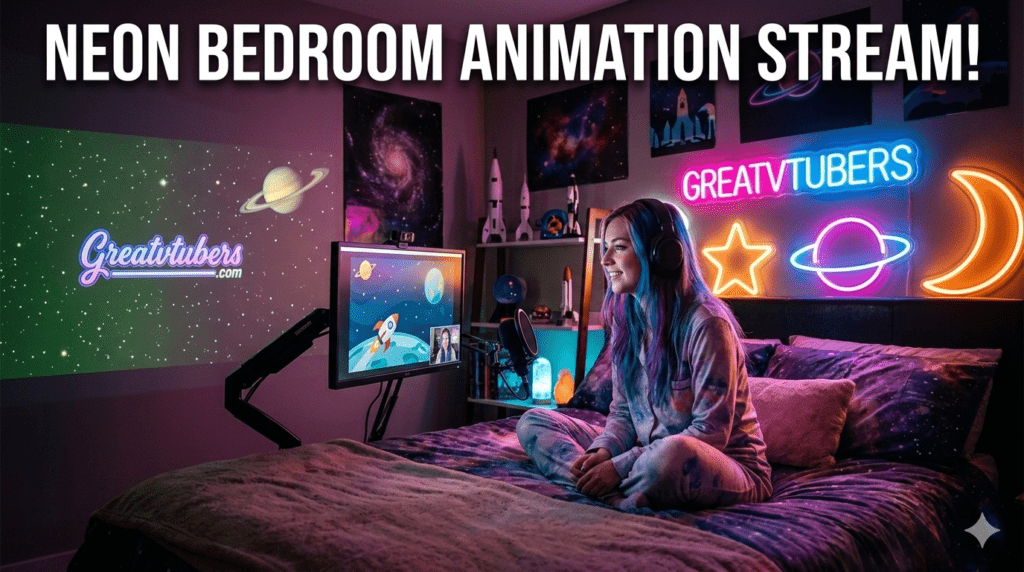
Greatvtubers — Neon Bedroom Animation Stream & Space Background
Give your channel a futuristic glow with a sleek neon background and out-of-this-world space background. The Neon Bedroom Animation Stream (animated neon background, cyberpunk background) and the Space Background — Vtuber Assets Background (alien/sci-fi background, animated background) are OBS-ready Twitch VTuber assets designed to lift thumbnails, improve scene polish, and make live streaming feel cinematic. Greatvtubers builds these twitch assets so VTubers get fast installs, low CPU load, and pro visuals.
Neon Bedroom Animation Stream — Animated Neon Background
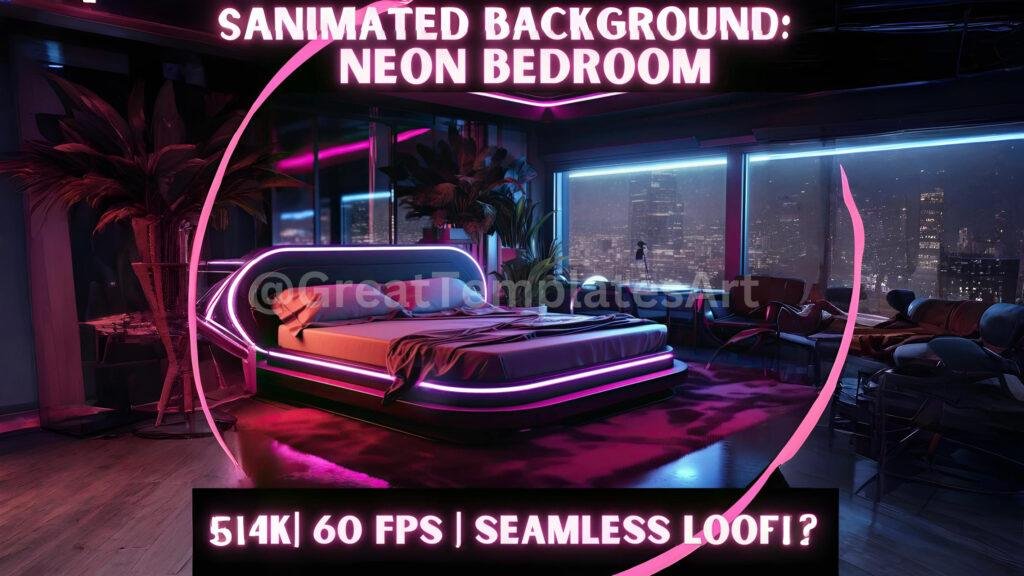
What it is — neon mood for modern streams
The Neon Bedroom Animation Stream is a complete stream overlay + animated neon background bundle built for cyberpunk, synthwave, or chilled urban streams. It combines looped neon window/backdrop loops, animated RGB lamps, and matching overlay panels so your channel reads as a cohesive aesthetic package the moment someone lands on your page.
Features — what’s included
- Loopable animated neon background scenes (balcony neon, synth-room, rain-streaked window) exported as .webm/.mp4.
- Full twitch overlay kit: Starting Soon, BRB, Live, Ending screens, chat panels, and follower/sub panels with neon accents.
- Chair/seat animations and subtle foreground elements (animated dust, rain streaks) for natural avatar staging.
- Source files (PSD/AI) for color changes and branding; optimized “light” versions for low CPU rigs.
- OBS scene presets and a short install + performance guide for live streaming.
Benefits for your channel
- Instant personality: a neon background + coherent overlay turns casual viewers into subscribers because the channel looks polished.
- Low friction: optimized webm loops and separate overlay layers keep CPU usage low while preserving animation quality.
- Versatility: perfect for cyberpunk gaming, synth music streams, late-night chill sessions, and aesthetic talk shows.
OBS install tips — neon setup
- Add neon loops as Media Source (loop enabled). Use .webm for smaller file sizes and smoother playback.
- Place chair/webm with alpha between background and avatar so the VTuber appears seated naturally.
- Keep particle/foreground effects on toggleable sources so you can disable them if performance dips during long broadcasts.
- Test a 20–30 minute recording to confirm hardware decoding and overall stability.
Product link :
Explore Neon Bedroom Animation Stream on Greatvtubers here.
Space Background — Vtuber Assets Background
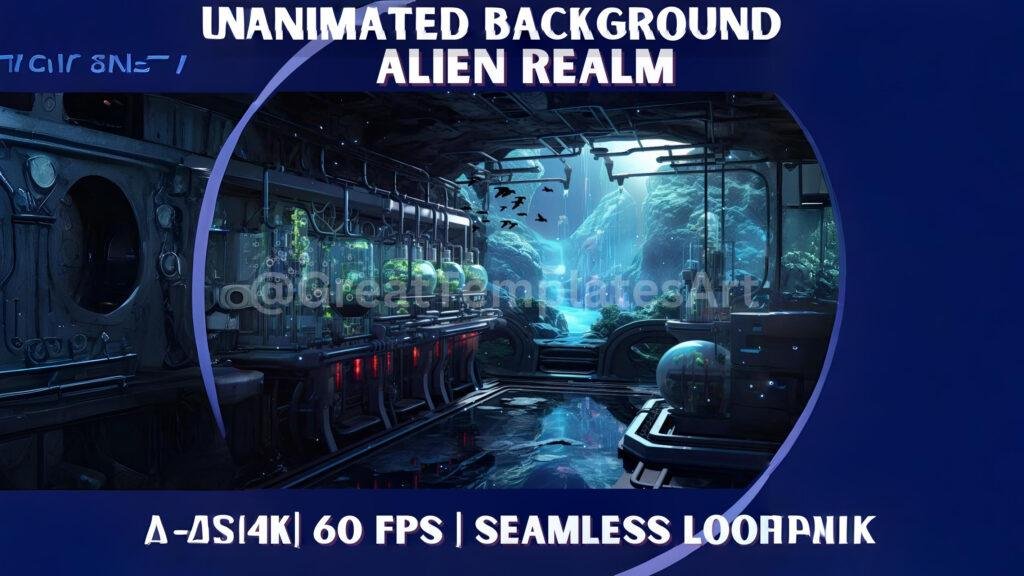
What it is — cosmic visuals for VTubers
The Space Background pack delivers a library of animated backgrounds and sci-fi props: drifting nebulae, starfield parallax, alien horizon loops, and cockpit/holoscreen overlays. Designed as Twitch VTuber assets, it works as a primary OBS canvas or as layered elements combined with existing overlays.
Features — what’s included
- Multiple space background loops (nebula, starfield, orbital city, alien planet surface) in webm/mp4 with cropped webcam variants.
- Sci-fi overlay accents and HUD panels for a cohesive twitch overlay look.
- Alien prop animations and alpha chair files so your avatar can “sit” in a starship cockpit.
- Optimized files (1080p + 720p), PNG fallbacks, and editable sources for branding changes.
- OBS setup guide tailored for animated VTuber backgrounds and low-latency streaming.
Benefits for your channel
- Cinematic feel: sci-fi background loops offer instant production value for storytelling streams, sci-fi playthroughs, and themed events.
- Scalability: use the lightweight 720p variants for mobile/bandwidth-sensitive streams and the 1080p loops for VODs and highlights.
- Creative hooks: titles like “Alien Night” or “Starship Study” make your streams discoverable and theme-friendly.
OBS install tips — space setup
- Add the starfield or nebula as a Media Source and enable loop; enable hardware decoding for best performance.
- Layer HUD panels/overlay elements as separate sources so you can animate or hide them independently.
- Use alpha chair/cockpit webm to create a believable seat for your avatar; position layers precisely in your scene canvas.
- Run a short recording with chat + alerts active to ensure the background doesn’t spike CPU during live chat events.
Product link :
View Space Background — Vtuber Assets on Greatvtubers here.
Which pack fits your channel? Quick guide (neon background vs. space background)
- Pick Neon Bedroom Animation Stream if you want a moody, cyberpunk background and matching stream overlay that targets synthwave, city-night, or chillbeat vibes.
- Pick Space Background if your content leans sci-fi, interstellar roleplay, or you want an alien background aesthetic and immersive HUD overlays.
- Both are Twitch VTuber assets optimized for OBS and compatible with Streamlabs/StreamElements alerts and stingers.
Upgrade your live streaming visuals
Get both the Neon Bedroom Animation Stream and Space Background from Greatvtubers and switch moods between neon city nights and distant galaxies. These vtuber assets are built for quick OBS import, low CPU usage, and instant thumbnail improvement — perfect for creators serious about production value.
Shop Neon & Space Packs on Greatvtubers.
FAQ’s :
Q1: Are Neon Bedroom Animation Stream files compatible with OBS as a neon background and twitch overlay?
A1: Yes. The Neon pack includes loopable .webm/.mp4 neon background files and overlay PNGs/PSDs with an OBS install guide so you can use it as a twitch overlay and animated background.
Q2: Does the Space Background pack include alien background and sci-fi background variants for streaming?
A2: Yes — it contains multiple space background loops (nebulae, alien planet, starfield) plus HUD overlays and alpha chair files to create a convincing starship scene.
Q3: Will animated backgrounds and overlays impact my live streaming performance?
A3: Optimized webm loops and hardware decoding minimize CPU load. Use 720p fallback assets and keep heavy foregrounds toggled off if you notice frame drops during longer broadcasts.
Q4: Can I customize the neon/cyberpunk colors or the HUD panels in the space pack?
A4: Most packs include layered PSD/AI sources so you can recolor overlays, edit text, and add logos — check the product licensing for allowed edits.
Q5: Are these packs suitable for VTubers who use StreamElements/Streamlabs for alerts?
A5: Absolutely — animated alert files and webm loops are compatible with Streamlabs/StreamElements and integrate well with OBS scenes for a seamless live streaming setup.
No Comments